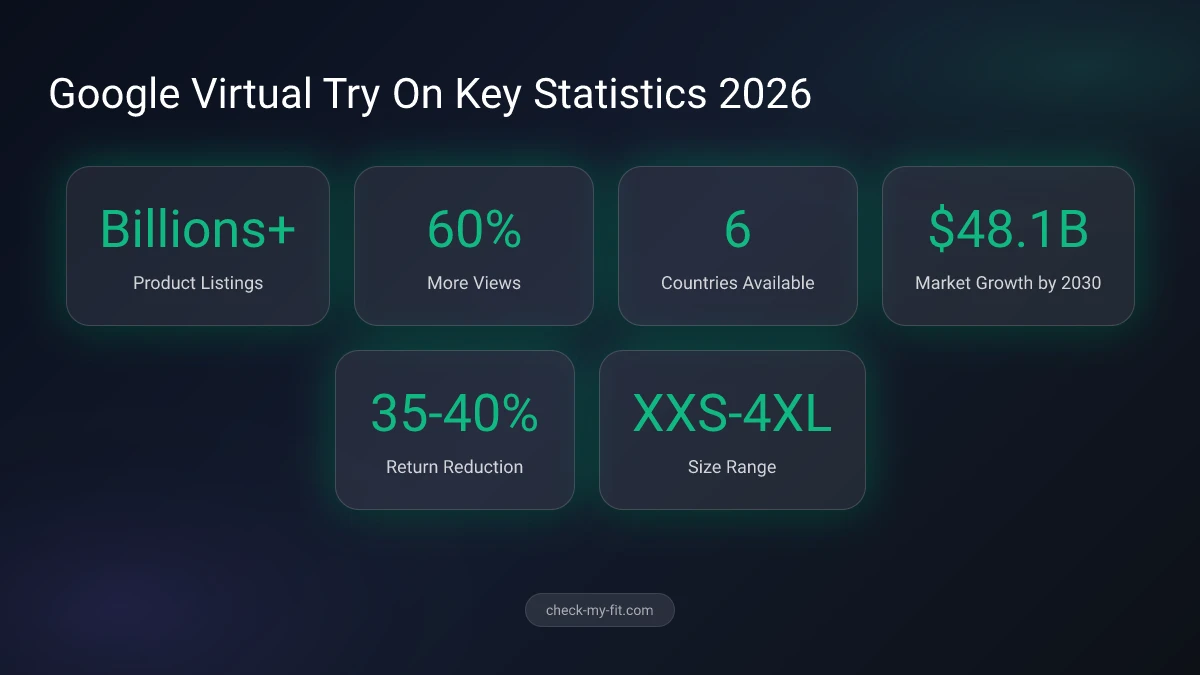
Google Shopping virtual try on lets you see how clothes and shoes look on your body before you buy. Using AI-powered image generation, the feature works directly in Google Search, Shopping, and Images across billions of product listings.
Whether you want to preview a summer dress, check how sneakers look on your feet, or compare different tops, Google's try on tool eliminates guesswork. The feature now works in six countries and supports everything from casual wear to formal attire.
In this guide, you'll learn exactly how to use Google's virtual try on, what works well, what doesn't, and how to get the best results.
TL;DR
Google Shopping's virtual try on feature uses AI to show how clothes and shoes look on your body. Upload a full-body photo or selfie, tap "Try It On" on any eligible product listing, and see realistic results in seconds. Available in the US, UK, Canada, Australia, Japan, and India. Free to use with a Google account. Works with billions of items from retailers like Macy's, Walmart, and Nordstrom.
How Does Google Shopping Virtual Try On Work?
Google Shopping virtual try on uses a custom diffusion-based image generation model trained specifically for fashion. The AI learned from pairs of photos showing people in different poses wearing the same garment. It understands how fabric drapes, folds, stretches, and casts shadows across different body types.
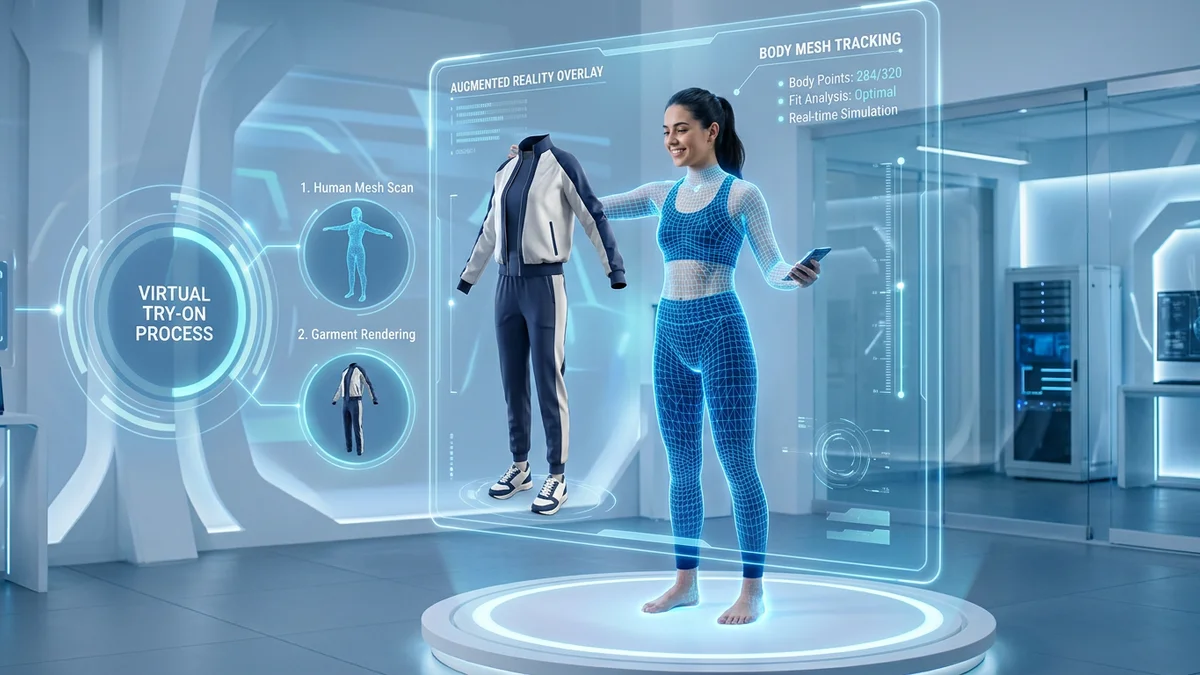
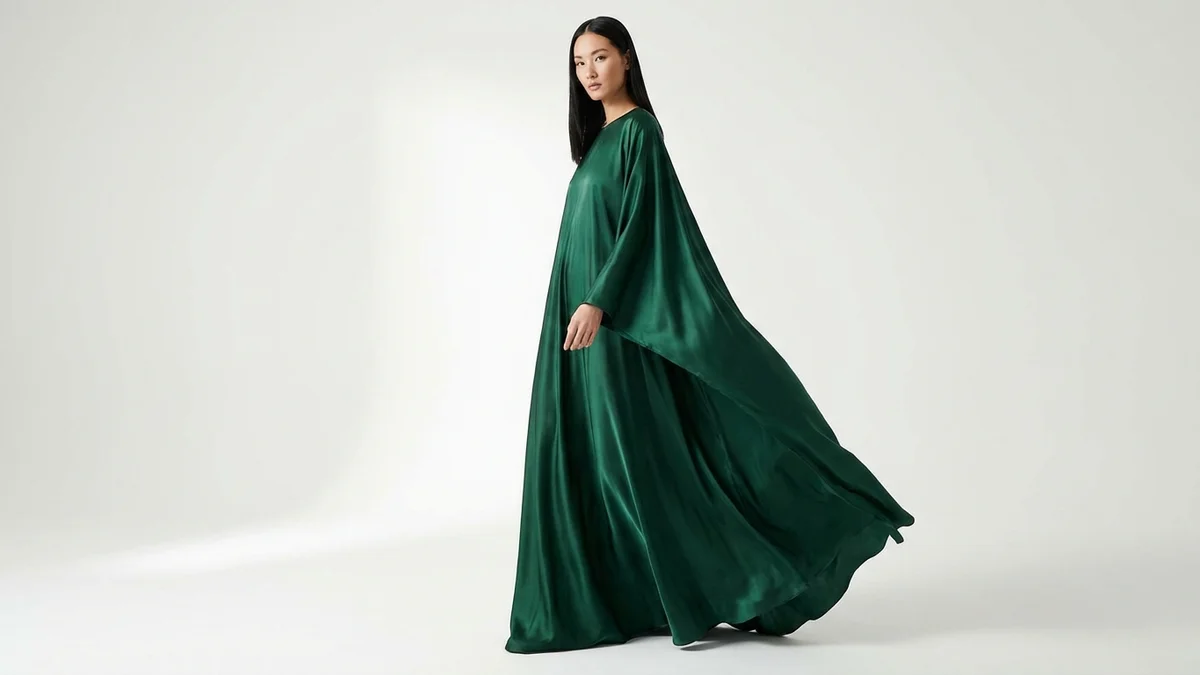
When you upload your photo and select a product, the system generates a new image showing that exact garment on your body. The AI handles material-specific rendering. Silk appears with subtle sheen. Denim maintains structured creases. Lightweight fabrics show natural movement.
Google's virtual try on images receive 60% more high-quality views than standard product listings.
The technology behind this is Google's Nano Banana model, built on Gemini 2.5 Flash. For selfie-based try-ons, it generates a full-body digital representation from just your face photo, matching your proportions based on the clothing size you select.
Key Takeaway: Google's AI doesn't just paste clothes onto your photo. It regenerates the image to show realistic fabric behavior on your specific body shape.
| Feature | How It Works |
|---|---|
| Fabric Rendering | AI simulates draping, folding, stretching per material type |
| Body Mapping | Photo analysis creates accurate body proportions |
| Shadow Generation | Realistic shadow casting based on garment shape |
| Size Representation | Models from XXS to 4XL using Monk Skin Tone Scale |
How to Use Google Virtual Try On Step by Step
Setting up and using Google's virtual try on takes less than two minutes. Here's the complete process for both mobile and desktop.
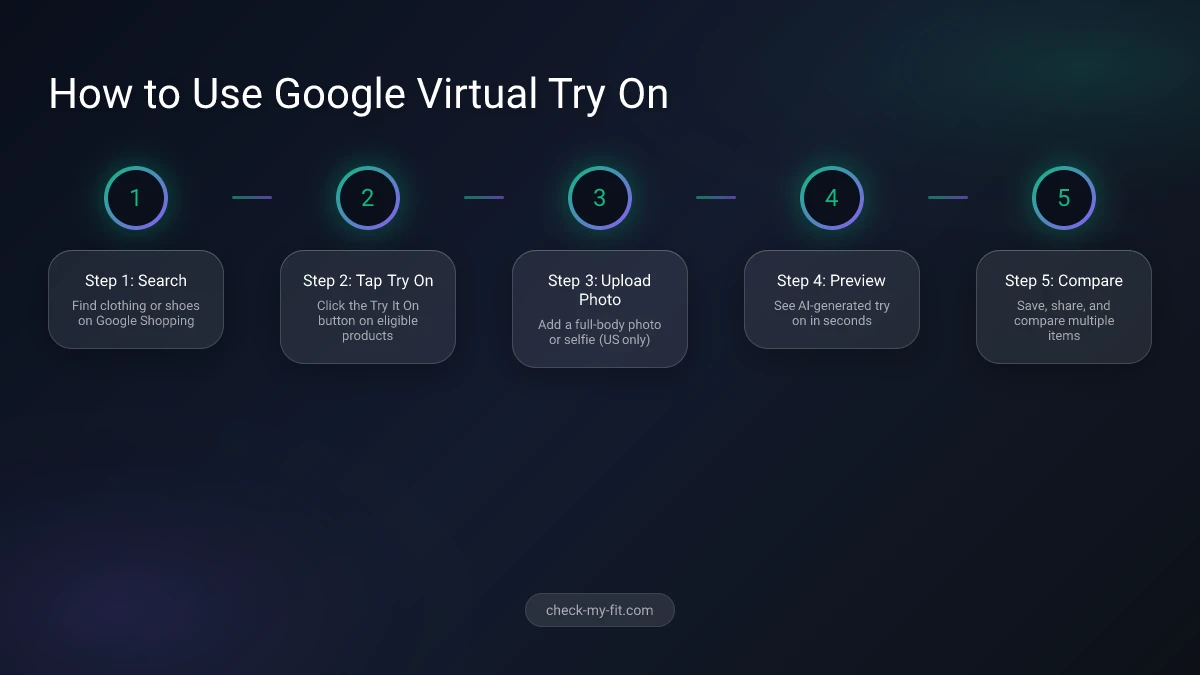
Step 1: Find an Eligible Product
Search for clothing or shoes on Google Shopping. Look for the "Try It On" button on product listings. Not all products support this feature. Sponsored ads don't include the try on option.
Step 2: Upload Your Photo
You have two options:
- Full-body photo: Upload a head-to-toe image of yourself. Best results come from photos with good lighting, a clean background, and fitted clothing.
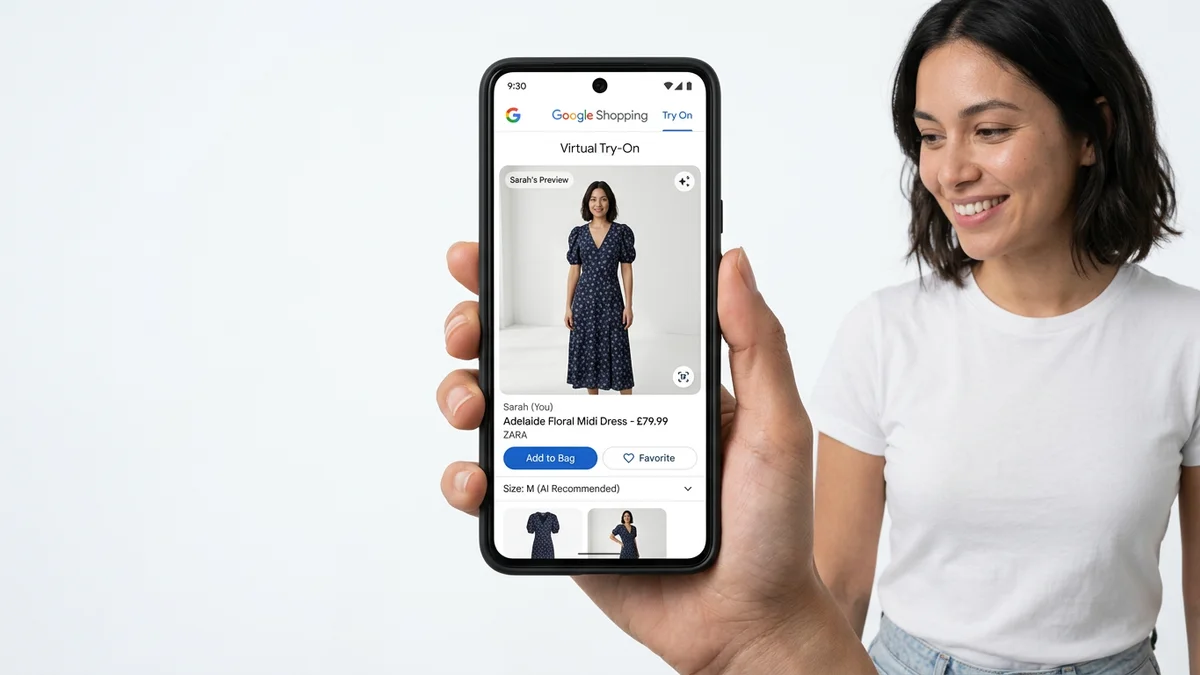
- Selfie option (US only): Upload just a face photo. Google's Nano Banana AI generates a full-body digital version of you. Select your usual clothing size to improve body shape accuracy.
Step 3: View and Compare Results
The AI generates your try-on image within seconds. You can:
- Save results for later comparison
- Try the same garment in different colors
- Switch between multiple products
- Share images with friends for opinions
Your uploaded photo stays stored (with your permission) so you don't need to re-upload each session.
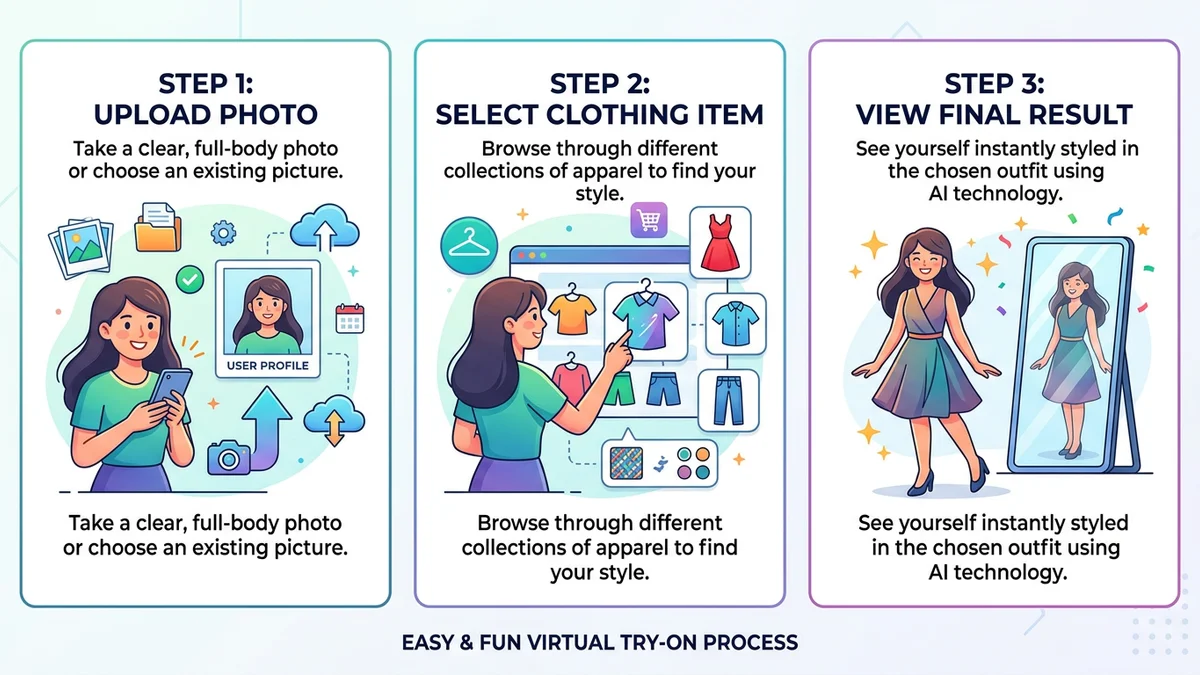
Key Takeaway: For the most accurate results, use a full-body photo taken in bright, even lighting while wearing fitted clothes.
What Can You Try On with Google Shopping?
Google's virtual try on has expanded significantly since its 2023 launch. The feature now covers multiple product categories across thousands of brands.
| Category | Available Since | Key Brands |
|---|---|---|
| Women's Tops | June 2023 | Anthropologie, H&M, LOFT, Everlane |
| Men's Tops | July 2025 | Abercrombie, Levi's, Adidas |
| Dresses | 2024 | Staud, SIMKHAI, Sandro |
| Pants & Skirts | July 2025 | Macy's, Nordstrom, Walmart |
| Shoes | October 2025 | Nike, Adidas, Pistola Denim |
| Beauty/Cosmetics | 2024 | MAC, Revlon, Dior, Fenty Beauty |
The feature works with billions of product listings from major retailers including Macy's, Kohl's, Walmart, and Nordstrom. Google continues adding new categories and partner brands regularly.
Countries Where Google Virtual Try On Is Available
| Country | Launch Date | Categories |
|---|---|---|
| United States | June 2023 | All categories + selfie mode |
| United Kingdom | October 2025 | Apparel + shoes |
| Canada | October 2025 | Apparel + shoes |
| Australia | October 2025 | Apparel + shoes |
| Japan | October 2025 | Apparel + shoes |
| India | 2025 | Apparel |
Requirements: Google account, 18+ years old, Web & App Activity enabled, Search Personalization turned on.
Is Google Virtual Try On Accurate?
Google's virtual try on provides a helpful visual preview, but accuracy varies depending on several factors. The AI generates realistic-looking images that show how garments might appear on your body. However, there are important limitations to understand.
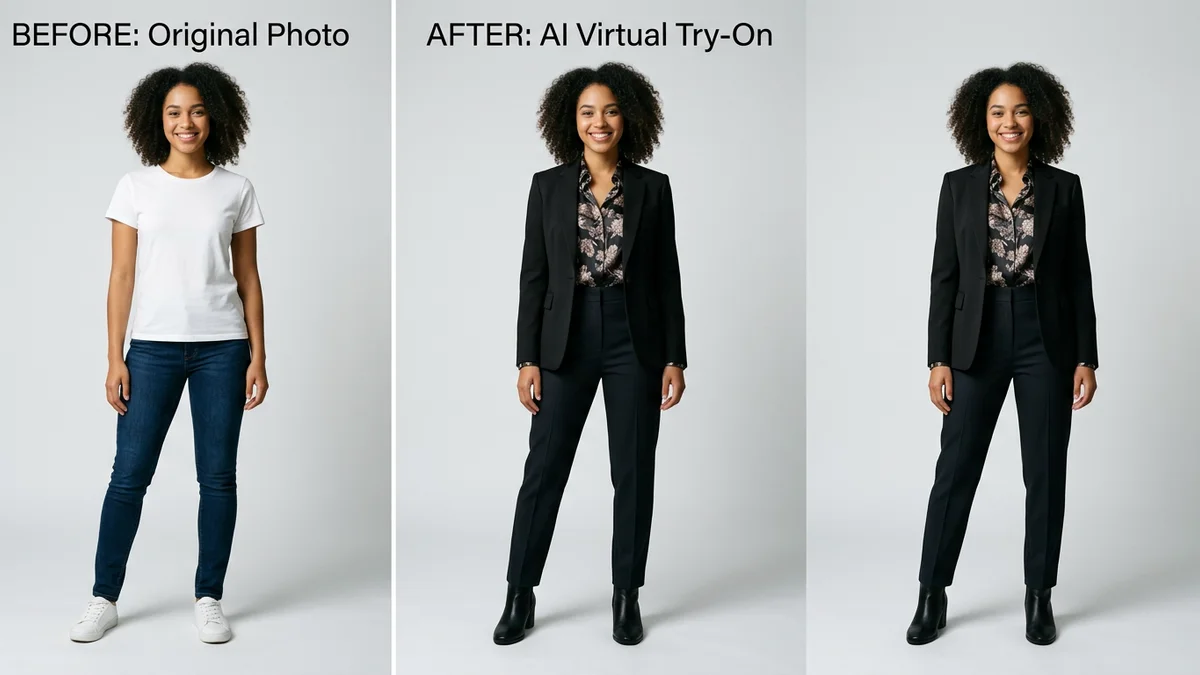
What works well:
- Color and pattern representation
- General silhouette and shape
- Fabric texture rendering (silk, denim, cotton)
- Casual tops and simple garments
Where accuracy drops:
- Complex layered outfits
- Intricate patterns near body contours
- Precise fit around shoulders and waist
- Multi-piece ensembles
The generated image can help you see how an item might look, but it does not indicate fit, suggest a size, or indicate size availability. — Google Support
Key Takeaway: Use Google's virtual try on for style and color decisions, but always check size charts and reviews for fit-critical purchases.
Google Virtual Try On vs Other Virtual Try On Tools
Google isn't the only platform offering virtual try on technology. Here's how it compares to other popular options.
| Feature | Google Try On | CheckMyFit | Virtusize | ZEEKIT |
|---|---|---|---|---|
| Price | Free | Free trial | Varies | Retailer-only |
| Photo Upload | Yes | Yes | No (size comparison) | Yes |
| Selfie Mode | Yes (US) | Yes | No | No |
| Product Range | Billions | Any clothing image | Partner stores | Walmart only |
| Shoe Try On | Yes | No | No | No |
| Size Recommendation | No | Yes | Yes | Limited |
| Availability | 6 countries | Global | Partner sites | US only |
Google offers the largest product catalog and easiest access through Search. However, tools like CheckMyFit provide advantages for users who want to try on any clothing image they find online, not just items in Google Shopping's catalog. If you find inspiration on Instagram or a brand website, CheckMyFit's virtual try on technology lets you upload any garment photo and see it on yourself instantly.
For the most comprehensive virtual shopping experience, consider using Google's try on for browsing and discovery, then tools like CheckMyFit for items outside Google's catalog.
Tips for Getting the Best Google Virtual Try On Results
Maximize your virtual try on experience with these practical tips.
Photo quality matters most:
- Use natural, even lighting (avoid harsh shadows)
- Stand against a clean, uncluttered background
- Wear fitted clothing so the AI can map your outline accurately
- Include your full body from head to toe
- Keep your hands visible and out of your pockets
Shopping strategies:
- Try the same item in multiple colors to compare
- Use the "Recently Tried" tray to revisit previous try-ons
- Compare similar items from different brands side by side
- Use the feedback button when something looks off — it helps improve the tool
Privacy tips:
- Your photo is never shared with third parties
- Google doesn't collect biometric data
- You can delete your uploaded photo anytime via the Camera icon
- Generated try-on images can be deleted from the "Recently Tried" tray
Recommended Products for Virtual Try On

Take perfect full-body photos for virtual try on. This floor-standing arch mirror provides distortion-free reflections ideal for outfit selfies.
View on Amazon →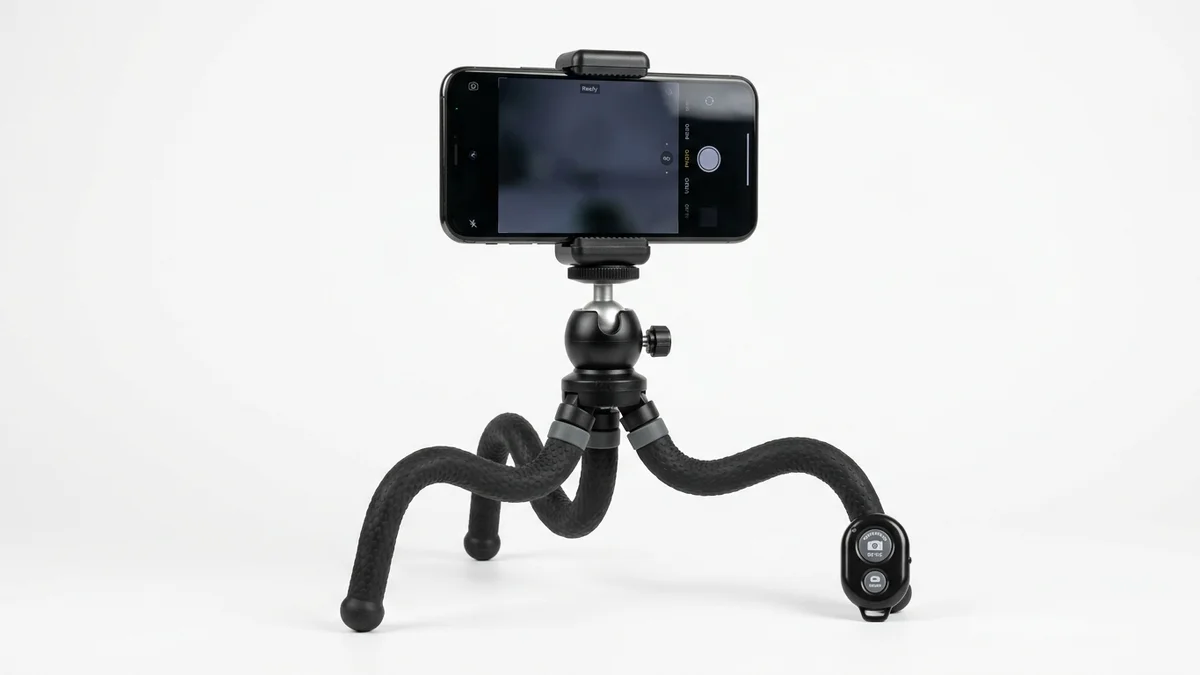
Hands-free full-body photos for virtual try on. Adjustable height with Bluetooth remote makes capturing the perfect upload photo simple.
View on Amazon →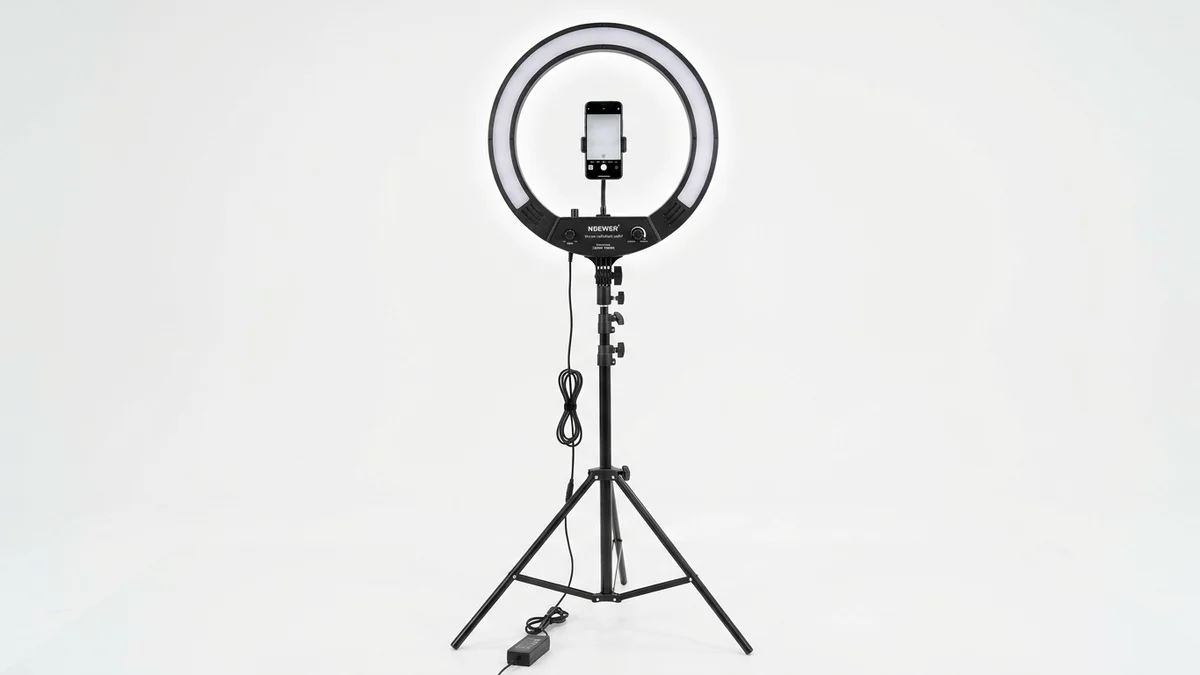
Professional lighting for the clearest virtual try on results. Even, shadow-free illumination helps AI accurately map your body shape and proportions.
View on Amazon →The Future of Google Virtual Try On
Google continues expanding its virtual try on capabilities. Based on recent announcements and industry trends, here's what's coming next.
AI Mode integration: At Google I/O 2025, Google announced AI Mode for Shopping, combining conversational AI with virtual try on. Users will be able to describe what they're looking for in natural language and immediately try on AI-suggested items.
Studio-quality images: Google is upgrading try on outputs to studio-quality digital images with better lighting, sharper details, and more realistic fabric rendering.
More categories: Following the expansion from tops to pants, dresses, and shoes, expect accessories, outerwear, and swimwear to be added next.
The virtual try on market is projected to reach $48.10 billion by 2030, growing at 25.95% CAGR from 2025.
The convergence of AI clothing technology and e-commerce will continue transforming how people shop online. For items beyond Google Shopping's catalog, AI clothes changer tools offer additional flexibility.
How CheckMyFit Complements Google Virtual Try On
While Google's virtual try on works great for products in its Shopping catalog, you'll often find clothing inspiration outside of Google. Instagram posts, brand lookbooks, Pinterest boards, and fashion blogs feature outfits you can't directly try on through Google.
That's where CheckMyFit fills the gap. Upload any clothing image from anywhere on the web, add your photo, and see how it looks on you. No need for the item to be listed on Google Shopping.
Use Google Try On when:
- Browsing products on Google Shopping
- Comparing items from major retailers
- Trying on shoes (Google's unique feature)
Use CheckMyFit when:
- You found an outfit on social media
- The item isn't listed on Google Shopping
- You want to try on clothes from any source
- You need to visualize outfit combinations
Frequently Asked Questions
Is Google Shopping virtual try on free?
Yes, Google Shopping's virtual try on feature is completely free. You only need a Google account, must be 18 or older, and have Web & App Activity enabled. There are no premium tiers or hidden charges. The feature works across Google Search, Shopping, and Images on both mobile and desktop devices.
Does Google virtual try on work with selfies?
In the United States, Google's virtual try on works with just a selfie. The Nano Banana AI model generates a full-body digital version of you from a face photo. You can select your usual clothing size to improve body shape accuracy. Outside the US, you currently need to upload a full-body photo for the feature to work.
What countries support Google virtual try on?
Google's virtual try on is currently available in six countries: the United States, United Kingdom, Canada, Australia, Japan, and India. The US has the most features, including selfie-based try on. Google continues expanding to additional markets based on engagement data and regional partnerships with retailers.
Can I try on shoes with Google Shopping?
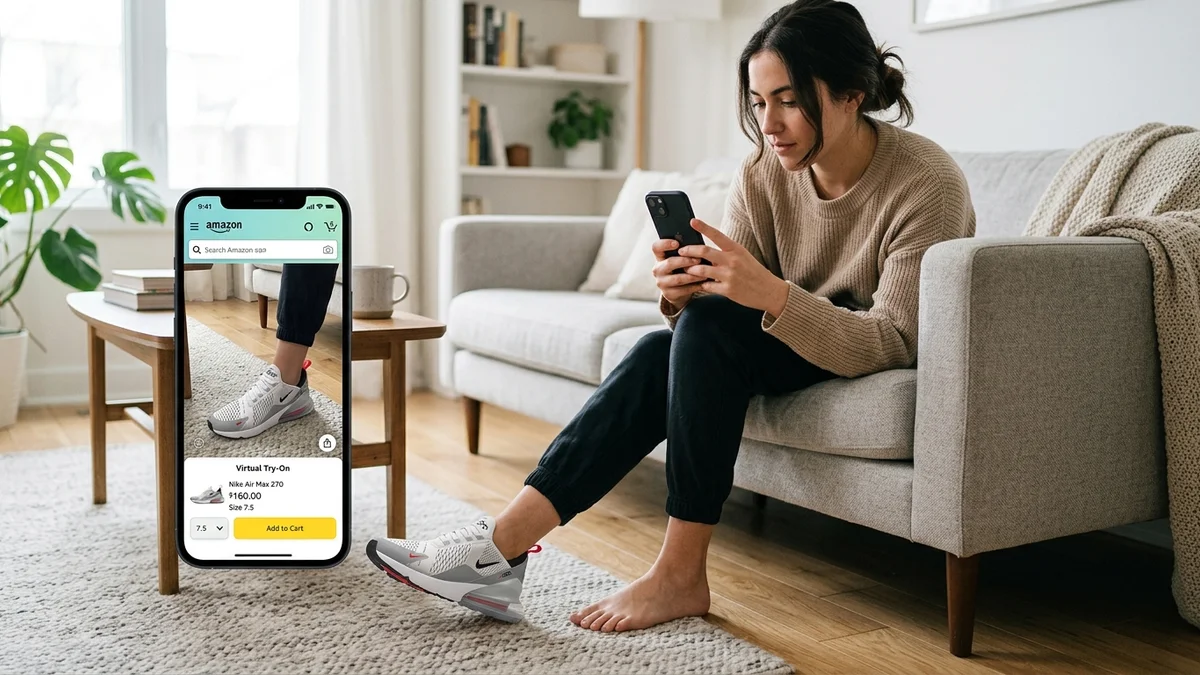
Yes, Google expanded virtual try on to include shoes in October 2025. The AI uses computer vision to generate realistic feet matching your proportions and swaps footwear on your full-body photo. You don't need to take a photo of your feet — the system works from your regular full-body upload.
How accurate is Google's virtual try on?
Google's virtual try on provides a realistic visual preview of how clothes look on your body, with strong accuracy for colors, patterns, and general silhouette. However, it does not guarantee actual fit or suggest sizes. For fit-critical purchases, always consult size charts, customer reviews, and product measurements alongside the virtual try on preview.
Does Google store my virtual try on photos?
Google stores your uploaded photo only with your explicit permission, allowing you to reuse it across shopping sessions. Your photo is never shared with other Google products, services, or third-party companies. Google does not collect biometric data during try on sessions. You can delete your photo anytime through the Camera icon in the upper right corner.
Why can't I find the Try It On button on Google Shopping?
Not all products support virtual try on. The feature requires retailers to meet specific image quality standards. Sponsored ads (products marked "Sponsored") don't include the try on button. If you can't find it, try searching for a different product from a major retailer like Macy's, Nordstrom, Walmart, or H&M.
What photo works best for Google virtual try on?
For the best results, use a full-body photo from head to toe with good lighting and a clean, uncluttered background. Wear fitted clothing so the AI can accurately map your body outline. Stand tall with your hands visible and out of pockets. Avoid photos with other people, heavy filters, or cropped frames.
Conclusion
Google Shopping virtual try on has transformed online clothes shopping from guesswork into a visual experience. With support for billions of products, shoes, and cosmetics across six countries, it's the most accessible virtual try on tool available today.
For the best results, use high-quality full-body photos, check items from multiple angles, and remember that virtual try on shows style — not exact fit. Combine it with size charts and reviews for confident purchases.
Want to try on clothes beyond Google Shopping's catalog? Try CheckMyFit free to virtually wear any outfit you find online — from Instagram finds to boutique brand lookbooks.