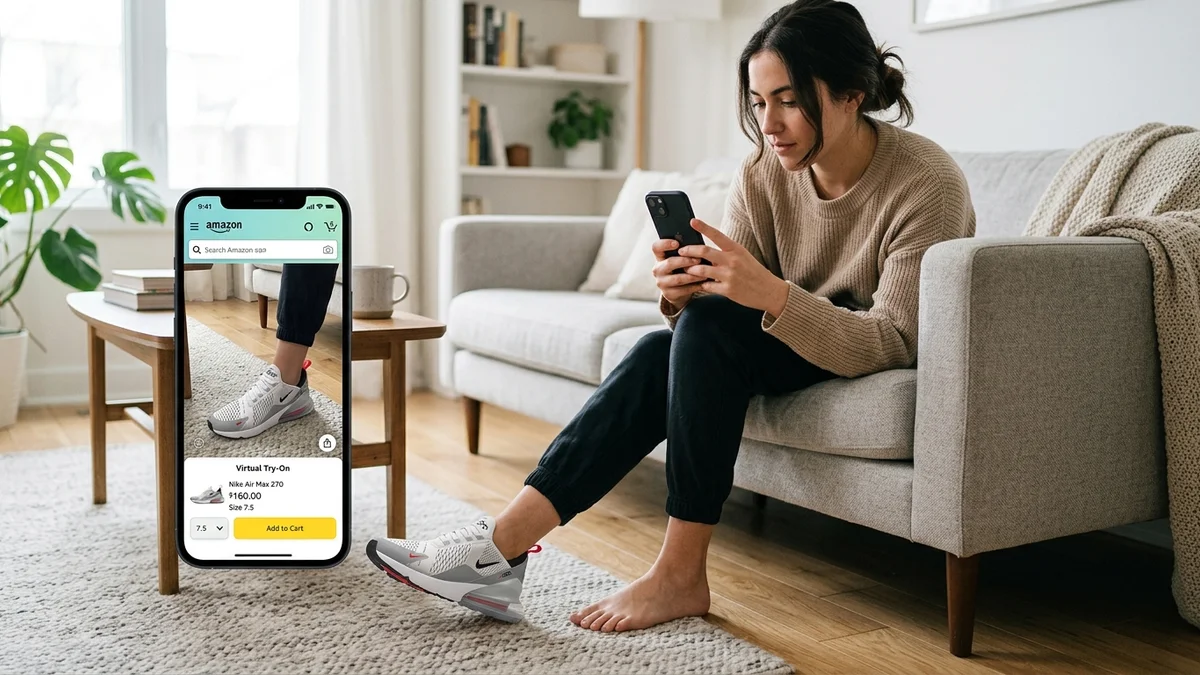
Amazon changed the way millions of people shop for clothes online. But even with fast shipping and easy returns, buying clothes without trying them on first remains a gamble.
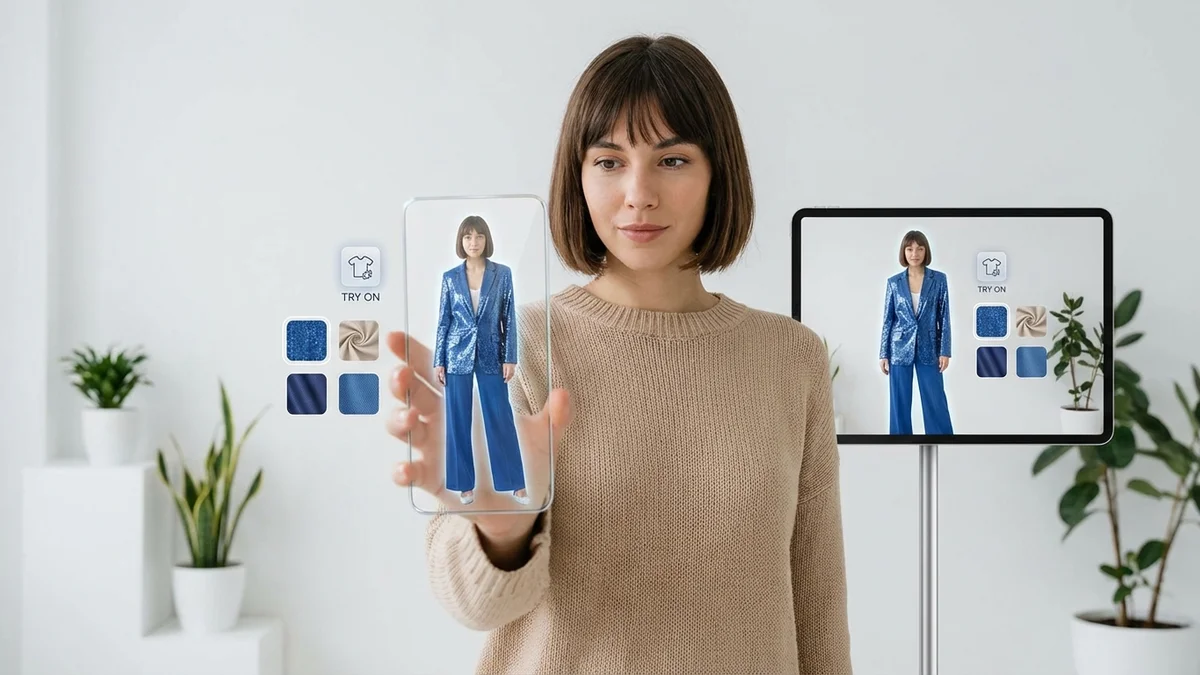
That changed when Amazon introduced its virtual try-on clothes feature. Using augmented reality and AI, shoppers can now see how shoes, eyewear, and select clothing look on their own body before clicking "buy."
This guide covers everything about Amazon's virtual try-on technology in 2026. You'll learn exactly how it works, which products support it, what happened to Try Before You Buy, and the best alternatives for trying on clothes virtually when Amazon's feature falls short.
At a Glance
Amazon's virtual try-on lets you visualize shoes, eyewear, and select T-shirts on your body using AR through the Amazon Shopping app. The feature works on iOS devices in the US and Canada. After Amazon ended its physical Try Before You Buy program in January 2025, virtual try-on and AI-powered size recommendations became the primary tools for reducing purchase uncertainty. Third-party apps like CheckMyFit offer broader clothing try-on capabilities beyond Amazon's current selection.
How Does Amazon Virtual Try On Clothes Work?
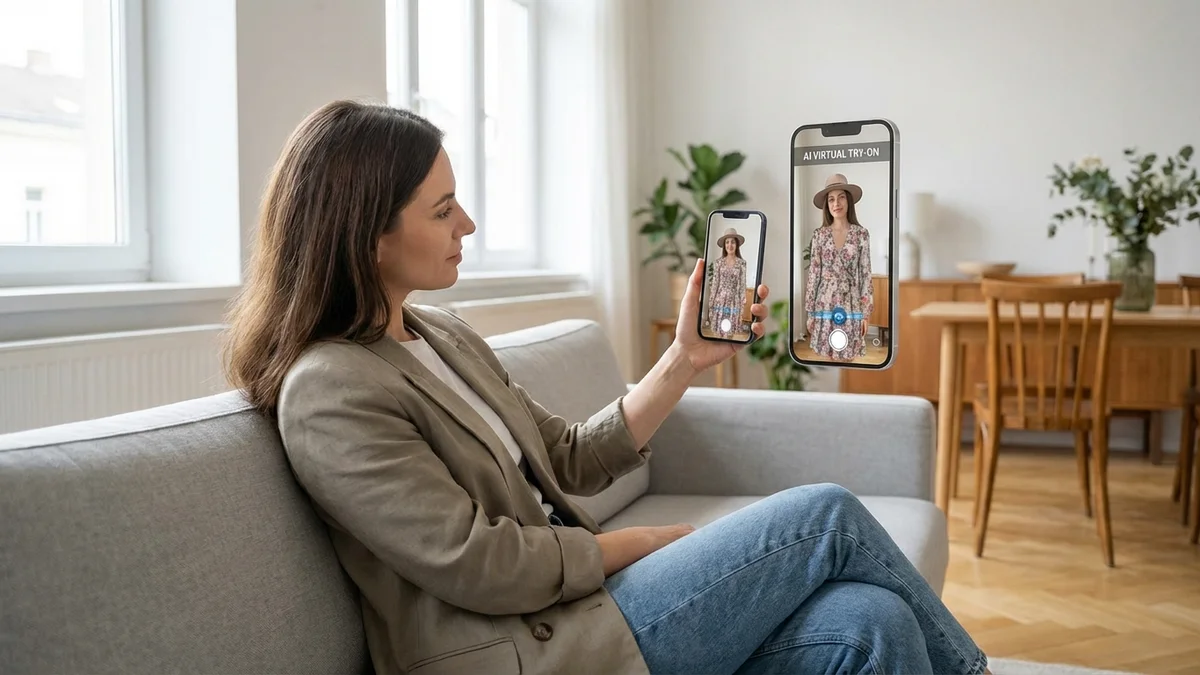
Amazon's virtual try-on uses augmented reality and computer vision machine learning (CVML) to overlay digital product renders onto real-time camera feeds. You point your phone camera at yourself, select a product, and see a realistic preview of how it looks on your body from multiple angles.
The technology detects body positioning, orientation, and scale through deep learning models. For shoes specifically, Amazon built custom CVML that identifies foot position, ankle placement, and pant segmentation to produce accurate AR overlays.
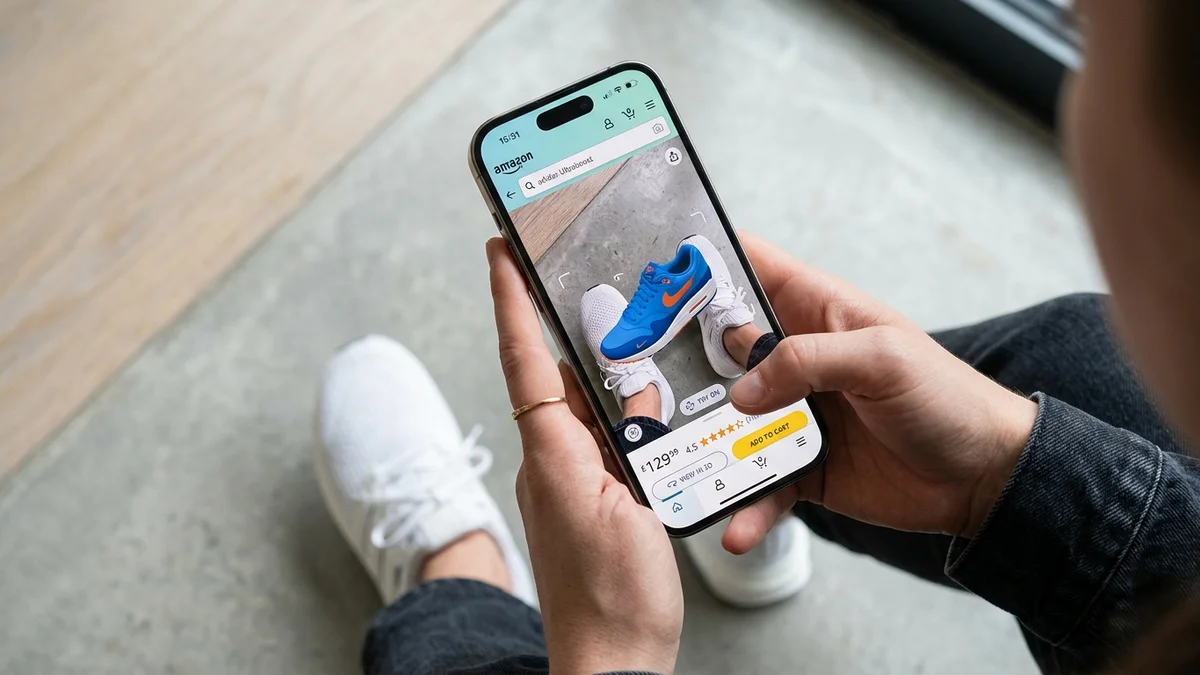
Here's the step-by-step process:
- Open the Amazon Shopping app on your iPhone
- Find a product with the "Virtual Try-On" badge
- Tap the "Virtual Try-On" button on the product page
- Point your camera at your feet (for shoes) or face (for eyewear)
- Move around to see the product from different angles
- Scroll through color options without leaving the AR view
- Take a screenshot to share with friends
Key Takeaway: Amazon's virtual try-on uses proprietary CVML and 3D product models to create real-time AR previews on your body, working best for shoes and eyewear.
What Products Can You Try On Virtually on Amazon?
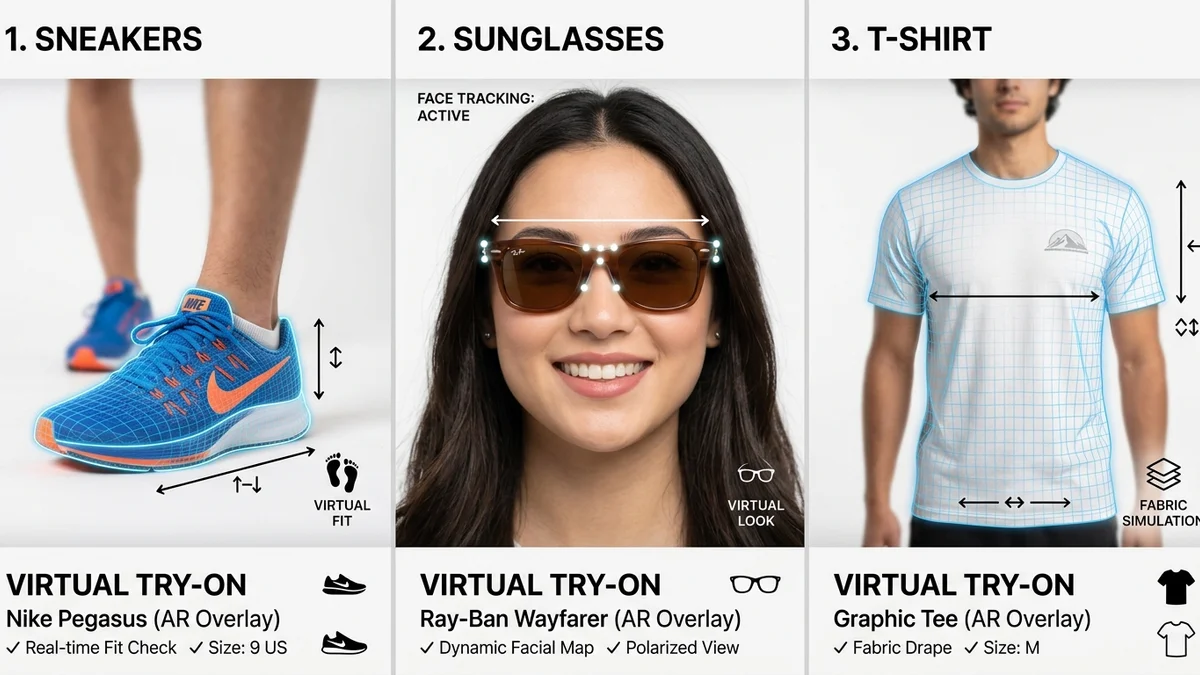
Amazon's virtual try-on feature currently supports three main product categories: shoes, eyewear, and select T-shirts. The clothing coverage is more limited than many shoppers expect.
| Product Category | Availability | Brands Supported | Body Area |
|---|---|---|---|
| Shoes | Thousands of styles | New Balance, Adidas, Reebok, Puma, Asics, Saucony, Lacoste, Superga | Feet |
| Eyewear | Select frames | Multiple designer brands | Face |
| T-shirts | Limited selection | Select Amazon brands | Torso (3D avatar) |
| Dresses/Pants/Jackets | Not available | N/A | N/A |
For shoes, you get the most comprehensive experience. The AR feature shows accurate proportions, lets you switch colors instantly, and displays shoes from every angle as you move your feet.
For T-shirts, Amazon uses a different approach. Instead of AR overlay on your live camera feed, it shows garments on virtual models of various body sizes from XS to 4XL. You pick a model closest to your size to see how the shirt drapes.
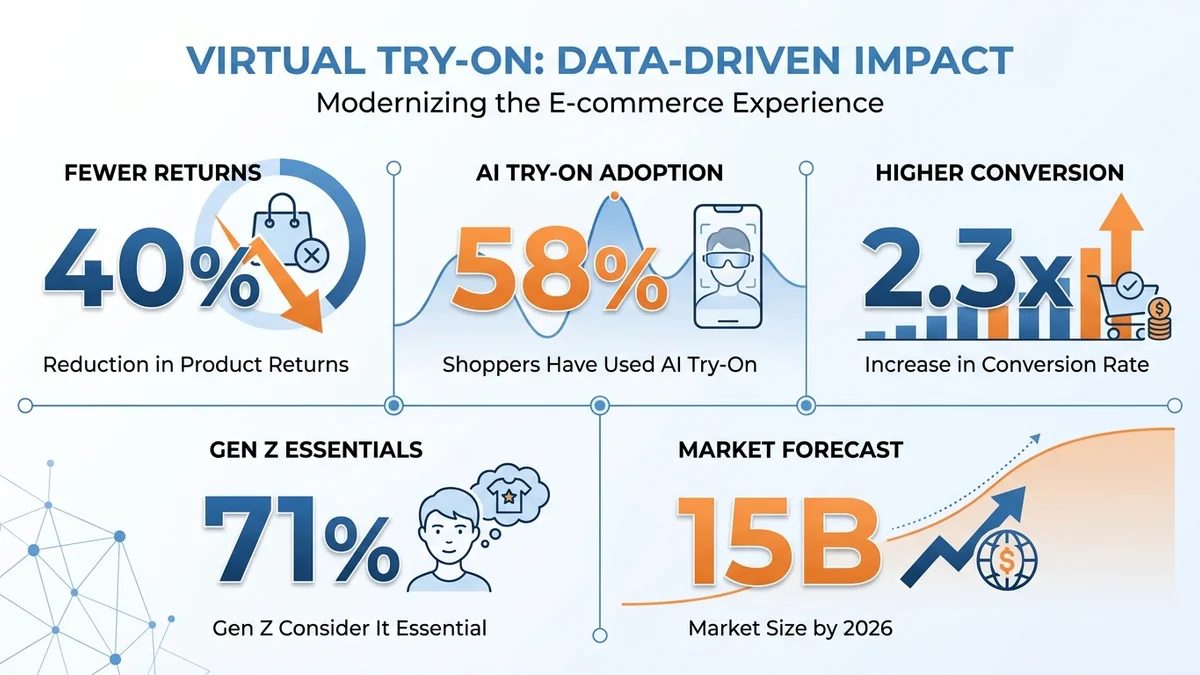
58% of online fashion shoppers have used an AI try-on tool at least once in 2025, and 71% of Gen Z shoppers consider try-on features essential when choosing where to shop.
What Happened to Amazon Try Before You Buy?
Amazon ended its Try Before You Buy program on January 31, 2025. The service, originally launched in 2017 as Prime Wardrobe, let customers order up to six items, try them at home for seven days, and only pay for what they kept.
Amazon replaced it with AI-powered tools:
- Virtual try-on for shoes, eyewear, and select apparel
- Personalized size recommendations based on purchase history
- AI-powered size charts with brand-specific guidance
- Review highlights summarizing fit information from other buyers
The decision came down to economics. Managing physical try-on returns and inventory for millions of items wasn't sustainable. Amazon calculated that AI tools could reduce fashion returns more cost-effectively than shipping clothes back and forth.
| Feature | Try Before You Buy (Ended) | Virtual Try-On (Current) |
|---|---|---|
| Cost | Free (pay only for kept items) | Free |
| Item limit | 6 items per order | Unlimited browsing |
| Try-on time | 7 days at home | Instant digital preview |
| Product range | Clothing, shoes, accessories | Shoes, eyewear, select T-shirts |
| Returns needed | Yes (send back unwanted) | No physical returns |
| Availability | US only, Prime members | US & Canada, all customers |
Key Takeaway: Amazon bet on virtual try-on technology as the future of online shopping, replacing physical try-before-you-buy with instant AI-powered previews.
How Accurate Is Amazon's Virtual Try-On?
Amazon's virtual try-on delivers solid accuracy for shoes and eyewear but falls short for clothing. The AR overlays match product colors faithfully and scale correctly to your body. Shoe try-on in particular produces realistic results because Amazon uses full 3D models rather than flat 2D images.
However, limitations exist:
- Clothing fit accuracy remains approximate since fabric draping isn't fully simulated
- Lighting differences between your room and product photos can affect color perception
- Body shape adaptation for clothing uses avatar models, not your actual body
- Texture detail may look slightly different from real fabric
For a more comprehensive virtual try-on experience that covers all clothing types, third-party AI tools offer broader capabilities. Apps like CheckMyFit use diffusion-based AI models that can show any garment on your actual photo, producing results that independent testers find indistinguishable from real product photography.
Brands integrating AI virtual try-on report up to 40% lower returns and shoppers who use try-on convert at 2.3x the rate of non-users.
Best Alternatives to Amazon Virtual Try On Clothes
Since Amazon's virtual try-on only covers shoes, eyewear, and limited T-shirts, you need alternatives for complete wardrobe visualization. Here are the top options in 2026:
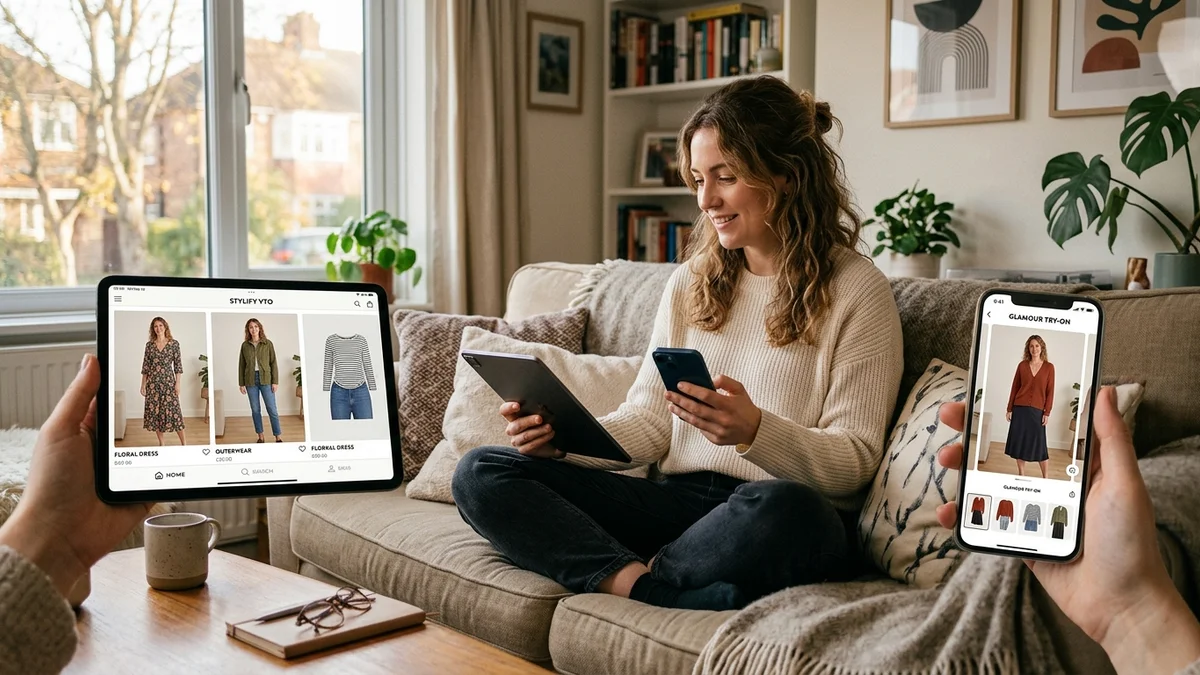
| Platform | Clothing Types | Technology | Price | Best For |
|---|---|---|---|---|
| CheckMyFit | All clothing | AI diffusion | Free trial | Any garment on your photo |
| Walmart Be Your Own Model | 270,000+ items | AI body match | Free | Walmart shoppers |
| ASOS Virtual Try-On | 10,000+ items | AI/AIUTA | Free | ASOS customers |
| Google Shopping Try-On | Select retailers | AI generative | Free | Cross-retailer browsing |
| Zara Try-On | Zara catalog | AI avatar | Free | Zara shoppers |
CheckMyFit: Full Wardrobe Virtual Try-On
Unlike Amazon's category-limited approach, CheckMyFit lets you try on any piece of clothing from any retailer. Upload your photo and any garment image to see how it looks on your body. The AI handles dresses, pants, jackets, suits, and everything Amazon's feature doesn't cover.
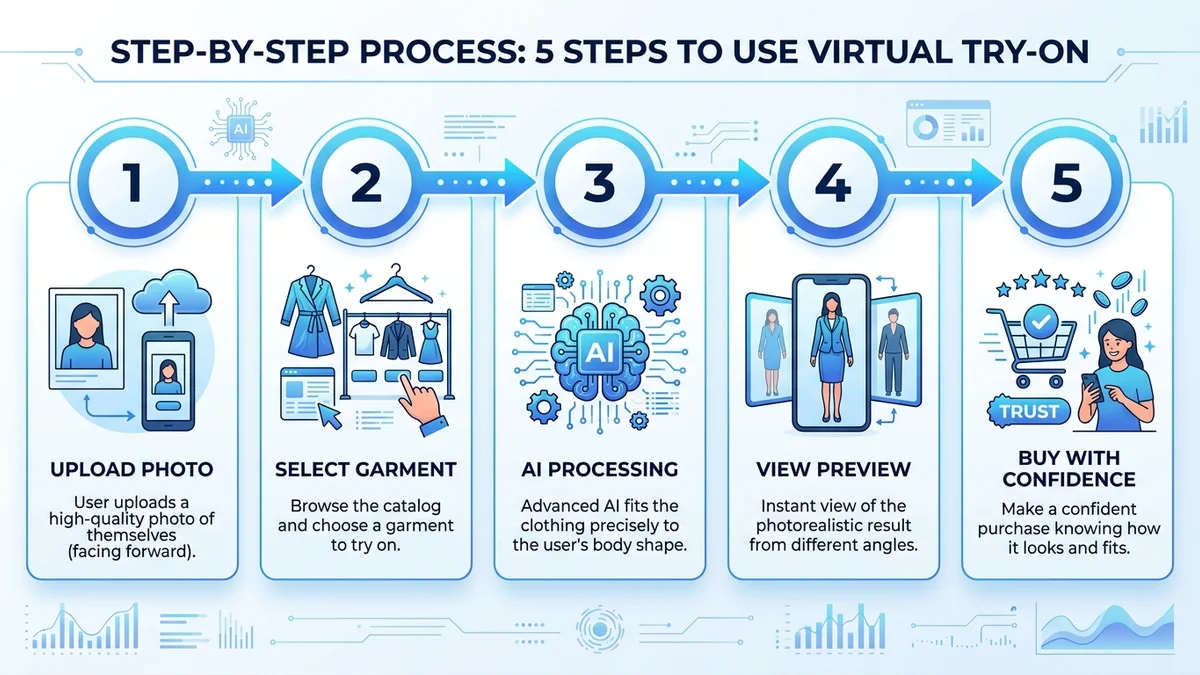
The process takes seconds:
- Upload a full-body photo
- Select or upload any clothing item
- Get an AI-generated preview showing the outfit on you
This works for AI clothes changing across any shopping platform, not just one retailer.
Amazon Nova Canvas: The Developer Tool
Amazon launched Nova Canvas with virtual try-on capabilities through AWS Bedrock. This tool lets developers build custom try-on experiences. Consumers can preview it at nova.amazon.com by uploading a person image and a garment image. It's powerful but designed for businesses building shopping experiences, not everyday shoppers.
How to Get the Best Results with Virtual Try-On
Whether you use Amazon's built-in feature or a third-party AI try-on tool, these tips improve accuracy:
For Amazon's AR Try-On:
- Use good lighting (natural daylight works best)
- Point your camera straight down for shoes (avoid extreme angles)
- Wear fitted pants so the shoe overlay matches your ankle correctly
- Stand on a flat, clear surface for better tracking
For AI Photo-Based Try-On:
- Use a front-facing full-body photo with arms slightly away from body
- Wear form-fitting clothes in your source photo
- Choose well-lit photos without harsh shadows
- Keep the background simple and uncluttered
Key Takeaway: Good lighting and proper body positioning make the difference between a rough preview and a realistic visualization that helps you buy with confidence.
Device Requirements and Availability
Amazon's virtual try-on has specific hardware requirements:
| Requirement | Details |
|---|---|
| Device | iPhone 7 or newer |
| App | Amazon Shopping app (latest version) |
| OS | iOS 14+ |
| Region | United States and Canada |
| Android | Limited availability (expanding) |
| Internet | Required for AR processing |
If your device doesn't meet these requirements, or you want to try on dresses, pants, or outfits Amazon doesn't support, browser-based alternatives like CheckMyFit work on any device with a web browser.
Recommended Products for Virtual Shopping
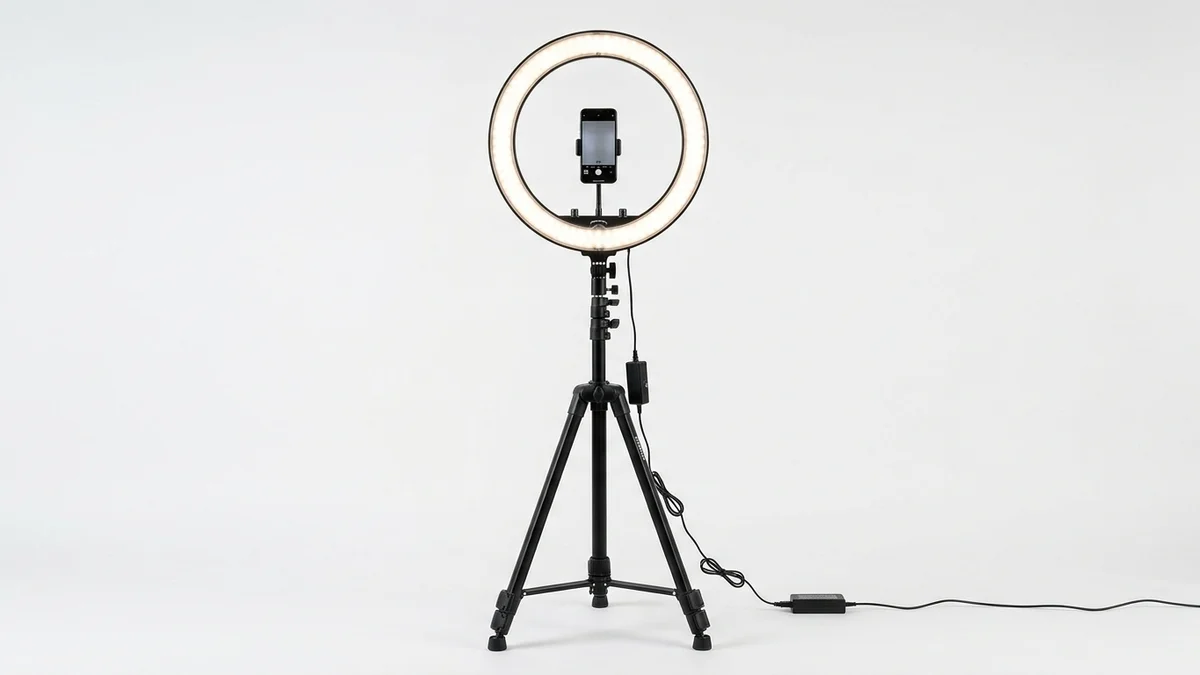
Better lighting produces more accurate virtual try-on results. This ring light eliminates shadows that confuse AR tracking and AI photo analysis.
View on Amazon →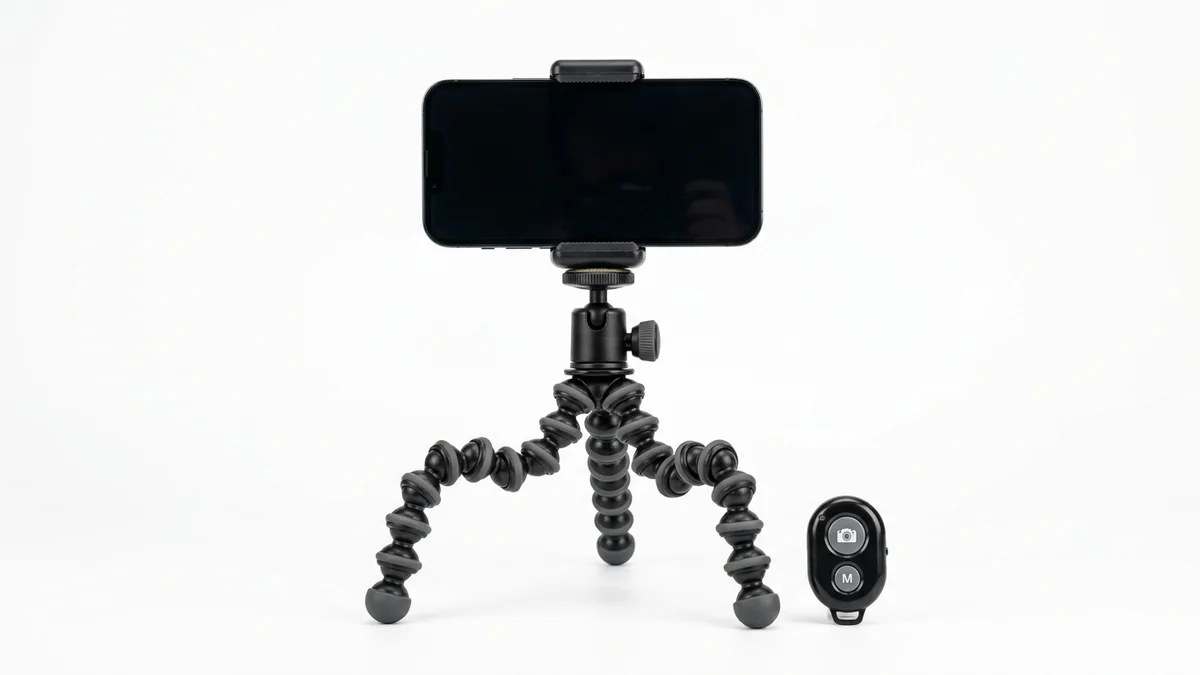
Go hands-free when taking full-body photos for AI try-on apps. The adjustable height and Bluetooth remote make solo outfit checks easy.
View on Amazon →
Compare your virtual try-on results with reality. A full-length mirror helps you verify fit and styling when your order arrives.
View on Amazon →Frequently Asked Questions
Does Amazon have virtual try-on for all clothes?
No. Amazon's virtual try-on currently covers shoes (thousands of styles from major brands), select eyewear, and limited T-shirts shown on size-matched 3D avatars. Full clothing categories like dresses, pants, jackets, and suits are not supported. For complete wardrobe try-on, third-party AI apps offer broader coverage across all garment types.
Is Amazon virtual try-on free?
Yes. Amazon's virtual try-on feature is completely free for all Amazon customers in the United States and Canada. You don't need a Prime membership to use it. Simply open the Amazon Shopping app on an iPhone 7 or newer, find a supported product, and tap the Virtual Try-On button to start.
Why did Amazon end Try Before You Buy?
Amazon ended its Try Before You Buy program on January 31, 2025, primarily due to high operational costs of managing physical returns and inventory. The company shifted to AI-powered alternatives including virtual try-on, personalized size recommendations, and improved size charts that reduce uncertainty without shipping items back and forth.
Can I use Amazon virtual try-on on Android?
Android support for Amazon's virtual try-on is limited but expanding. The feature launched first on iOS (iPhone 7+) in the US and Canada. Amazon has announced Android compatibility is coming, but full feature parity hasn't been achieved yet. Browser-based AI try-on alternatives work on any smartphone regardless of operating system.
How accurate is Amazon's virtual shoe try-on?
Amazon's shoe virtual try-on is quite accurate for visualizing style and proportions. The AR uses 3D shoe models that render realistically from all angles. Colors match closely and sizing appears proportional. However, it cannot simulate how a shoe feels on your foot regarding comfort, arch support, or width fit.
What is the best virtual try-on app for all clothing?
For trying on all clothing types beyond Amazon's limited selection, AI-powered virtual try-on apps work best. Tools like CheckMyFit let you upload any garment image and see it on your own photo. These use diffusion-based AI that handles dresses, suits, activewear, and any other clothing category that Amazon's AR feature doesn't support.
Does Amazon virtual try-on save my photos?
No. Amazon states that photos taken during virtual try-on sessions are stored locally on your device and not saved by Amazon. You can take screenshots of your try-on experience and share them on social media via the Share icon, but this is entirely optional and controlled by you.
Can I virtually try on Amazon clothes from my computer?
Amazon's built-in virtual try-on requires the mobile Amazon Shopping app with camera access, so it doesn't work on desktop computers. For computer-based virtual try-on, web apps that accept uploaded photos offer the same capability. Upload a photo from your computer and see garments on your body without needing a phone camera.
Conclusion
Amazon's virtual try-on represents a solid start for AR-powered shopping, particularly for shoes and eyewear. The technology is impressive when it works, producing realistic previews that help reduce purchase uncertainty and lower return rates across the board.
However, the feature's limited clothing coverage leaves most shoppers needing more. If you want to see how a dress, jacket, or full outfit looks on you before buying from any retailer, AI-powered alternatives fill that gap today.
Try CheckMyFit free to virtually try on any clothing item from any store. Upload your photo, pick any garment, and see exactly how it looks on your body in seconds.