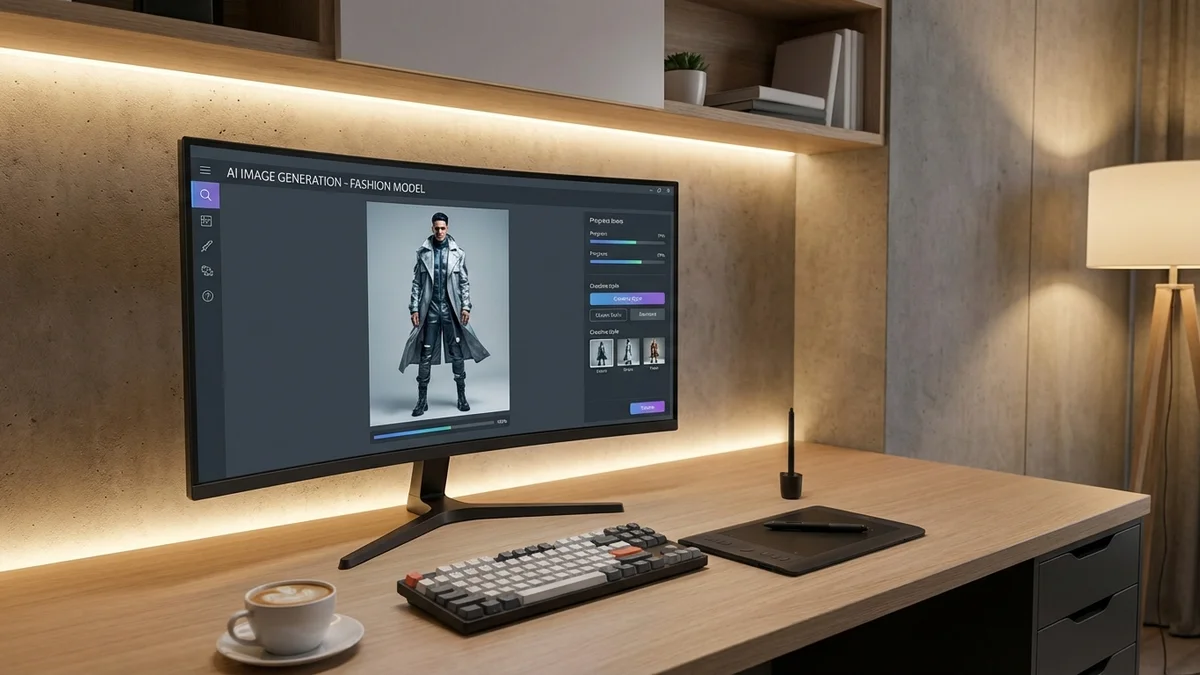
Creating an AI generated woman full body image used to require expensive software and advanced technical skills. In 2026, dozens of free tools let anyone generate photorealistic full body portraits from simple text prompts. Whether you need character designs for a game, virtual models for e-commerce product photos, or fashion visualization before buying clothes online, AI body generators have transformed how we create and interact with digital imagery.
This guide covers the best tools, prompt techniques, ethical considerations, and practical applications for generating full body AI images of women and other characters.
At a Glance
AI generated woman full body images are created using deep learning models trained on millions of photographs. The best free tools in 2026 include Pixnova, Media.io, OpenArt, and Generated Photos. For best results, write detailed prompts specifying pose, clothing, body type, and background. Virtual try-on tools like CheckMyFit offer a practical alternative by letting you see real clothes on your actual body instead of generating synthetic people.
What Is an AI Generated Woman Full Body Image?
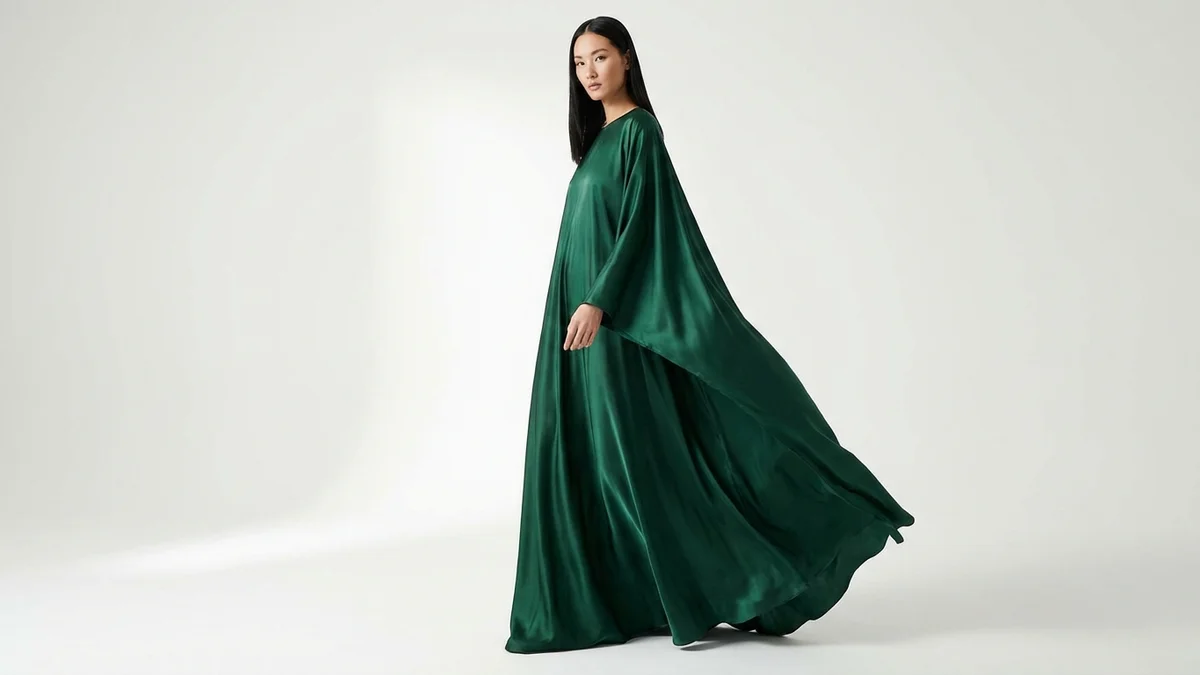
An AI generated woman full body image is a synthetic photograph created by artificial intelligence that shows a complete human figure from head to toe. Unlike portrait or headshot generators that only produce faces, full body generators render the entire person including clothing, posture, accessories, and surroundings.
These images are produced using deep learning architectures like Stable Diffusion, DALL-E, and GANs (Generative Adversarial Networks). The AI models train on millions of diverse photographs to learn human anatomy, proportions, fabric textures, and lighting patterns. When you enter a text prompt, the model translates your description into a complete image.
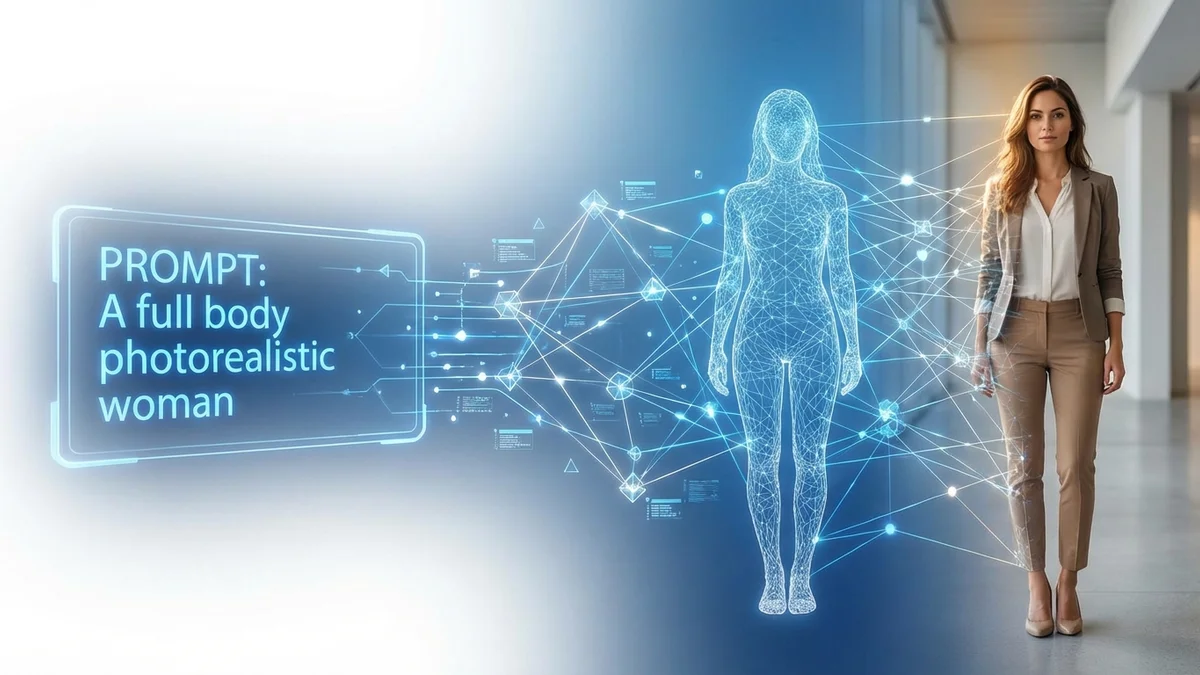
Key Takeaway: Full body AI generation creates complete head-to-toe human images from text descriptions, powered by deep learning models trained on millions of photographs.
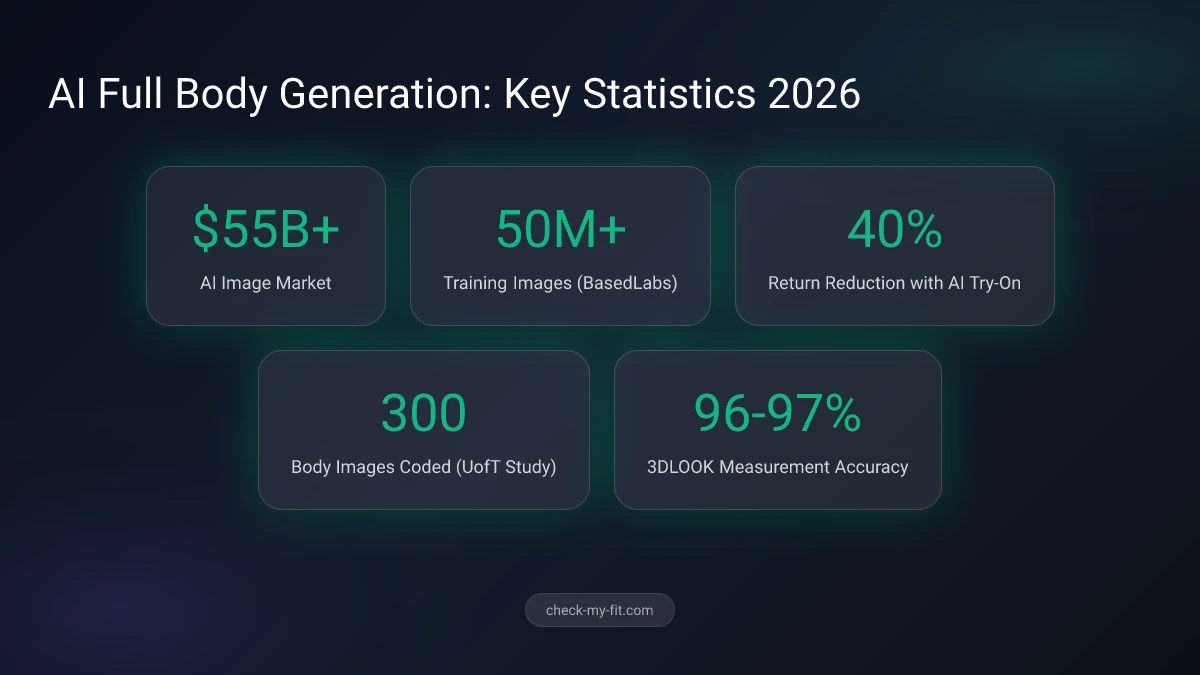
According to a University of Toronto study published in Psychology of Popular Media, researchers coded 300 AI-generated body images and found that current models tend to reinforce narrow body ideals, highlighting the importance of thoughtful prompt engineering.
How Do AI Full Body Generators Work?
AI full body generators work by using neural networks to interpret text prompts and produce corresponding images. The process involves two main approaches: text-to-image generation and image-to-image extension.
Text-to-Image Generation
You write a descriptive prompt, and the AI creates an image from scratch. The model processes each word to build a visual representation matching your description. This approach gives you maximum creative control over every aspect of the generated person.
Image-to-Image Extension
You upload an existing portrait or half-body photo, and the AI extends it into a full body image. This method maintains the person's facial features and identity while generating the rest of the body. Media.io and BasedLabs specialize in this technique.
| Feature | Text-to-Image | Image-to-Image |
|---|---|---|
| Starting point | Text prompt only | Existing photo |
| Creative control | Complete freedom | Constrained to source |
| Identity consistency | New face each time | Preserves original face |
| Best for | Character design, concepts | Extending real photos |
| Difficulty | Moderate (prompt skills needed) | Easy (upload and generate) |
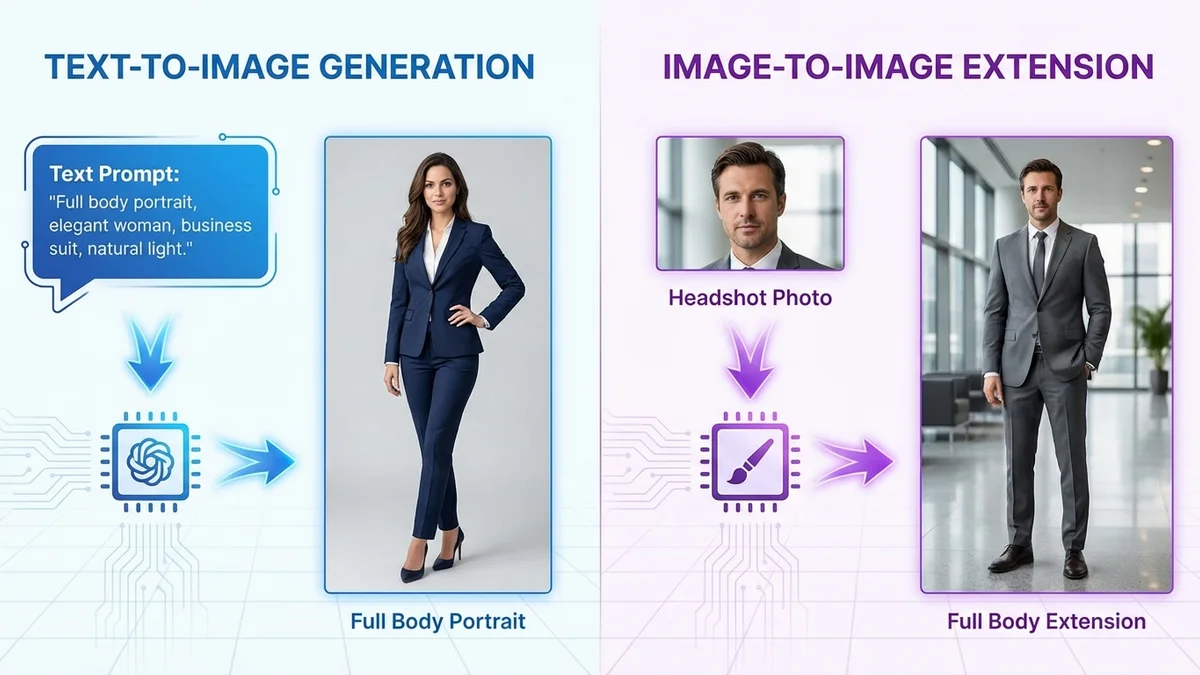
Key Takeaway: Text-to-image creates entirely new people from prompts, while image-to-image extends existing photos. Choose based on whether you need creative freedom or identity preservation.
What Are the Best AI Full Body Generators in 2026?
The best AI full body generators in 2026 range from free browser-based tools to professional platforms with advanced customization. Here are the top options ranked by capability, ease of use, and output quality.
| Tool | Free Tier | Best For | Key Feature | Output Quality |
|---|---|---|---|---|
| Pixnova | Unlimited | Beginners | No sign-up required | High |
| Media.io | Limited | Photo extension | Upload-and-extend | Very High |
| OpenArt | 50 credits/day | Custom models | Model training | Professional |
| Generated Photos | Basic | Stock imagery | 100K+ pre-made images | Very High |
| BasedLabs | Limited | Realism | 50M+ training dataset | Professional |
| Lucidpic | Limited | Virtual influencers | Full body focus | High |
| Perchance | Unlimited | Experimentation | No limits, no sign-up | Medium |
| GoEnhance | Limited | Multi-style | 3D, anime, painterly | High |
Top Picks by Use Case
- E-commerce product photos: Media.io or Generated Photos for consistent, professional results
- Character design: OpenArt or GoEnhance for creative styles and custom model training
- Quick experimentation: Pixnova or Perchance for free, unlimited generation
- Virtual influencers: Lucidpic for realistic, customizable full body personas
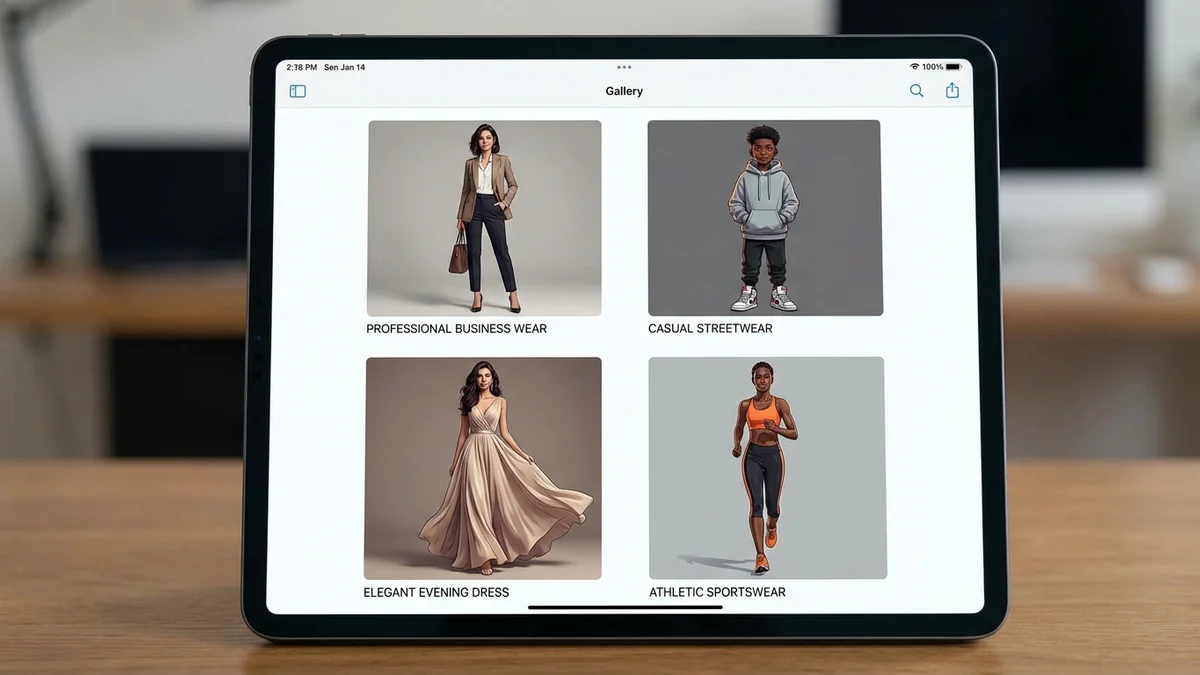
Key Takeaway: Pixnova and Perchance offer the best free unlimited options, while Media.io and OpenArt deliver professional-quality results for commercial use.
How Do You Write Prompts for Full Body AI Images?
Writing effective prompts is the most important skill for generating high-quality AI full body images. A well-crafted prompt consistently produces better results than randomly selecting options in a tool's interface.
The Prompt Formula
Follow this structure for reliable full body results:
Subject + Body type + Clothing + Pose + Setting + Style + Quality modifiers
Example Prompts That Work
Realistic fashion model:
"Full body shot of a young woman wearing a tailored navy blazer and white trousers, standing confidently in a modern office lobby, natural lighting, photorealistic, 8K resolution, sharp focus"
E-commerce product display:
"Full body photograph of a woman modeling a red summer dress, front-facing pose, clean white studio background, professional fashion photography, high detail"
Creative character:
"Full body portrait of a woman in cyberpunk streetwear, neon-lit urban alley background, dramatic lighting, cinematic composition, detailed textures"
Critical Prompt Tips
- Always specify "full body" or "head to toe" to prevent the AI from cropping to a headshot
- Include action words like "standing," "walking," or "posing" to force full figure rendering
- Describe footwear or ground contact to ensure the AI renders legs and feet completely
- Use negative prompts to exclude unwanted elements: "avoid: cropped, blurry, distorted hands, extra limbs"
- Add quality modifiers like "photorealistic," "4K," and "sharp focus" for better output
| Prompt Element | Poor Example | Strong Example |
|---|---|---|
| Subject | "a woman" | "a 30-year-old woman with shoulder-length brown hair" |
| Clothing | "wearing clothes" | "wearing a fitted black leather jacket and high-waisted jeans" |
| Pose | (none) | "standing with one hand on hip, slight smile" |
| Setting | (none) | "in a sunlit Parisian cafe, marble countertop visible" |
| Quality | (none) | "photorealistic, studio lighting, 8K, sharp details" |
Emphasis Techniques
Use parentheses to tell the AI to prioritize specific elements. For example:
(full body:1.3)increases emphasis on rendering the complete figure(detailed hands:1.2)helps prevent common hand distortion issues(natural proportions:1.1)encourages realistic body shapes
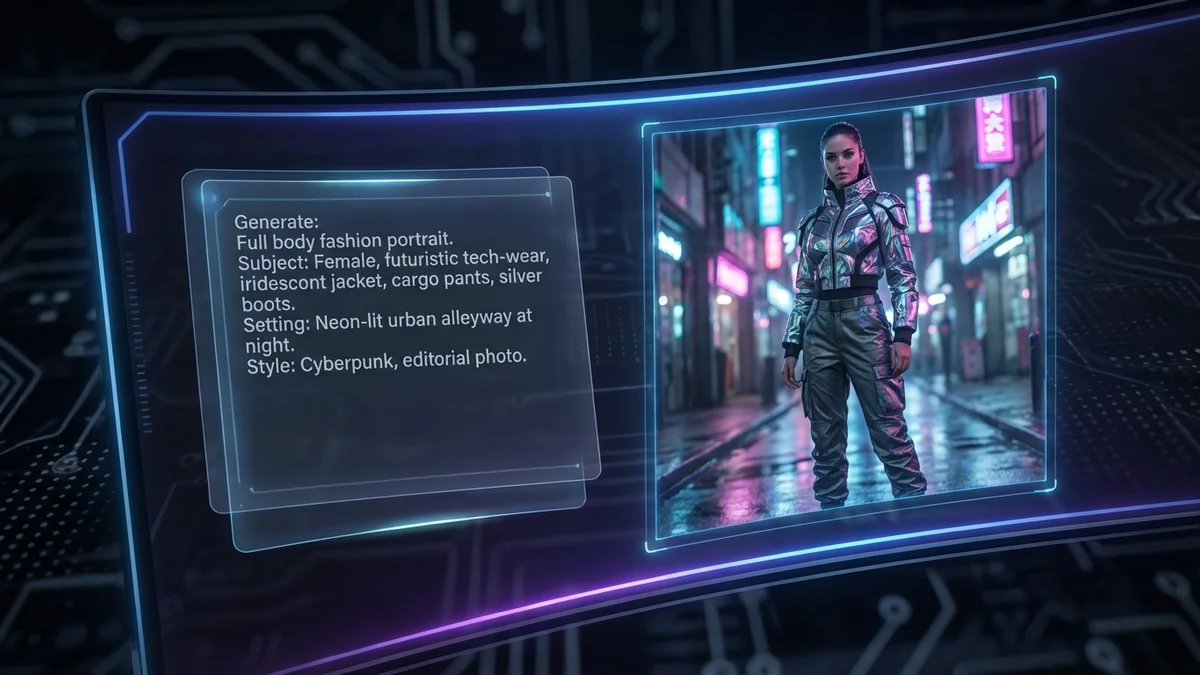
Key Takeaway: Always include "full body" in your prompt, describe clothing and footwear, add action words, and use quality modifiers for the best results.
Why Does AI Often Fail at Full Body Generation?
AI image generators frequently struggle with full body images for several documented reasons. Understanding these limitations helps you write better prompts and choose the right tools.
Training data bias: Most photographs in training datasets are portraits or upper body shots. The AI has seen far more faces than full figures, making it default to closer crops.
Anatomical complexity: Rendering a full human body requires accurate proportions across dozens of body parts. Hands, feet, and joints are particularly challenging because their positions vary dramatically between poses.
Resolution constraints: Full body images need higher resolution to maintain detail across the entire figure. Some tools optimize for face detail at the expense of body rendering.
BasedLabs reports their AI model is trained on over 50 million full-body images specifically to address these challenges, achieving more consistent proportions than general-purpose image generators.
Common Issues and Fixes
| Problem | Cause | Fix |
|---|---|---|
| AI crops to headshot | Default training bias | Add "full body shot, head to toe" explicitly |
| Distorted hands | Anatomical complexity | Use "detailed hands" emphasis or negative prompts |
| Extra limbs | Model confusion | Add "normal human anatomy, two arms, two legs" |
| Inconsistent proportions | Low quality settings | Increase resolution, use "natural proportions" |
| Missing feet | Incomplete rendering | Describe shoes or ground contact in prompt |
AI Full Body Generation for Fashion and E-Commerce
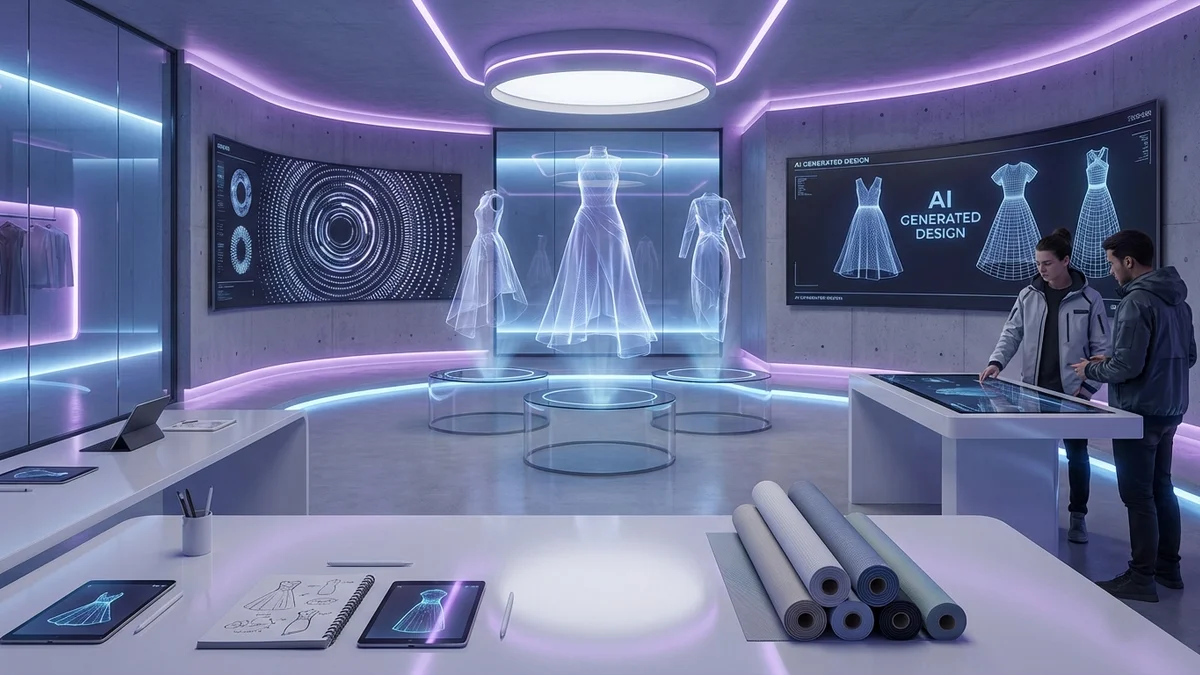
One of the fastest-growing applications of AI full body generators is fashion and e-commerce. Brands use these tools to create virtual models that showcase clothing without expensive photo shoots.
How Fashion Brands Use AI Body Generation
- Product display: Generate models wearing clothing items for online stores
- Size visualization: Show how garments look on different body types
- Lookbook creation: Produce seasonal fashion catalogs without hiring models
- Social media content: Create diverse visual content at scale
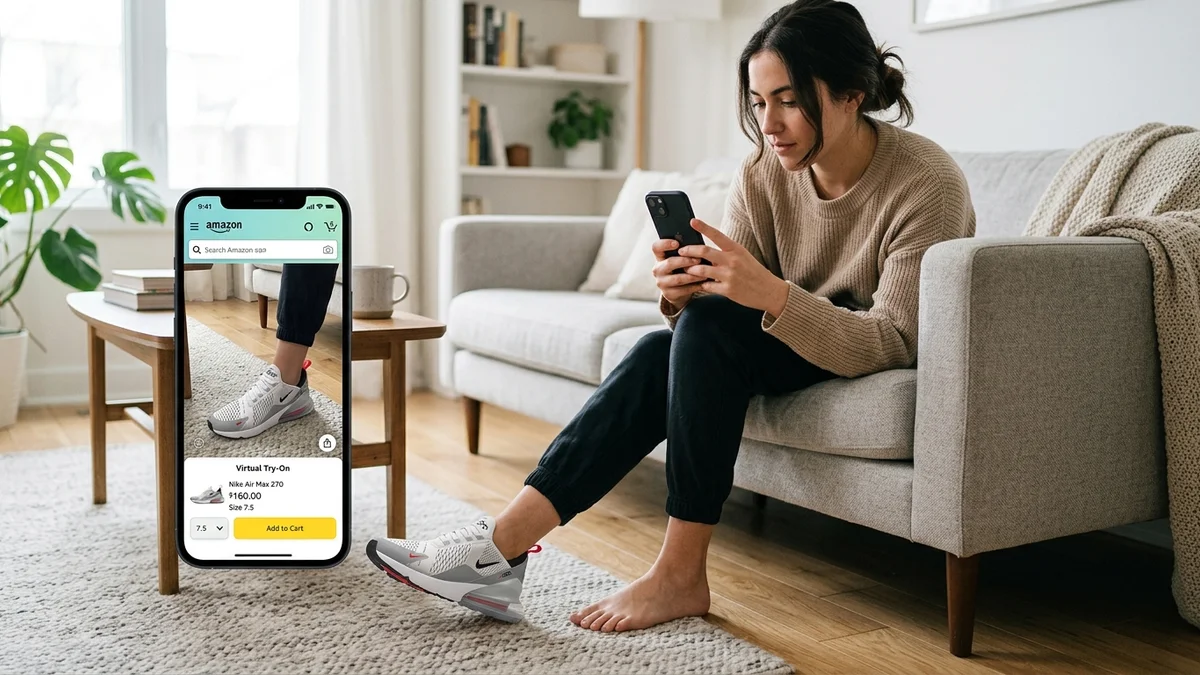
E-commerce platforms using AI virtual try-on technology report up to a 40% reduction in returns related to fit and design, according to Pic Copilot merchant data.
Virtual Try-On vs. AI Body Generation
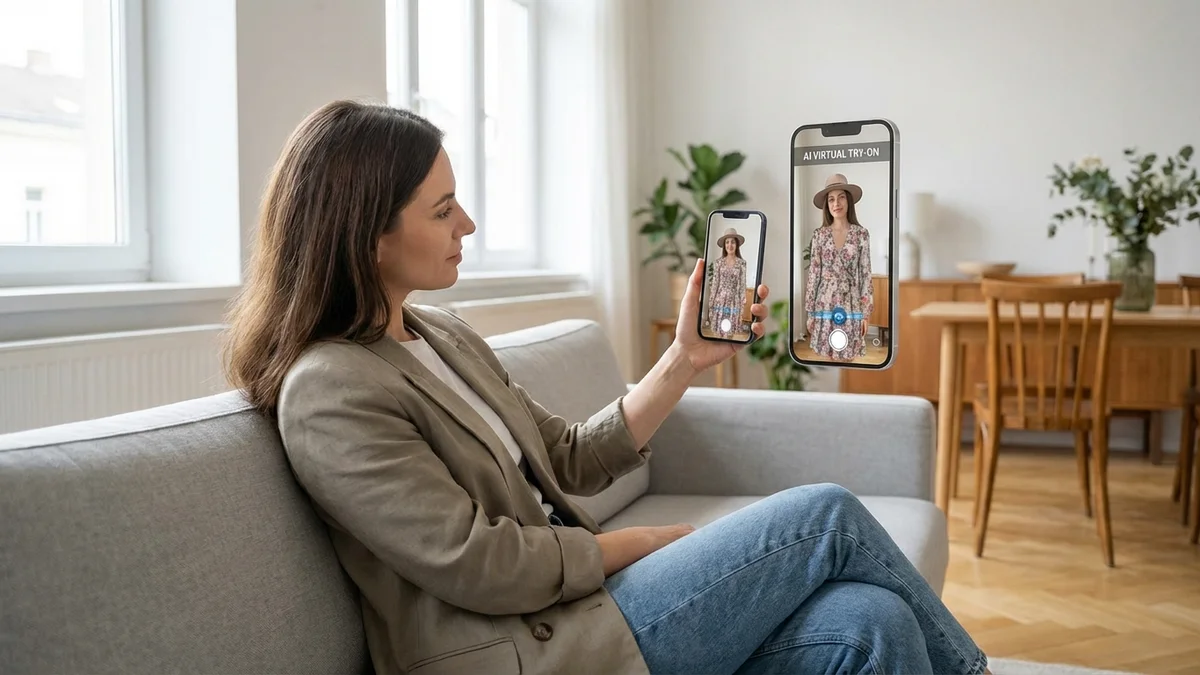
While AI body generators create synthetic people wearing synthetic clothes, virtual try-on technology takes a different approach. Tools like CheckMyFit let you upload your own photo and see how real clothing items look on your actual body.
| Feature | AI Body Generator | Virtual Try-On (CheckMyFit) |
|---|---|---|
| Shows your real body | No | Yes |
| Clothing accuracy | Approximate | Garment-specific |
| Fit prediction | None | Based on your body |
| Shopping use | Inspiration only | Direct purchase decision |
| Personalization | Generic output | Your exact proportions |
For shoppers deciding what to buy, virtual try-on provides more practical value than AI-generated images of synthetic people. You can try on clothes virtually with CheckMyFit to see exactly how an outfit will look on you before purchasing.
Ethical Considerations for AI Generated Body Images
Creating AI generated full body images raises important ethical questions that users should consider before generating and sharing these images.
Body Diversity and Bias
The University of Toronto study found that when prompted to create female and male bodies, AI platforms overwhelmingly reproduce narrow Western body ideals. Generated images lack diversity in race, age, body size, and disability representation. When gender is unspecified, AI defaults to male representation.
What you can do:
- Specify diverse body types in your prompts (athletic, curvy, plus-size, petite)
- Include age ranges beyond "young" (middle-aged, elderly)
- Request diverse ethnic backgrounds explicitly
- Report bias patterns to platform developers
Consent and Misuse Prevention
AI-generated images of full bodies don't involve a real person's consent, but they can still cause harm if they closely resemble real individuals or are used deceptively.
Responsible usage guidelines:
- Never generate images resembling specific real people without permission
- Label AI-generated images as synthetic when sharing publicly
- Avoid creating images that could be mistaken for real photographs in misleading contexts
- Follow each platform's terms of service and content policies
Copyright and Commercial Use
Most free AI generators grant limited commercial rights. Check each tool's licensing terms before using generated images for business purposes. Platforms like Generated Photos and OpenArt offer clearer commercial licenses for professional use.
Key Takeaway: Be mindful of body diversity bias in AI tools, always disclose synthetic images, and verify licensing before commercial use.
Recommended Products for AI Image Creation
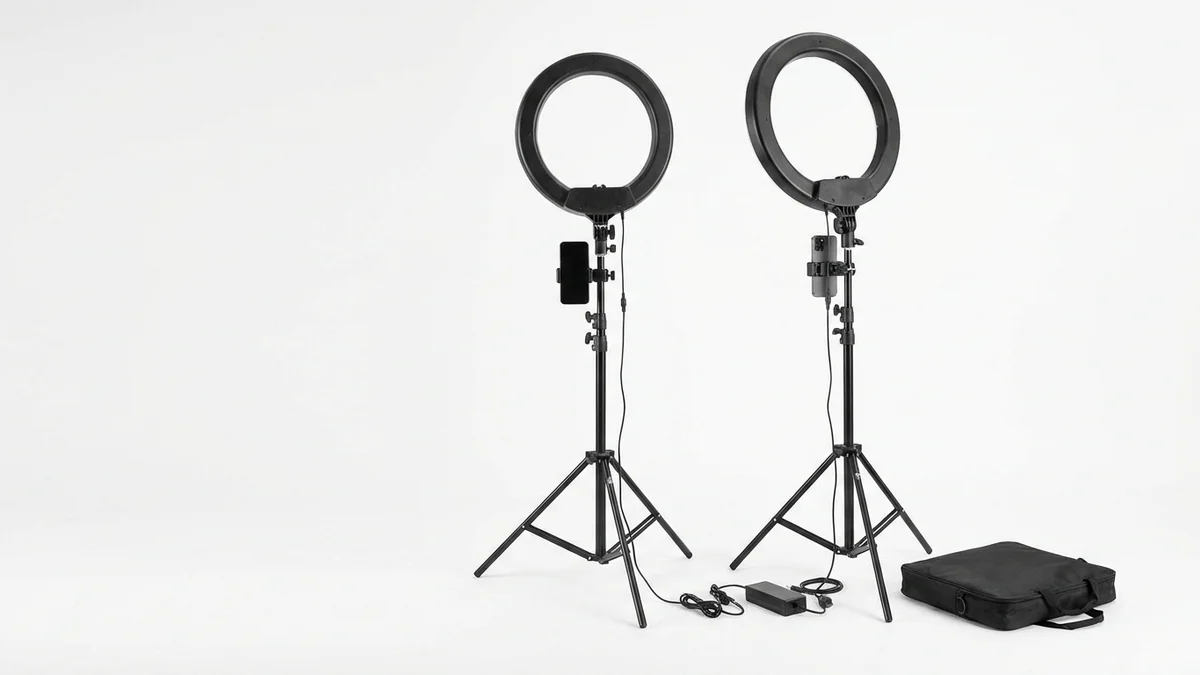
Essential for taking high-quality reference photos to use with image-to-image AI body generators. Even lighting eliminates shadows that confuse AI processing.
View on Amazon →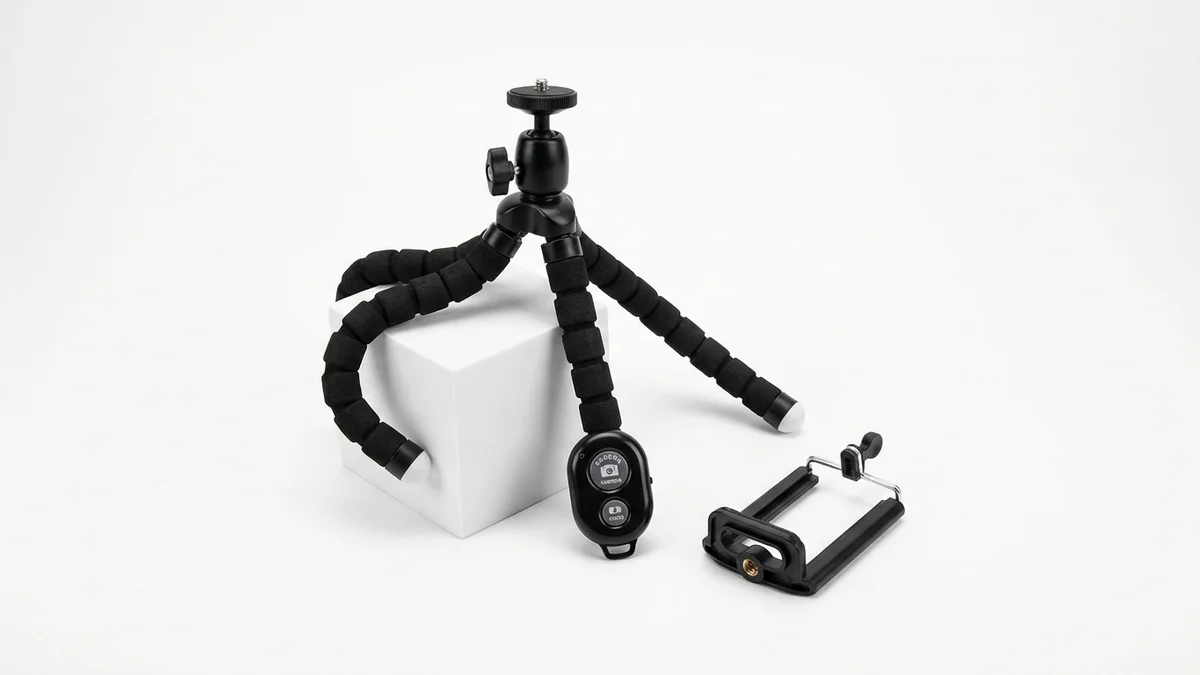
Capture full body reference photos hands-free with the wireless remote. Adjustable height ensures you get the complete head-to-toe frame AI tools need.
View on Amazon →
A full length mirror helps you frame the perfect reference photo. Use mirror selfies as starting images for AI image-to-image body extension tools.
View on Amazon →Step-by-Step Guide to Generating Your First Full Body Image
Follow these steps to create a high-quality AI generated woman full body image using any free tool.
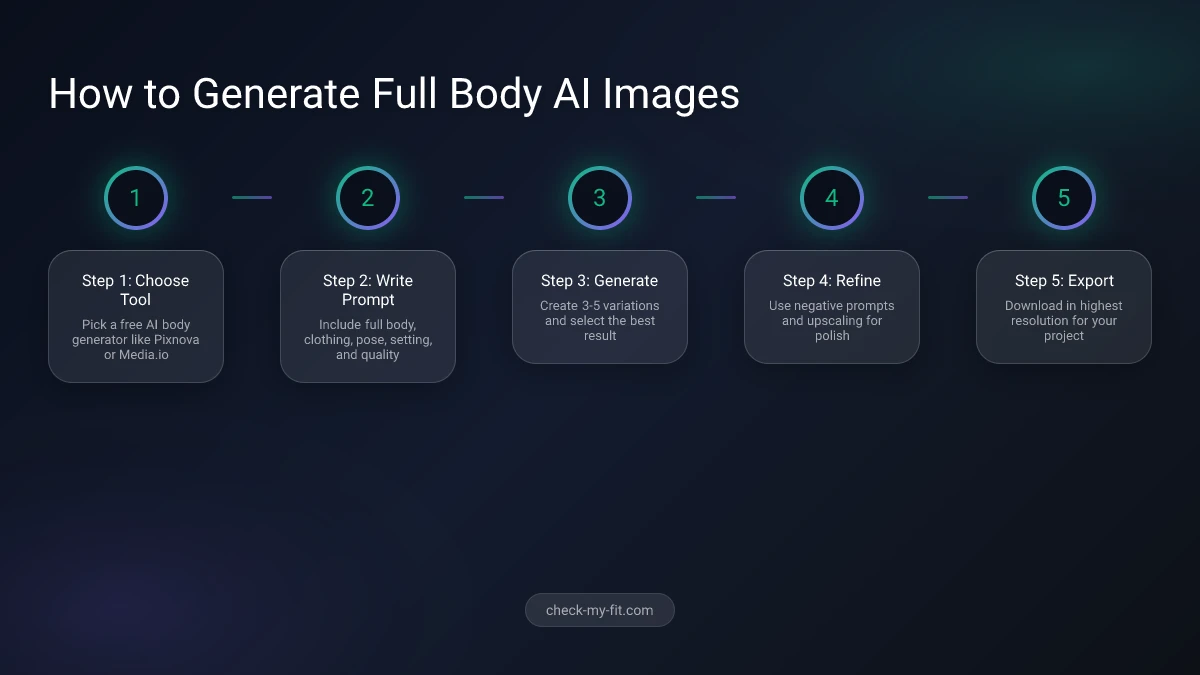
- Choose your tool: Start with Pixnova (free, no sign-up) or Media.io (best for photo extension)
- Select your approach: Text-to-image for new characters, or image-to-image to extend an existing photo
- Write your prompt: Use the formula: subject + body type + clothing + pose + setting + style + quality
- Add "full body": Always include "full body shot" or "head to toe" in your prompt
- Set quality parameters: Choose the highest resolution available and photorealistic style
- Generate and review: Create 3-5 variations and pick the best result
- Refine with negative prompts: Exclude unwanted elements like "blurry, distorted, extra limbs"
- Upscale if needed: Use the tool's built-in upscaler to increase resolution without losing detail
- Post-process: Apply sharpening and color correction for a polished final image
Key Takeaway: Start with a free tool like Pixnova, write detailed prompts with "full body" specified, generate multiple variations, and refine through iteration.
Frequently Asked Questions
Can AI generate realistic full body female figures?
Yes, modern AI body generators create highly realistic full body female figures. Tools like Media.io, Generated Photos, and BasedLabs produce photorealistic results with accurate anatomy, natural skin textures, and realistic clothing. Quality depends heavily on prompt detail and the specific tool used. BasedLabs trains on over 50 million full body images for superior realism.
Are AI generated full body images free to create?
Several AI body generators offer free tiers. Pixnova and Perchance provide unlimited free generation with no sign-up required. Media.io, OpenArt, and GoEnhance offer limited free credits. Generated Photos provides a basic free tier with premium plans starting at $29 per month. Free outputs may have lower resolution or watermarks depending on the platform.
What are the best prompts for AI generated woman full body images?
The best prompts include specific details about the subject, clothing, pose, setting, and quality. Always state "full body shot" explicitly. Describe footwear and ground contact to ensure complete rendering. Add modifiers like "photorealistic, 8K, natural lighting, sharp focus." Use negative prompts to exclude common errors like "blurry, distorted hands, extra limbs, cropped."
How does virtual try-on differ from AI body generation?
AI body generators create entirely synthetic people wearing synthetic clothing. Virtual try-on tools like CheckMyFit overlay real garments onto your actual photo, showing how specific clothes will look on your body. Virtual try-on is better for shopping decisions because it reflects your real proportions and the actual garment design rather than an AI approximation.
Can I customize body type, clothing, and pose in AI generators?
Most AI body generators allow extensive customization through text prompts. You can specify body type (slim, athletic, curvy, plus-size), clothing style, hairstyle, accessories, pose, and background. Media.io also offers slider controls for specific body attributes. The level of customization varies by platform.
Are AI generated body images ethical to create?
AI body image generation raises valid ethical concerns. A University of Toronto study found these tools reinforce narrow beauty standards and lack diversity in race, age, and body size. Responsible use means specifying diverse body types, disclosing images as AI-generated, avoiding resemblance to real people without consent, and following platform content policies.
Why does AI often generate headshots instead of full body images?
AI defaults to headshots because training datasets contain far more portrait and upper body photographs than full figure images. The models learn to prioritize face detail over body rendering. To overcome this, always include "full body shot," "head to toe," or action descriptions like "walking" that require the complete figure to be shown.
Can AI extend a portrait photo to a full body image?
Yes, image-to-image AI tools like Media.io and BasedLabs can extend a portrait or half-body photo into a full body image. The AI analyzes facial features, clothing patterns, and proportions to generate a coherent full figure. This technique maintains the original person's identity and appearance while adding the missing body sections.
Conclusion
AI generated woman full body images have become accessible to everyone through free tools like Pixnova, Media.io, and OpenArt. Success depends on writing detailed prompts that specify "full body," include clothing and pose descriptions, and use quality modifiers.
For practical applications like online shopping, virtual try-on technology offers a more useful alternative. Instead of generating synthetic people, CheckMyFit lets you see how real clothes look on your real body, making it easier to find outfits that actually fit.
Whether you choose AI generation for creative projects or virtual try-on for shopping, the technology continues to improve rapidly. The key is using these tools responsibly, with attention to body diversity, consent, and transparency about synthetic imagery.