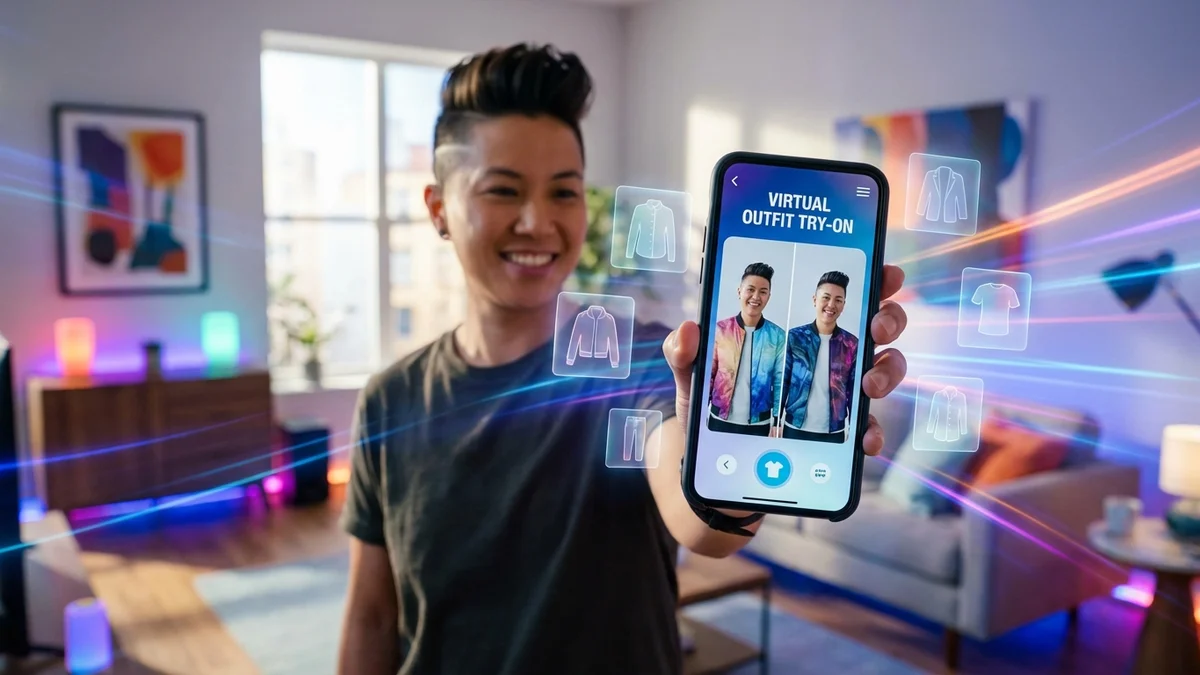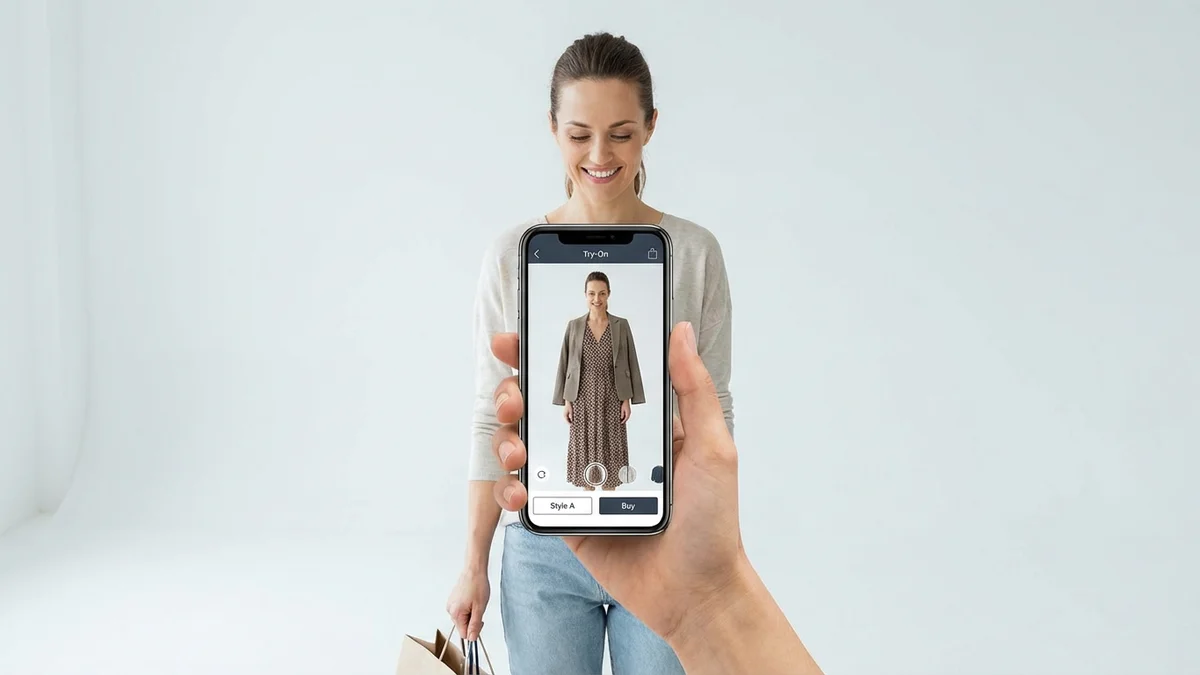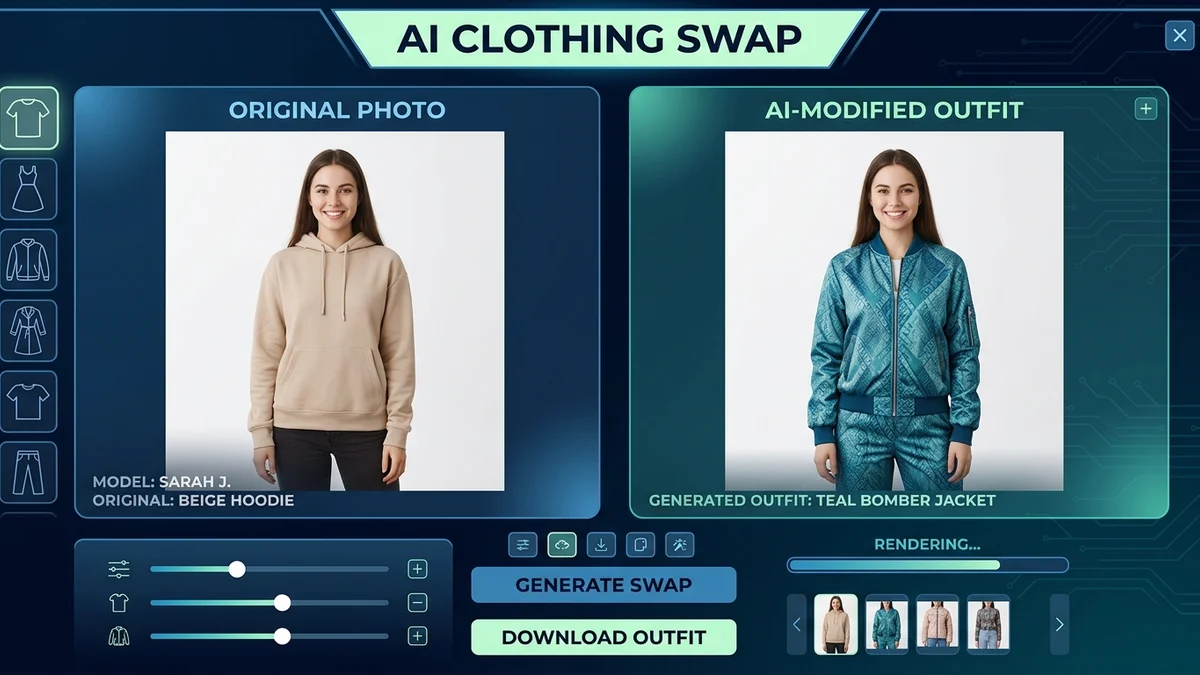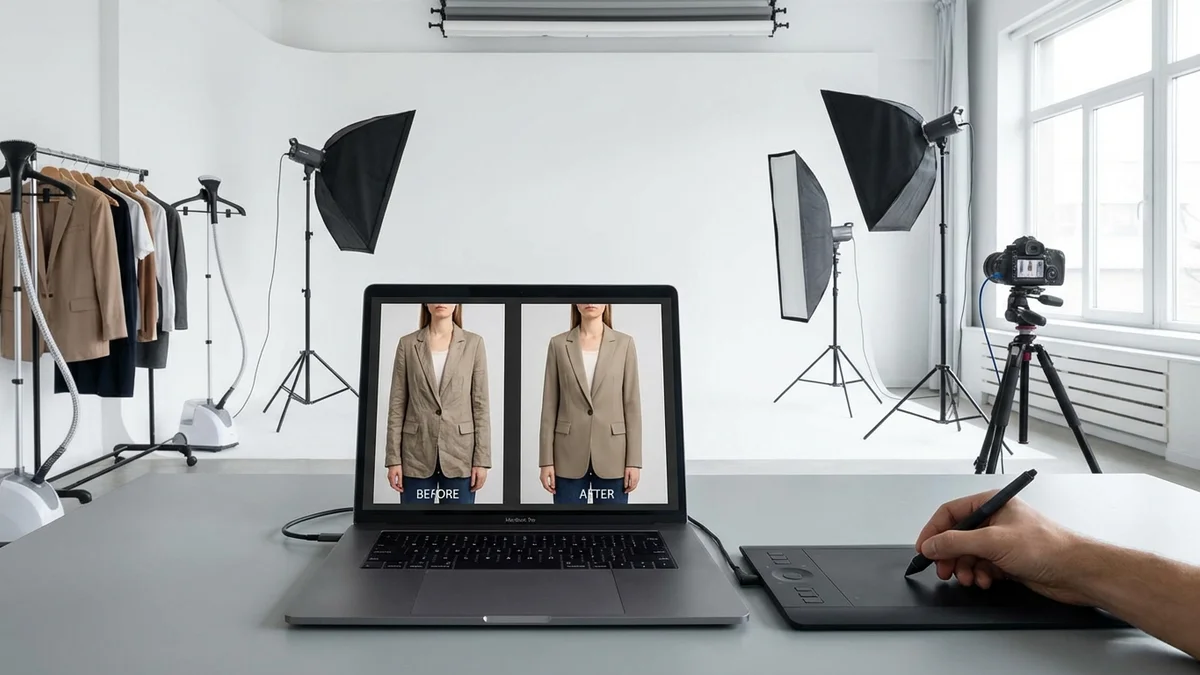
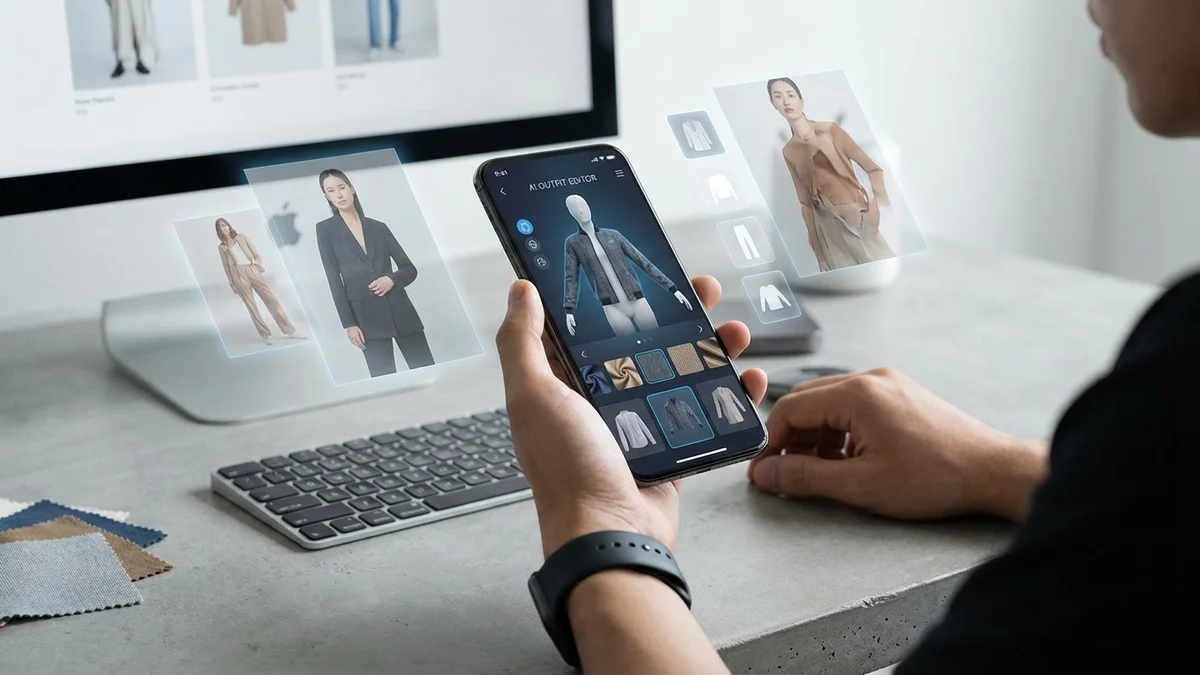
A clothes editor has become one of the most searched fashion tech tools in 2026. Whether you want to preview an outfit before buying, create professional product photos, or experiment with your style on social media, AI-powered clothes editing apps make it happen in seconds. No Photoshop skills needed. No expensive photo shoots required.
The technology behind these tools has advanced rapidly. Today's best clothes editors use generative AI and computer vision to swap outfits, adjust colors, remove wrinkles, and even place entirely new garments onto your photos with stunning realism.
This guide compares the best clothes editor tools and apps available right now. You will learn how they work, which ones deliver the best results, and how to choose the right one for your specific needs.
TL;DR
A clothes editor is an app or tool that lets you change, swap, or enhance clothing in photos using AI. The best options in 2026 include Facetune, Fotor, MyEdit, and CheckMyFit for virtual try-on. Free tools exist for basic edits, while premium apps offer realistic AI-powered outfit swaps. Choose based on your use case: personal styling, social media, or e-commerce photography.
What Is a Clothes Editor?
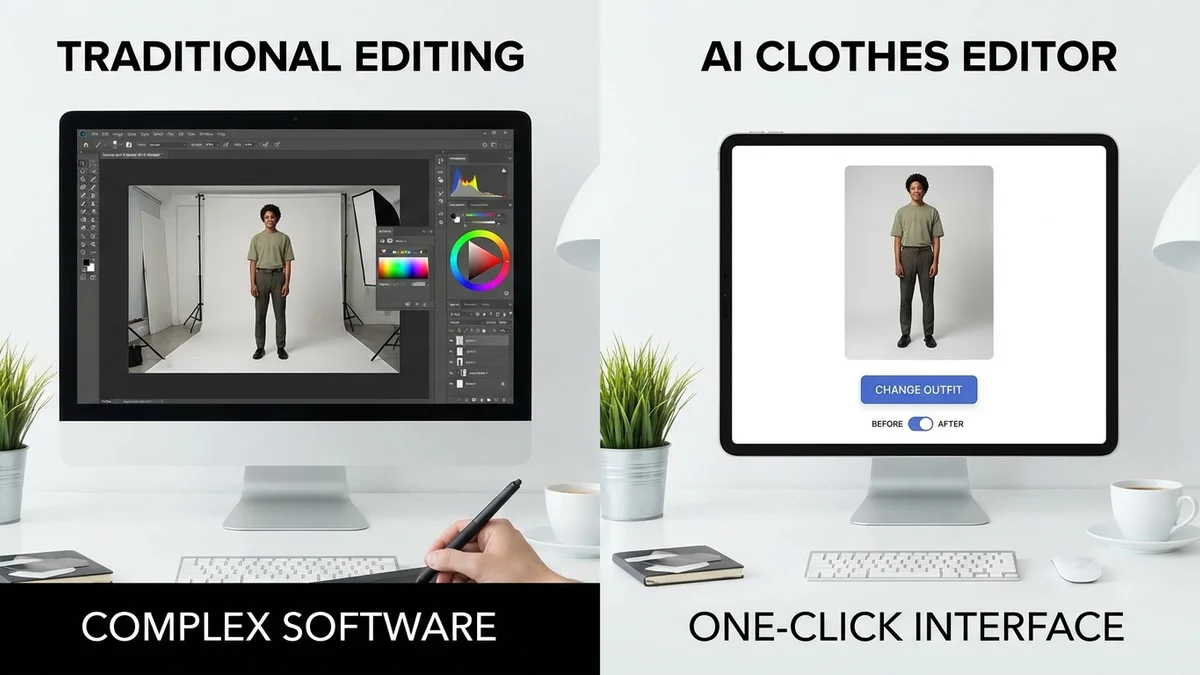
A clothes editor is software that lets you modify, replace, or enhance clothing in photos. Modern clothes editors use artificial intelligence to detect garments in images and apply changes automatically. You can swap entire outfits, adjust colors, remove wrinkles, or add new clothing items to any photo with just a few taps.
These tools range from simple color-adjustment apps to sophisticated AI clothes changers that generate photorealistic outfit swaps. The technology combines computer vision, semantic segmentation, and generative AI to understand body shapes, identify clothing boundaries, and produce realistic results.
Traditional Editing vs AI Clothes Editor
| Feature | Traditional Photo Editing | AI Clothes Editor |
|---|---|---|
| Skill required | Advanced (Photoshop expertise) | None (automated) |
| Time per edit | 20-60 minutes | 10-60 seconds |
| Cost | $20-55/month for software | Free to $15/month |
| Output quality | Depends on user skill | Consistently high |
| Outfit swap capability | Very difficult manually | One-click operation |
| Batch processing | Manual, slow | Automated, fast |
| Learning curve | Weeks to months | Minutes |
Traditional photo editing software like Photoshop gives you granular control. But it demands skill and time. AI-powered clothes editors democratize the process. Anyone can produce professional-looking results without training.
78% of fashion brands now use AI tools for at least some portion of their product image editing workflow.
The market for AI-powered editing tools is growing fast. By 2026, the global AI image editing market reached $2.3 billion, with fashion and clothing applications driving a significant share of that growth.
Key Takeaway: A clothes editor uses AI to change or enhance garments in photos automatically. It replaces hours of manual Photoshop work with one-click operations that anyone can use.
How Do Clothes Editors Work?
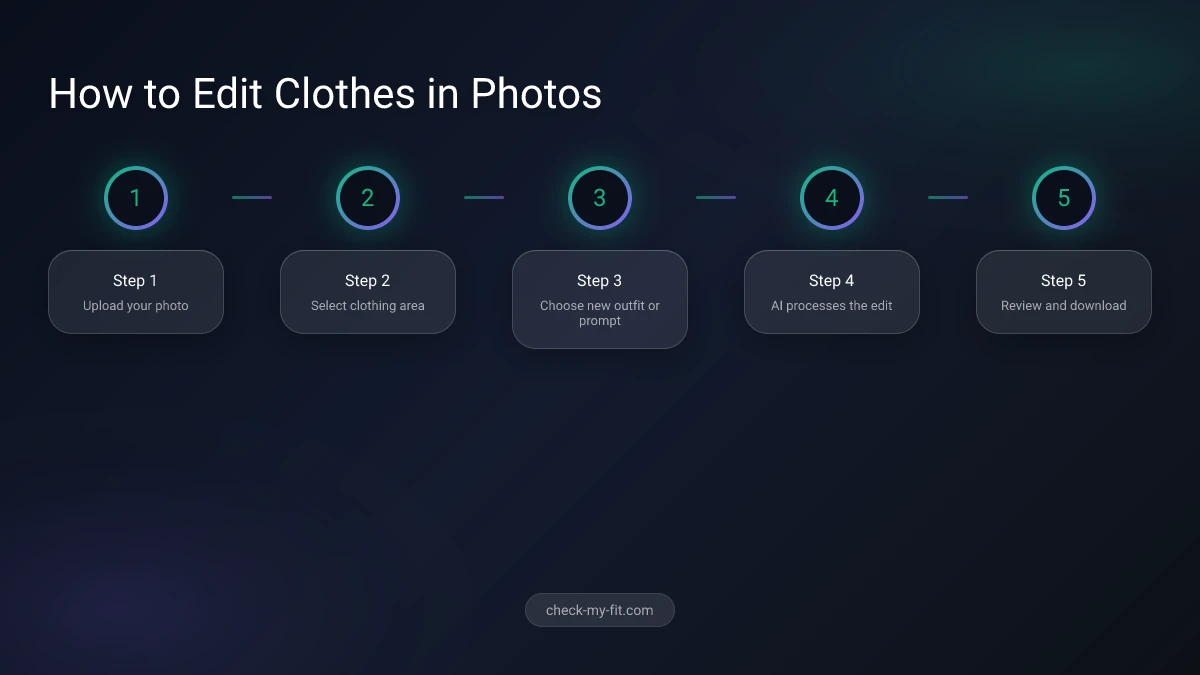
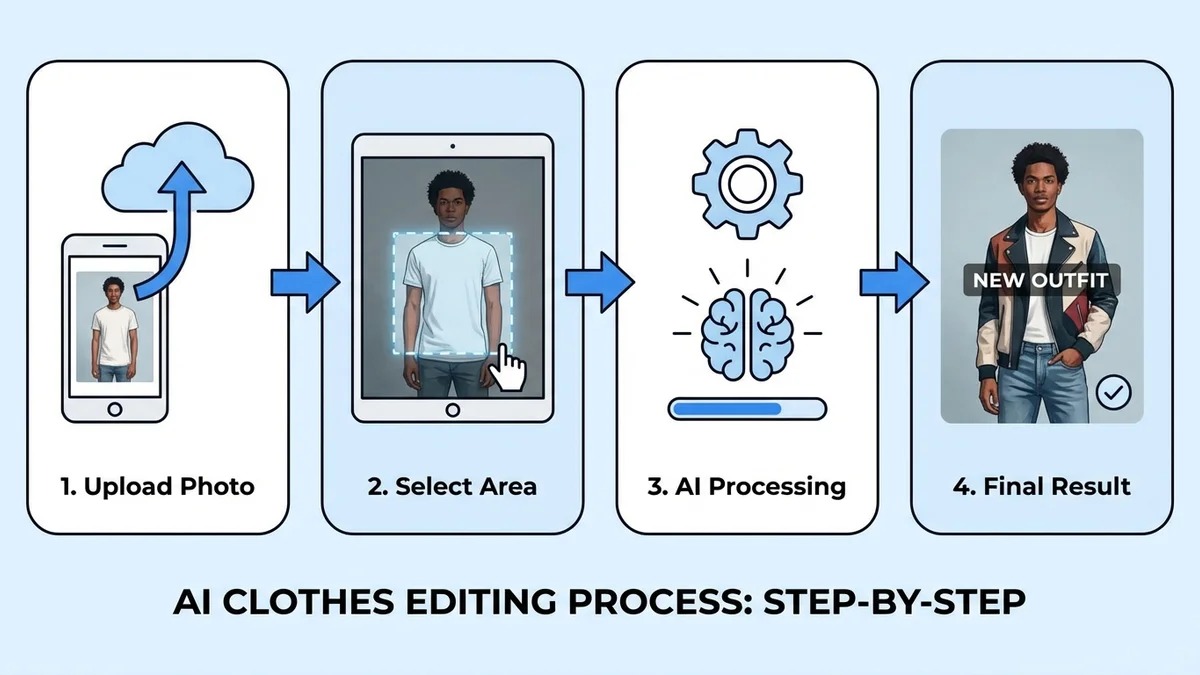
A clothes editor works by analyzing your photo with AI to detect the human body and clothing, then applying changes using generative models. The process involves body segmentation, garment mapping, and image synthesis to produce a realistic final result. Most tools complete this in under 60 seconds.
Step-by-Step Process
- Upload your photo — The AI scans your image to identify the person, their pose, and body shape
- Body segmentation — Computer vision separates the body from the background and isolates current clothing
- Garment detection — The system maps existing clothes, identifying sleeves, collars, hems, and other details
- Select your edit — You choose what to change: swap the outfit, adjust color, remove wrinkles, or add a new item
- AI synthesis — Generative models create new pixels that blend the selected changes with your original photo
- Refinement — Post-processing adjusts lighting, shadows, and fabric textures for photorealistic results
- Download — You save or share the edited image in high resolution
Key Technologies Behind Clothes Editors
| Technology | Role | Example |
|---|---|---|
| Computer vision | Detects body and clothing | OpenPose, MediaPipe |
| Semantic segmentation | Separates clothing layers | U-Net, DeepLab |
| Generative AI | Creates realistic new images | Stable Diffusion, GANs |
| Pose estimation | Understands body positioning | PoseNet |
| Style transfer | Applies fabric textures | Neural style transfer |
The quality of results depends heavily on the input photo. Well-lit, high-resolution images with clear body visibility produce the best outcomes. Most tools work best with simple standing poses against uncluttered backgrounds.
Key Takeaway: Clothes editors combine multiple AI technologies to detect, remove, and replace garments in your photos. The entire process is automated and takes under a minute.
Best Clothes Editor Tools Compared
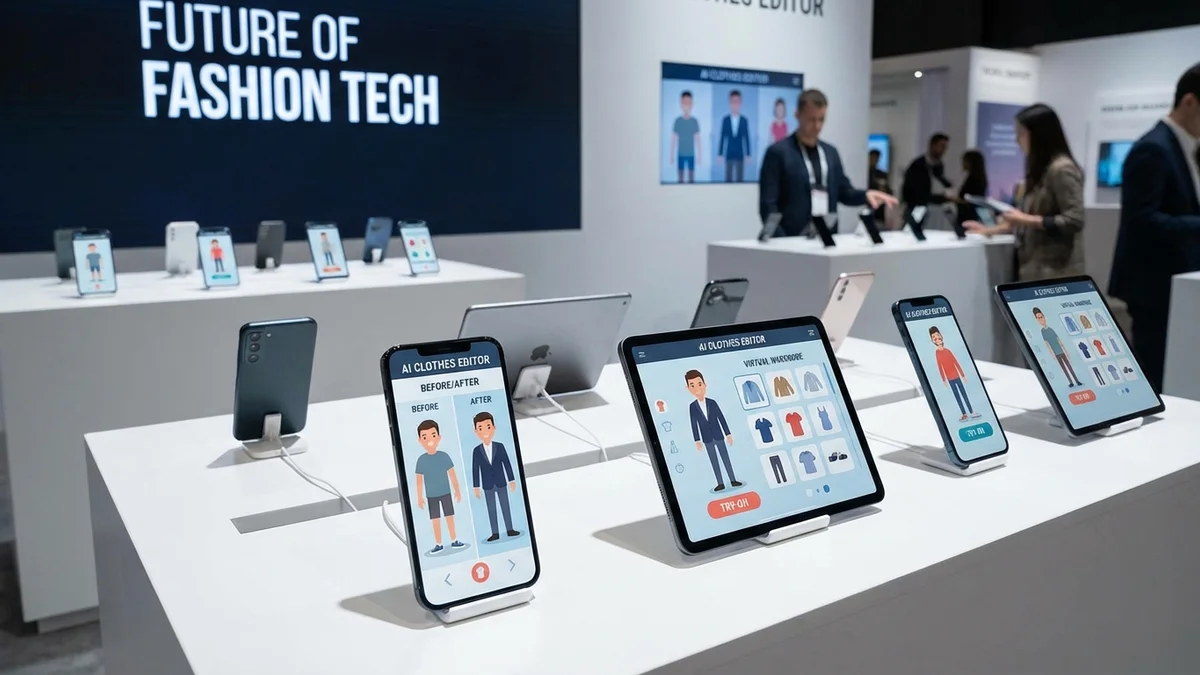
The market offers dozens of clothes editor apps and tools. Quality, pricing, and capabilities vary widely. Here is a detailed comparison of the best options available in 2026.
| Tool | Price | Platform | Key Feature | Best For | Rating |
|---|---|---|---|---|---|
| Facetune | Free / $8.99/mo | iOS, Android | AI outfit swap | Social media styling | 4.5/5 |
| Fotor | Free / $8.99/mo | Web, iOS, Android | AI clothing changer | Quick photo edits | 4.3/5 |
| Airbrush | Free / $7.99/mo | iOS, Android | One-tap outfit change | Portrait enhancement | 4.2/5 |
| MyEdit (CyberLink) | Free / $5.99/mo | Web | Text-prompt clothes swap | Advanced AI editing | 4.4/5 |
| Canva | Free / $12.99/mo | Web, iOS, Android | Background + outfit editing | Content creation | 4.6/5 |
| Pincel | Free / $15/mo | Web | AI dress-up tool | Fashion experimentation | 4.1/5 |
| LightX | Free / $4.99/mo | iOS, Android | Clothing replacement | Budget-friendly editing | 4.0/5 |
| CheckMyFit | Free trial | Web | Virtual try-on AI | Shopping & wardrobe planning | 4.7/5 |
| CapCut | Free / $7.99/mo | Web, iOS, Android | Video outfit changes | Video content | 4.5/5 |
| Vidnoz | Free / $14.99/mo | Web | AI outfit generator | E-commerce photography | 4.2/5 |
Top Picks by Category
Best free clothes editor: Fotor offers the most capable free tier with AI clothing changes, background removal, and basic retouching at no cost.
Best for social media: Facetune dominates with its polished AI outfit swap feature and direct sharing to Instagram, TikTok, and other platforms.
Best for e-commerce: Vidnoz and MyEdit provide the batch processing and consistent output quality that online stores need for clothing photo editing.
Best for virtual try-on: CheckMyFit specializes in realistic virtual try-on technology that shows exactly how clothes will look on your body before you buy.
Best for video: CapCut leads the market for video-based outfit changes, letting creators swap clothes across entire video clips.
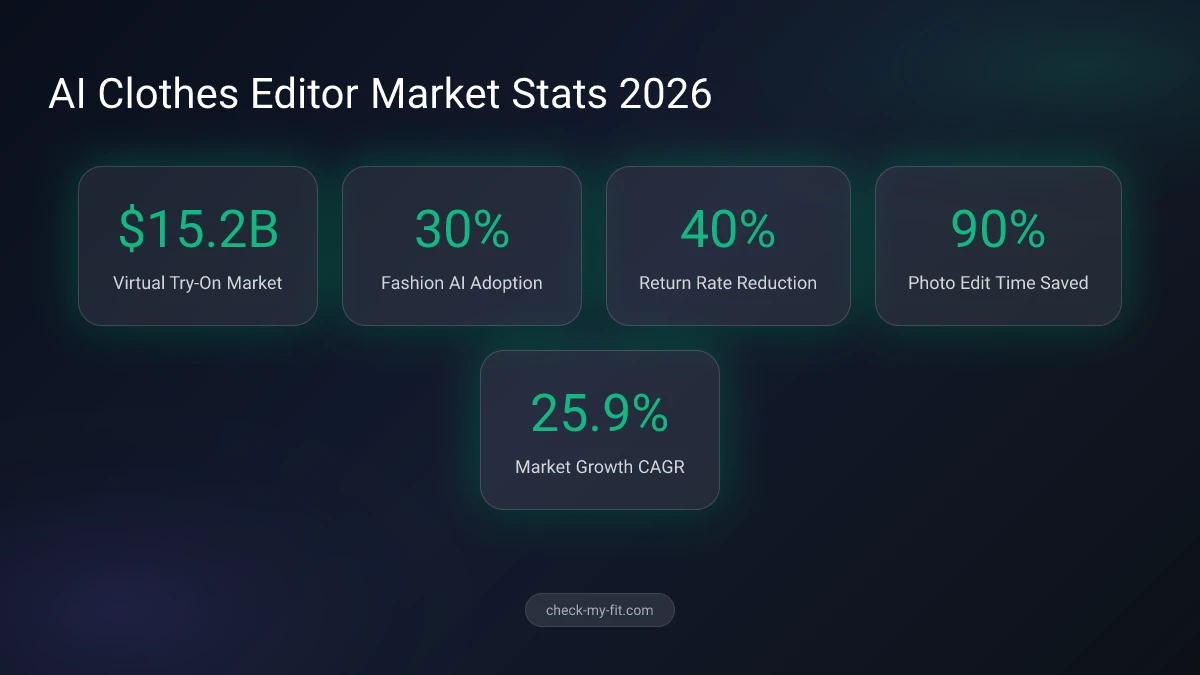
The virtual try-on market is projected to reach $14.4 billion by 2028, driven by consumer demand for better online shopping experiences.
Key Takeaway: No single clothes editor is best for everyone. Choose based on your primary use case: Facetune for social media, CheckMyFit for shopping decisions, and MyEdit for AI-powered text-prompt outfit changes.
How to Choose the Right Clothes Editor
Selecting the right clothes editor depends on what you plan to do with it. A social media influencer has different needs than an e-commerce store owner. Here is a breakdown by use case.
Use Case Comparison Table
| Use Case | Priority Features | Recommended Tools | Budget |
|---|---|---|---|
| Personal styling | Easy outfit swap, virtual try-on | CheckMyFit, Facetune | Free - $9/mo |
| Social media content | Quick edits, filters, sharing | Facetune, CapCut, Canva | Free - $13/mo |
| E-commerce product shots | Batch processing, consistency | MyEdit, Vidnoz, Fotor | $6 - $15/mo |
| Fashion experimentation | Text prompts, AI generation | MyEdit, Pincel, LightX | $5 - $15/mo |
| Wardrobe planning | Realistic try-on, outfit combos | CheckMyFit, Facetune | Free - $9/mo |
| Content creation | Multi-format, video support | CapCut, Canva | Free - $13/mo |
Questions to Ask Before Choosing
Before you commit to a tool, consider these factors:
- What platform do you need? Some tools are web-only while others offer mobile apps for editing on the go.
- Do you need video support? Only CapCut and a few others handle video-based clothes changes in photos.
- How realistic must results be? For shopping decisions, you need photorealistic output. For social media fun, stylized results may be fine.
- What is your volume? Processing 5 photos a month is different from editing 500 product images.
- Do you need text-prompt generation? Tools like MyEdit let you describe an outfit with a text prompt and generate it from scratch.
If you are exploring AI fashion tools more broadly, our guide to the best clothes apps in 2026 covers shopping, styling, and wardrobe management apps beyond just photo editing.
Key Takeaway: Match your clothes editor choice to your specific use case. Personal users benefit from free tiers, while e-commerce sellers should invest in tools with batch processing and consistent quality.
How to Edit Clothes in Photos Step by Step
Editing clothes in photos is straightforward with modern AI tools. Follow these steps to get the best results, regardless of which clothes editor you choose.
Step 1: Take or Select Your Photo
Start with a high-quality image. Good lighting and a clear view of the full body produce the best results.
Photo tips for best results:
- Use natural daylight or a ring light for even illumination
- Stand against a plain, uncluttered background
- Use a full-body shot with a simple standing pose
- Ensure the image is at least 1080px wide
Step 2: Upload to Your Chosen Tool
Open your preferred clothes editor (Facetune, Fotor, MyEdit, or another from our comparison). Upload your photo and let the AI analyze it.
Step 3: Select Your Editing Mode
Most tools offer multiple editing options:
- Outfit swap — Replace your current clothes with a new outfit
- Color change — Modify the color of existing garments
- Style transfer — Apply a different fabric or pattern
- Text-to-outfit — Describe the outfit you want using a text prompt
- Virtual try-on — See how a specific product looks on you
Step 4: Make Your Edits
Apply your desired changes. For AI-powered outfit swaps, the tool handles the heavy lifting automatically. For manual adjustments, use the built-in brush and masking tools.
Step 5: Refine the Results
Fine-tune the output with these adjustments:
- Lighting — Match shadows and highlights to the original photo
- Color balance — Ensure the new garment looks natural in context
- Edges — Clean up any visible seams between old and new elements
- Skin tone — Verify that exposed skin remains consistent
Step 6: Export and Share
Save your edited image in high resolution. Most tools support PNG and JPEG formats. For social media, tools like Facetune and CapCut let you share directly to Instagram, TikTok, or Facebook.
For more detailed techniques on putting clothes on photos, including advanced compositing methods, check our dedicated guide.
Key Takeaway: Follow a consistent workflow: good photo first, AI processing second, manual refinement third. The quality of your input photo has the biggest impact on your final result.
Virtual Try-On: The Next Level of Clothes Editing
While basic clothes editors let you change garments in photos, virtual try-on technology takes this concept further. Instead of modifying existing images, virtual try-on tools let you see how specific products from real brands will look on your actual body.
This matters for online shopping. A standard clothes editor can swap a blue shirt for a red one. A virtual try-on tool shows you exactly how that $89 jacket from Zara will drape on your shoulders, fit your torso, and look with your skin tone.
How Virtual Try-On Differs from Basic Editing
| Feature | Basic Clothes Editor | Virtual Try-On |
|---|---|---|
| Purpose | Creative photo editing | Shopping assistance |
| Input | Any clothing image | Specific product catalog |
| Accuracy | Stylistic approximation | Size and fit accurate |
| Body mapping | Basic overlay | Detailed 3D modeling |
| Use case | Social media, fun | Purchase decisions |
| Return reduction | Not applicable | Up to 40% fewer returns |
CheckMyFit: Virtual Try-On for Smarter Shopping
CheckMyFit bridges the gap between creative clothes editing and practical wardrobe planning. The platform uses advanced AI to show you how clothes will actually look and fit on your body, not just a generic overlay.
What makes CheckMyFit different:
- Realistic body mapping — The AI adapts clothes to your specific proportions
- True-to-life fabric rendering — See how materials drape, fold, and stretch
- Quick results — Get your virtual outfit preview in seconds
- No downloads required — Works directly in your browser
Whether you are shopping online, planning outfits for an event, or experimenting with a new style, CheckMyFit eliminates the guesswork. You see exactly what you will get before spending a dollar.
Shoppers who use virtual try-on tools are 2.5x more likely to complete a purchase and 30% less likely to return items.
Ready to try it? Visit CheckMyFit and see how any outfit looks on you before buying.
For a deeper dive into this technology, read our complete virtual try-on guide.
Essential Tools for Better Outfit Photos
Getting great results from any clothes editor starts with great input photos. These tools help you capture better outfit images at home, whether for personal use, social media, or e-commerce.
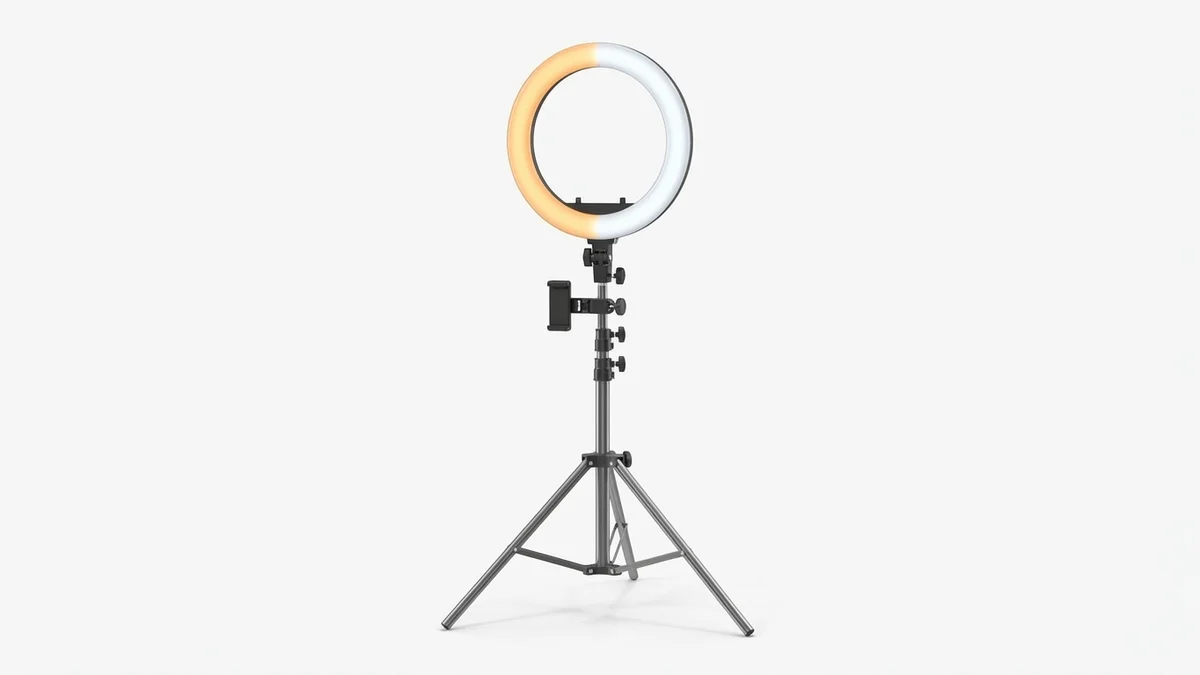
Even, shadow-free lighting is essential for clothes editing apps to detect garments accurately. This 18-inch ring light provides professional studio lighting at home for consistently clean outfit photos.
View on Amazon →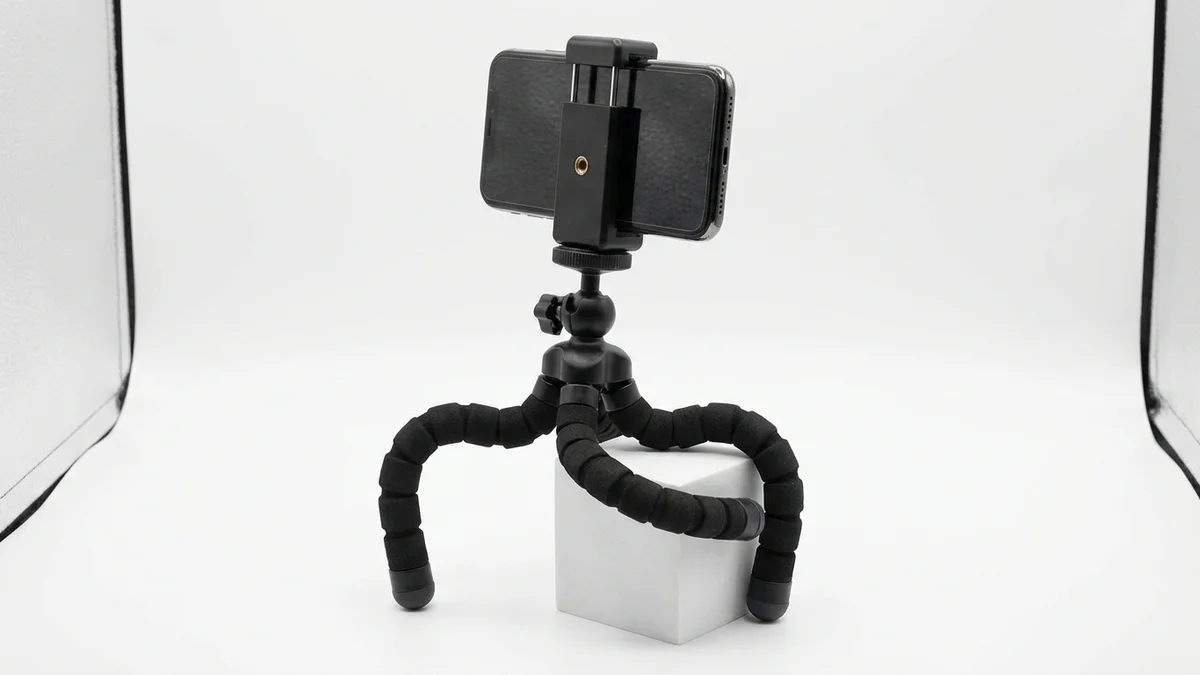
A stable, hands-free setup produces sharper full-body photos for AI clothes editors. This adjustable tripod works with any smartphone and includes a Bluetooth remote for easy captures.
View on Amazon →
A full-length mirror lets you preview and photograph complete outfits before running them through a clothes editor. This arched design adds a stylish backdrop to mirror selfies and outfit-of-the-day posts.
View on Amazon →Pro tip: Combine all three — set up the ring light behind your phone on the tripod, position the mirror for reference, and take consistent full-body shots. This setup gives AI clothes editors the cleanest source material for realistic outfit swaps.
If you also use body editing apps for photo enhancement, good lighting and stable camera positions improve those results too.
Frequently Asked Questions
What is the best free clothes editor?
Fotor is the best free clothes editor in 2026. It offers AI-powered clothing changes, background removal, and basic retouching without requiring a paid subscription. Canva's free tier is another strong option, especially for users who also need graphic design features. For virtual try-on specifically, CheckMyFit offers a free trial to test the technology.
Can AI change clothes in photos realistically?
Yes, modern AI can change clothes in photos with impressive realism. Tools like MyEdit and Facetune use generative AI models trained on millions of fashion images. Results look most realistic with well-lit, high-resolution input photos. Complex patterns and loose-fitting garments are harder to render, but the technology improves rapidly with each update.
How do I edit clothes in a photo without Photoshop?
Use an AI-powered clothes editor like Fotor, MyEdit, or LightX. Upload your photo, select the garment area, and choose your edit — whether that is a color change, pattern swap, or complete outfit swap. These tools handle the complex editing automatically. No Photoshop skills or subscription required. Most work directly in your browser.
Are AI clothes editor apps safe to use?
Reputable AI clothes editor apps like Facetune, Canva, and CheckMyFit follow standard data privacy practices. Your uploaded photos are processed on secure servers and typically deleted after a set period. Always read the privacy policy before using any tool. Avoid apps that require unnecessary permissions or lack clear data handling policies. Stick to well-reviewed, established platforms.
What is the difference between a clothes editor and virtual try-on?
A clothes editor modifies existing garment images in photos — changing colors, patterns, or swapping outfits creatively. A virtual try-on tool shows you how specific real products will look on your body for shopping purposes. Clothes editors are for creative editing. Virtual try-on tools are for making purchase decisions with confidence. Some tools, like CheckMyFit, combine both capabilities.
Can I use a clothes editor for e-commerce product photos?
Absolutely. AI clothes editors like Vidnoz and MyEdit are widely used for e-commerce photography. They can swap backgrounds, generate model shots from flat-lay images, and create consistent product visuals at scale. Many online stores use these tools to produce hundreds of product images daily without expensive photo shoots. Check our clothing photo editing guide for detailed techniques.
How accurate are AI clothes changers?
AI clothes changers achieve roughly 85-95% visual accuracy on standard outfit swaps. Results depend on input photo quality, lighting, pose complexity, and the type of garment. Fitted items like t-shirts and blazers render most accurately. Flowing fabrics like silk scarves or layered outfits are more challenging. Leading tools like those from AI clothes changer platforms improve accuracy with each model update.
Do clothes editors work on videos too?
Some do. CapCut is the leading option for video-based clothes editing, letting you swap outfits frame by frame across entire clips. Vidnoz also supports basic video outfit changes. Most traditional clothes editors are photo-only. Video clothes editing requires significantly more processing power. Expect this capability to expand across more platforms throughout 2026 as AI video processing becomes faster.
Conclusion
The clothes editor landscape in 2026 offers tools for every need and budget. From free apps like Fotor for quick social media edits to specialized platforms like CheckMyFit for realistic virtual try-on, there is a solution for everyone.
The key to getting great results is choosing the right tool for your use case. Social media creators benefit from Facetune and CapCut. E-commerce sellers should invest in MyEdit or Vidnoz for batch processing. And anyone shopping online should try virtual try-on technology to see how clothes actually look on their body before buying.
AI-powered clothing replacement and fashion experimentation will only get more accessible. The tools are already here. Start using them today to save time, reduce returns, and build a digital wardrobe you love.
Ready to see how any outfit looks on you? Try CheckMyFit for free and experience the future of clothes editing.