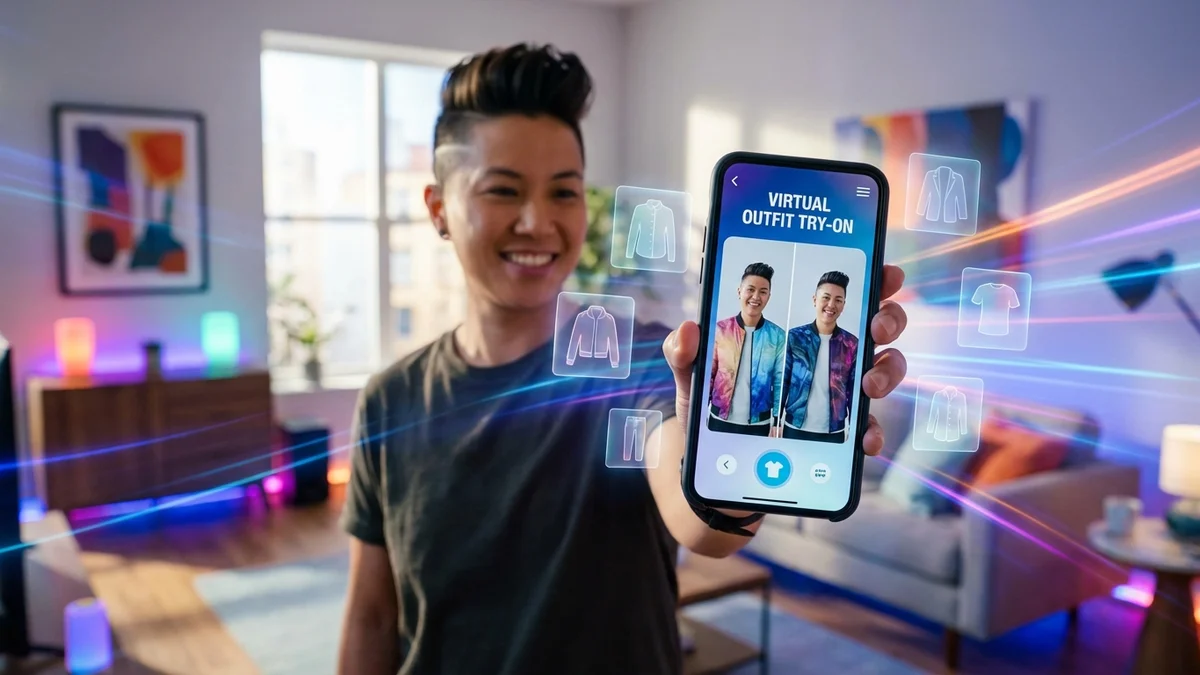
Want to change clothes in your photos without actually changing? AI technology makes it possible in seconds.
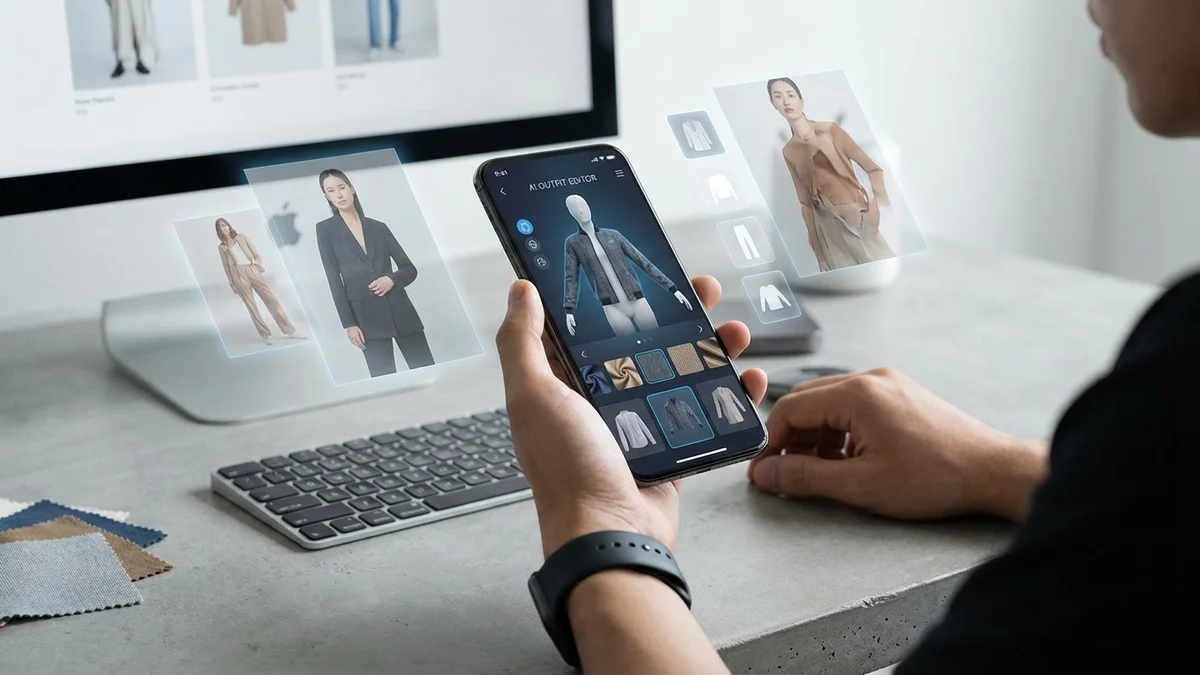
Whether you're previewing an outfit before buying, creating social media content, or experimenting with new styles, AI clothes changers transform how we interact with fashion. Upload a photo, describe your desired outfit, and watch AI render realistic results.
This guide shows you exactly how to change clothes in photos using the best free tools available in 2026.
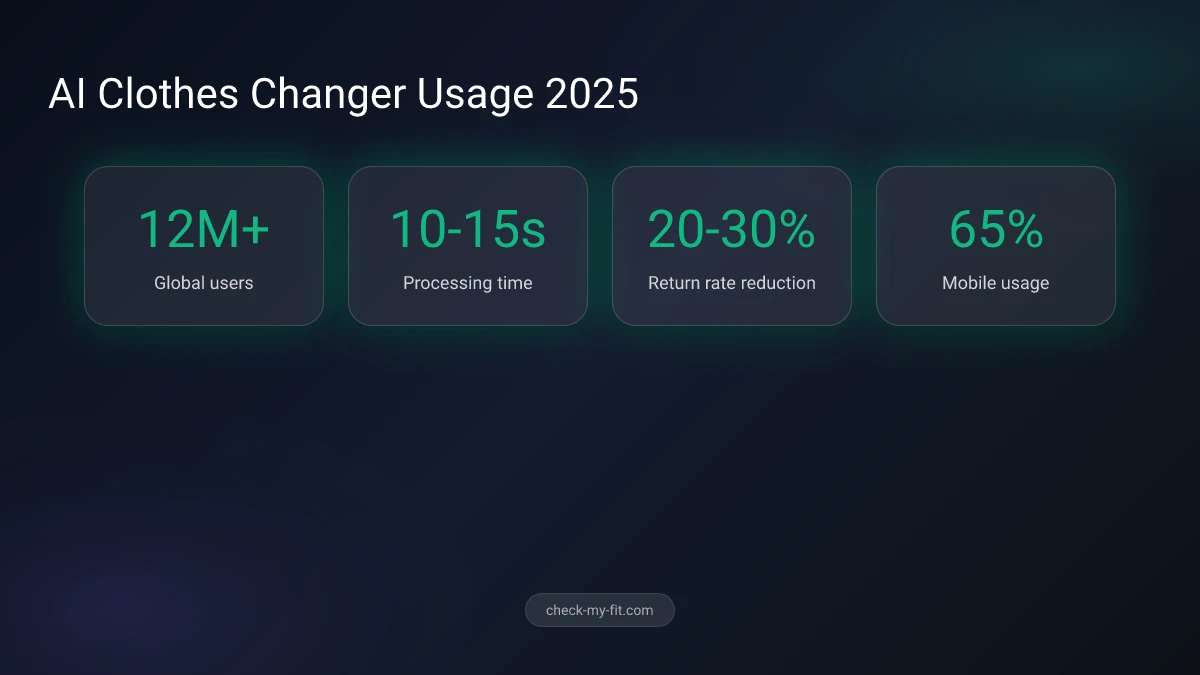
12 million users worldwide now use AI clothes changers to preview outfits before purchasing.
What Is an AI Clothes Changer?
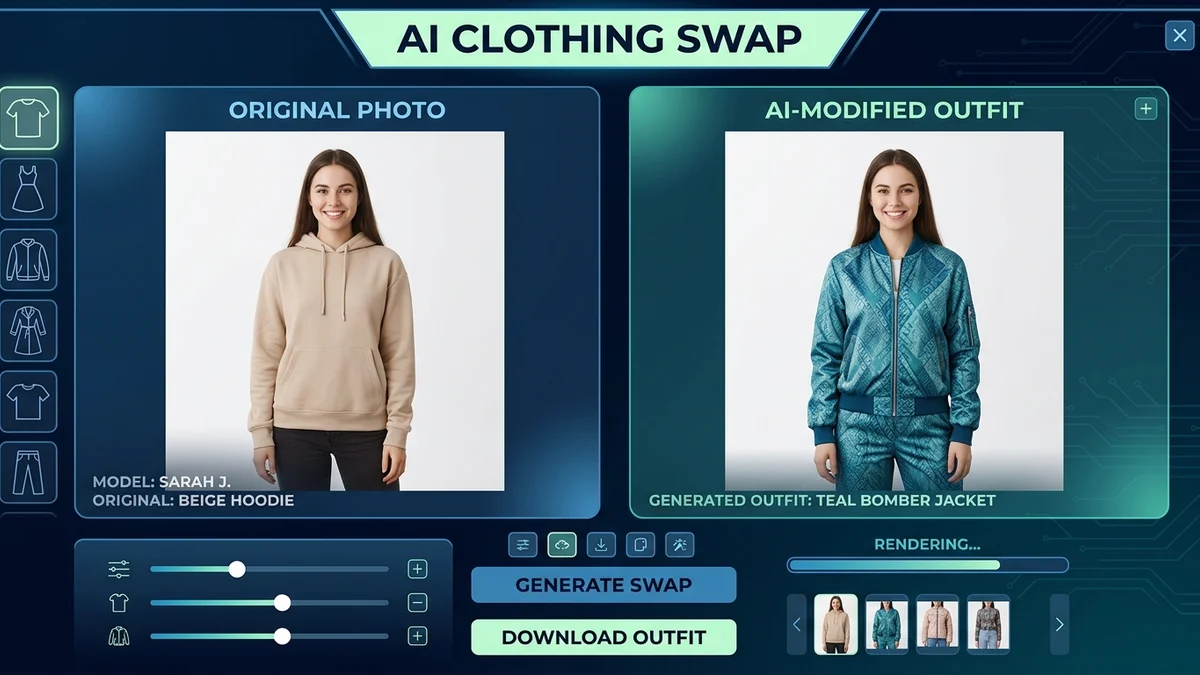
An AI clothes changer is a digital tool that uses artificial intelligence to replace clothing in photographs. The technology analyzes your body shape, removes existing garments, and renders new outfits that match your pose, proportions, and the photo's lighting naturally.
Unlike basic photo editing that pastes clothing over images, modern AI clothes changers understand fabric textures, body contours, and shadows. The result looks like you actually wore the outfit—not a digital cutout.
Key Takeaway: AI clothes changers let you virtually try unlimited outfits from a single photo, saving time and reducing shopping mistakes.

How AI Clothes Changing Technology Works
| Step | What Happens | Technology Used |
|---|---|---|
| 1. Upload | Photo analyzed for body detection | Computer Vision |
| 2. Segment | Existing clothes identified and isolated | Image Segmentation |
| 3. Map | Body shape and pose mapped | Pose Estimation |
| 4. Render | New outfit generated to fit | Generative AI/GANs |
| 5. Blend | Final image with natural lighting | Diffusion Models |
How to Change Clothes in Photos (Step-by-Step)
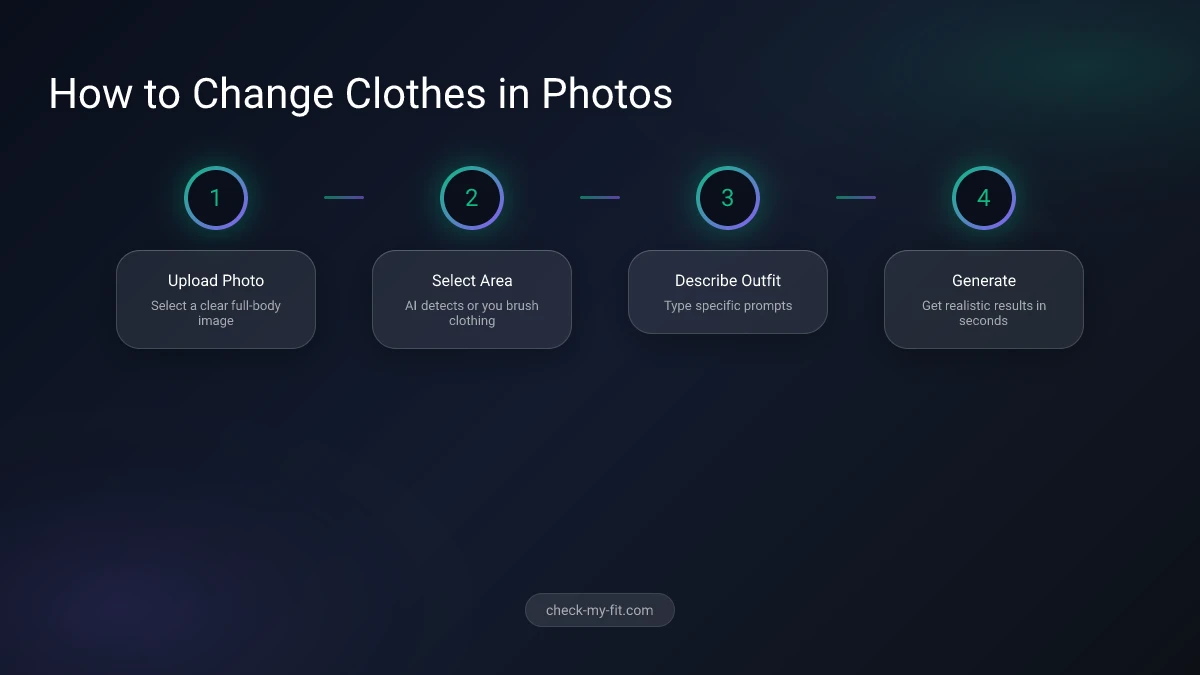
Changing clothes in photos using AI is surprisingly simple. Most tools follow the same basic process, completed in under a minute.
Step 1: Upload Your Photo Select a clear, well-lit photo where you're standing alone. Full-body shots work best. Avoid busy backgrounds or multiple people in frame.
Step 2: Select the Clothing Area Most tools automatically detect your clothing. Some let you brush over specific areas to change only certain garments (like just the top or bottom).
Step 3: Describe Your New Outfit Type a prompt describing what you want to wear. Be specific: "navy blue business blazer" works better than just "jacket."
Step 4: Generate and Download Click generate and wait 10-15 seconds. If you don't like the result, regenerate or refine your prompt.
What Is the Best App to Change Clothes in Photos?
The best app to change clothes in photos combines accurate body mapping, realistic fabric rendering, and an intuitive interface. CheckMyFit stands out for its focus on realistic virtual try-on results.
Unlike basic photo editors, CheckMyFit captures the distinctive features of each fabric—from silk's subtle sheen to wool's thick texture. The AI understands how different materials drape and fold on your specific body shape.
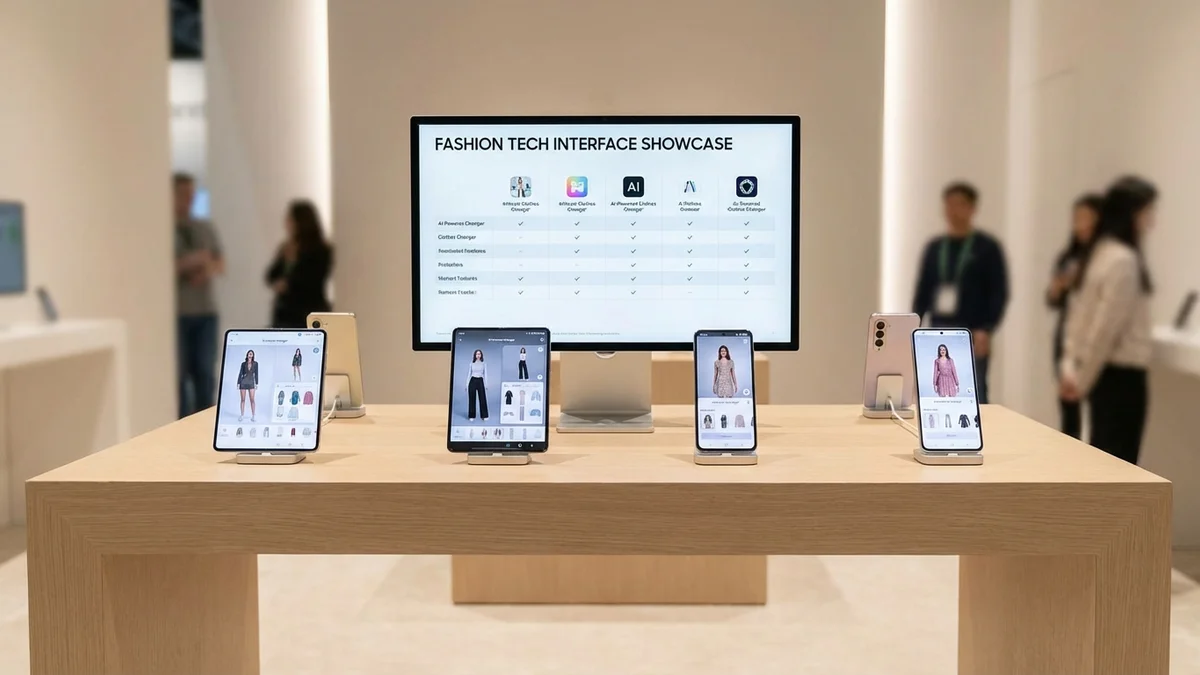
Top AI Clothes Changer Apps Comparison
| App | Best For | Price | Quality | Speed |
|---|---|---|---|---|
| CheckMyFit | Realistic try-on | Free trial | ★★★★★ | 10-15s |
| Fotor | Quick edits | Freemium | ★★★★☆ | 5-10s |
| AirBrush | Selfie-focused | Freemium | ★★★★☆ | 8-12s |
| NoteGPT | Text prompts | Free | ★★★★☆ | 10-15s |
| Vidnoz | Simple swaps | Free | ★★★☆☆ | 15-20s |
| YouCam | Preset styles | Freemium | ★★★☆☆ | 10-15s |
Tips for Best Results When Changing Clothes
Getting realistic results from AI clothes changers requires good input. Follow these tips for professional-looking outfit changes:
Photo Quality Matters
- Use well-lit photos (natural light works best)
- Stand against a plain, uncluttered background
- Capture your full body in frame
- Face the camera directly with a neutral pose
Write Effective Prompts
- Be specific: "woman wearing oversized cream knit sweater" beats "sweater"
- Include style details: color, fabric, fit (loose, fitted, cropped)
- Avoid generic terms like "add" or "place"
- Describe the complete look you want
Common Mistakes to Avoid
- Blurry or dark original photos
- Complex poses or movement
- Multiple people in frame
- Logos or text on clothing (harder for AI to replace)
Pro Tip: If results look unnatural, try a different photo angle or simplify your prompt. Sometimes less detail gives the AI more creative freedom.
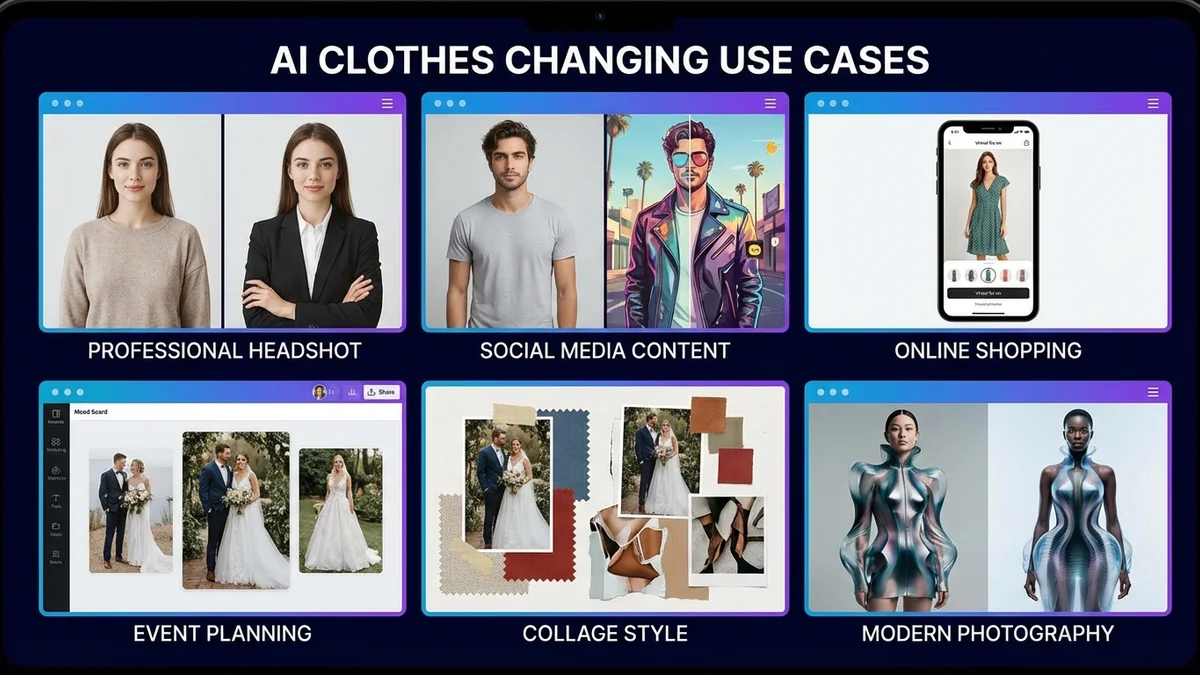
Popular Uses for AI Clothes Changing
AI clothes changers serve practical purposes beyond fun photo editing:
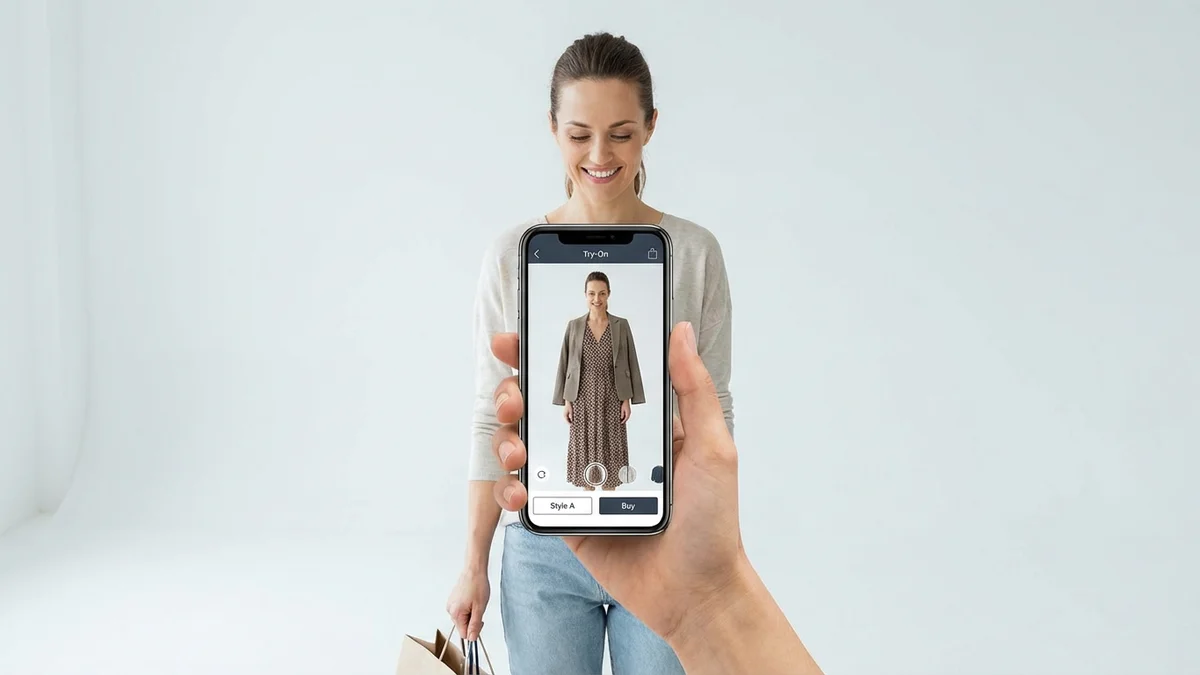
Online Shopping Preview how clothes look on your body before purchasing. Tools like CheckMyFit help reduce returns by showing realistic fit.
Professional Headshots Transform a casual photo into business attire for LinkedIn or job applications without scheduling a photoshoot.
Fashion Experimentation Try bold colors, new silhouettes, or trendy styles without commitment. Discover what works for your body type risk-free.
Social Media Content Create diverse outfit posts from a single photoshoot. Influencers use AI clothes changers to showcase multiple looks efficiently.
Event Planning Preview wedding guest outfits, Halloween costumes, or formal wear before purchasing or renting.
Recommended Products for Virtual Try-On
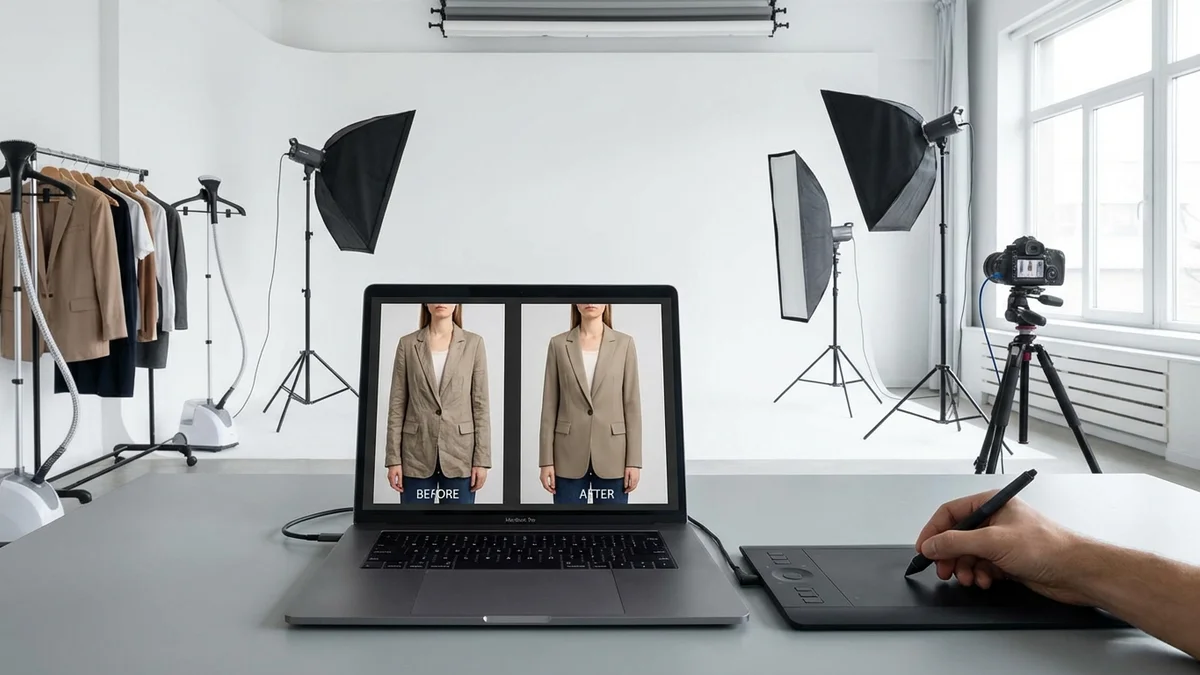
Get the best results from AI clothes changers with proper lighting and photo setup:
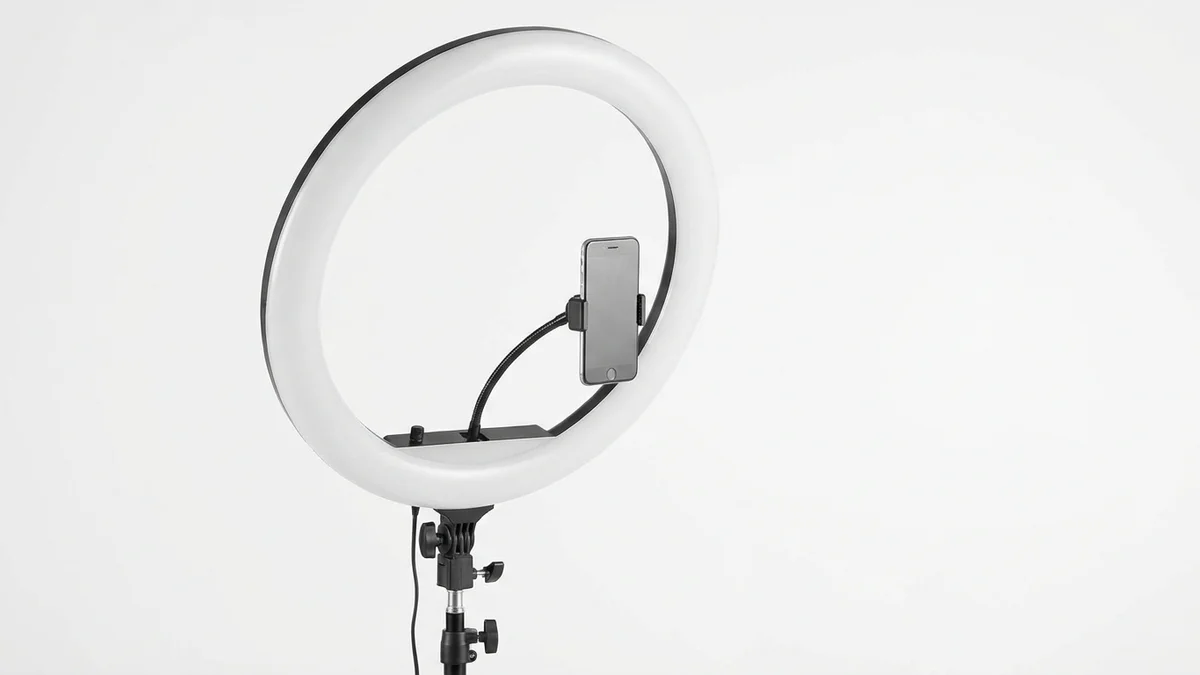
Professional lighting for clear, accurate photos. Even lighting helps AI tools produce more realistic clothing changes.
View on Amazon →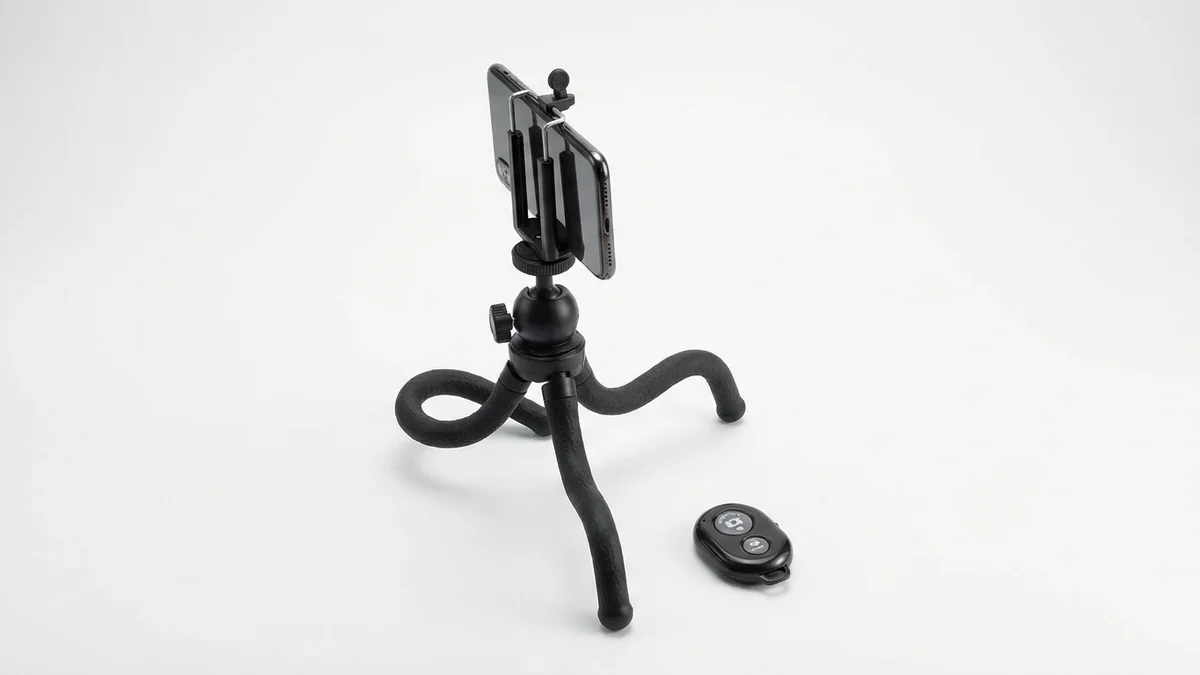
Capture steady, full-body photos hands-free. The Bluetooth remote lets you shoot from any distance.
View on Amazon →
Check your pose and framing before shooting. Compare AI-generated outfits with real clothing for accuracy.
View on Amazon →Frequently Asked Questions
Is there a free AI clothes changer?
Yes, several free AI clothes changers exist online. CheckMyFit offers free trials, while tools like NoteGPT, Vidnoz, and Clipfly provide free versions with basic features. Premium features like high-resolution downloads or unlimited generations typically require paid subscriptions.
How does AI clothes changer work?
AI clothes changers use computer vision to detect your body and existing clothing, then employ generative AI models to render new outfits. The technology analyzes body shape, pose, and lighting to create realistic results where clothing appears naturally worn rather than digitally pasted.
Can I change clothes in photos on mobile?
Yes, most AI clothes changers work on mobile browsers without downloading apps. Simply open the tool in Chrome, Safari, or Firefox, upload photos from your gallery, and download edited images directly to your device. The interfaces automatically adjust to phone screens.
What photos work best for AI clothes changing?
The best photos for AI clothes changing feature clear, well-lit subjects standing alone against plain backgrounds. Full-body shots work better than cropped images. Face the camera directly with a neutral pose for most accurate results.
How long does it take to change clothes in photos?
Most AI clothes changers process images in 10-15 seconds. More complex outfit changes or high-resolution outputs may take slightly longer. The speed depends on the tool's server capacity and the complexity of your request.
Are AI clothes changers safe to use?
Reputable AI clothes changers encrypt uploaded files and delete images after processing. Tools like CheckMyFit comply with global data protection standards. Always check privacy policies and avoid tools that retain your photos indefinitely.
What prompts work best for AI clothes changer?
Effective prompts are specific and descriptive. Instead of "dress," write "woman wearing elegant floor-length emerald green satin dress." Include details about color, fabric, fit, and style. Avoid action words like "add" or "place"—describe the outfit directly.
Can AI change clothes on any body type?
Modern AI clothes changers work on all body types. Advanced tools like CheckMyFit adjust garment rendering based on your specific proportions, showing realistic fit regardless of size. This makes virtual try-on valuable for online shopping across all sizes.
Start Changing Clothes in Photos Today
AI clothes changers have transformed how we experiment with fashion. No more guessing if an outfit will look good—see it on yourself first.
Ready to try it? Visit CheckMyFit to change clothes in your photos with realistic AI rendering. Upload a photo, describe your dream outfit, and see the results in seconds.
Your perfect look is one click away.