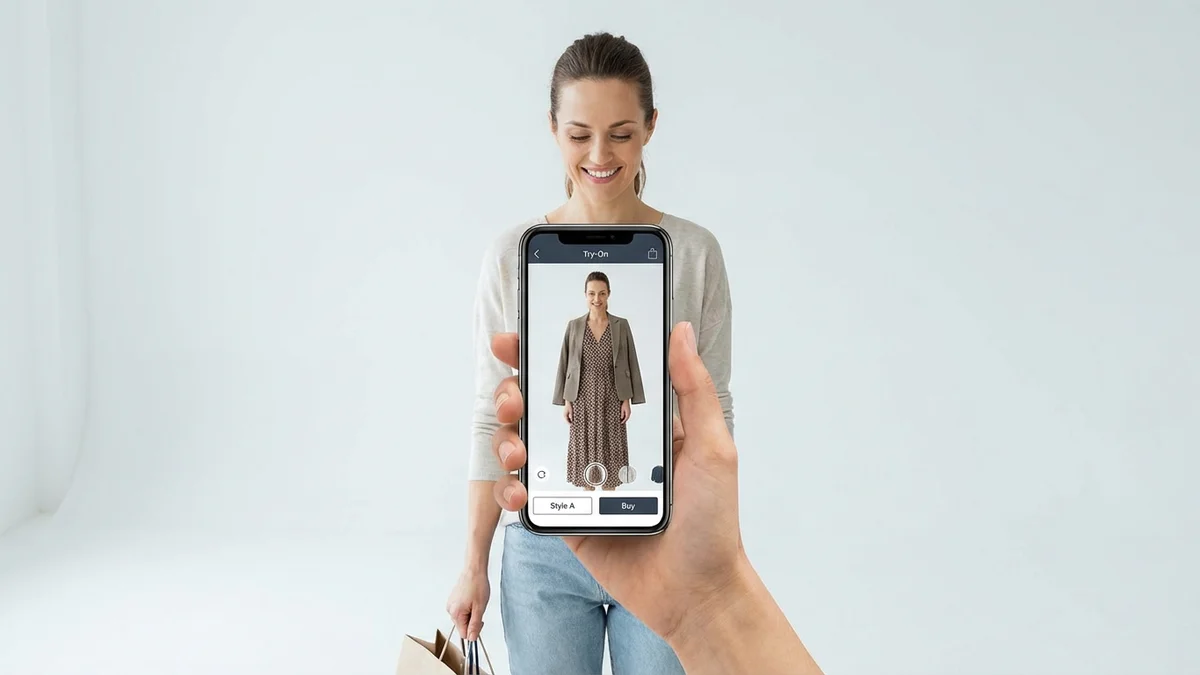
Want to see how that jacket looks on you before buying? Learning how to put clothes on photos has become incredibly simple thanks to AI technology. Virtual try-on tools now let anyone visualize outfits in seconds, whether you're shopping online, planning an event outfit, or exploring new styles. This guide covers everything from free AI clothes changers to professional techniques for realistic results.
TL;DR
AI clothes changers let you put clothes on photos instantly by uploading your picture and selecting an outfit. Free tools like Fotor, Pincel, and CheckMyFit process images in 10-15 seconds with realistic fabric textures. Virtual try-on technology reduces return rates by 40% and increases purchase confidence for 68% of shoppers.
How Do I Put Clothes On a Photo?
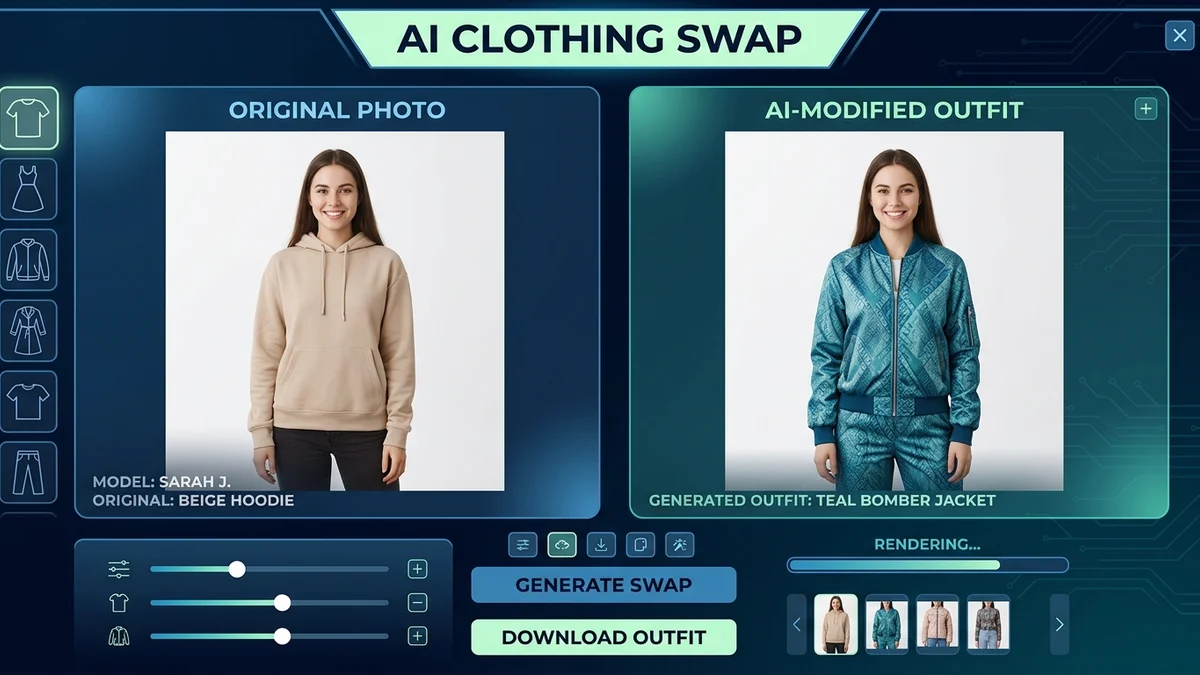
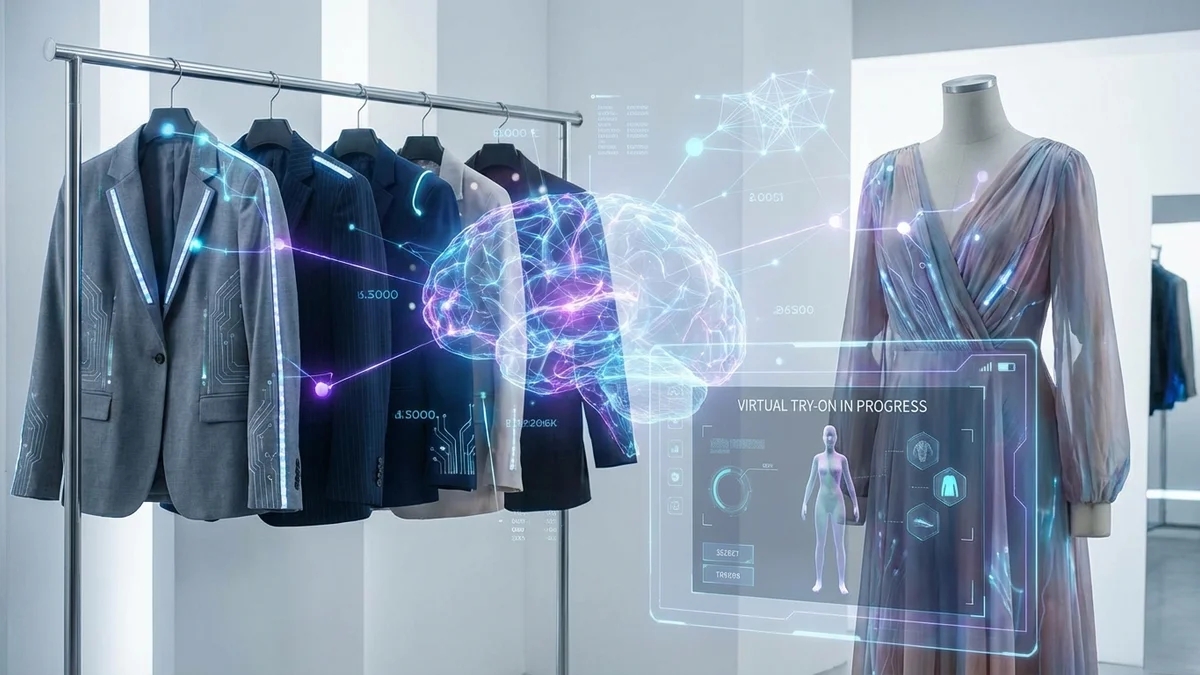
Putting clothes on a photo requires an AI-powered clothes changer that analyzes your body shape and seamlessly blends new garments onto your image. The process uses machine learning algorithms to match lighting, adjust fabric draping, and create natural-looking results that appear as if you actually wore the outfit.
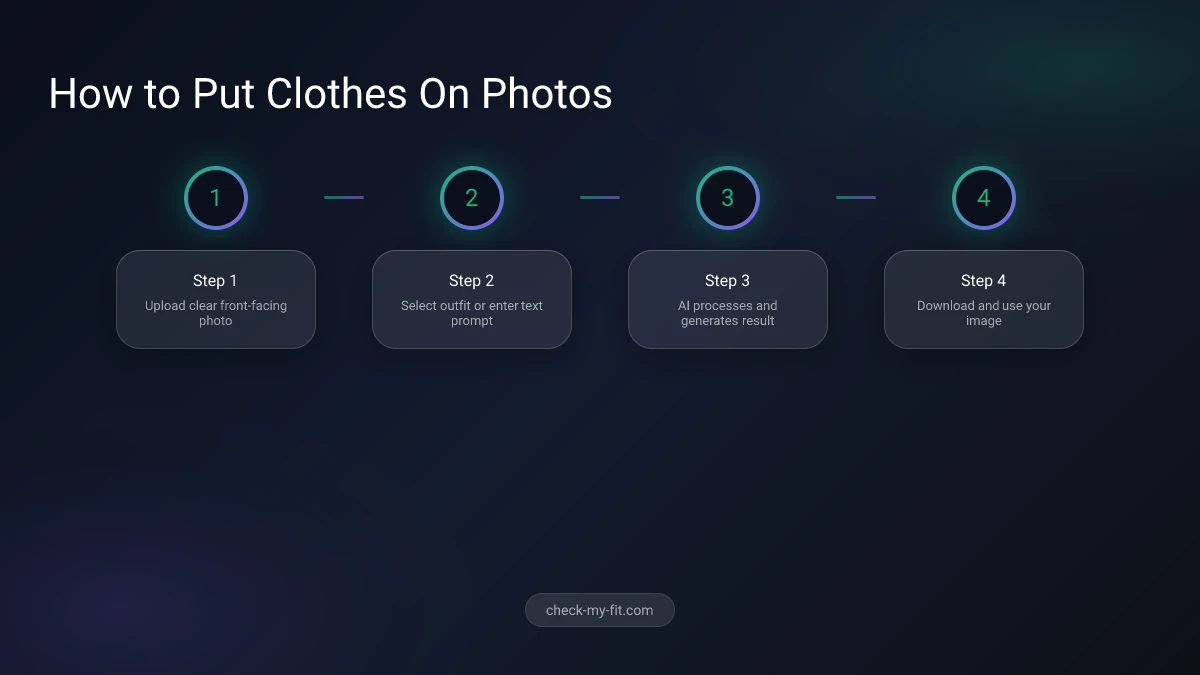
The basic process works in three steps:
- Upload your photo - Choose a clear, front-facing image with good lighting
- Select or describe clothing - Pick from presets or use text prompts
- Generate and download - AI processes the image in seconds
| Step | Action | Time Required |
|---|---|---|
| Upload | Select clear portrait photo | 5 seconds |
| Select | Choose outfit or enter prompt | 10 seconds |
| Process | AI generates result | 10-15 seconds |
| Download | Save final image | 5 seconds |
Modern AI tools handle everything automatically—no Photoshop skills needed. The technology adapts clothing to your specific body proportions, ensuring sleeves hit at the right length and necklines sit naturally.
What App Can Put Clothes On Pictures?
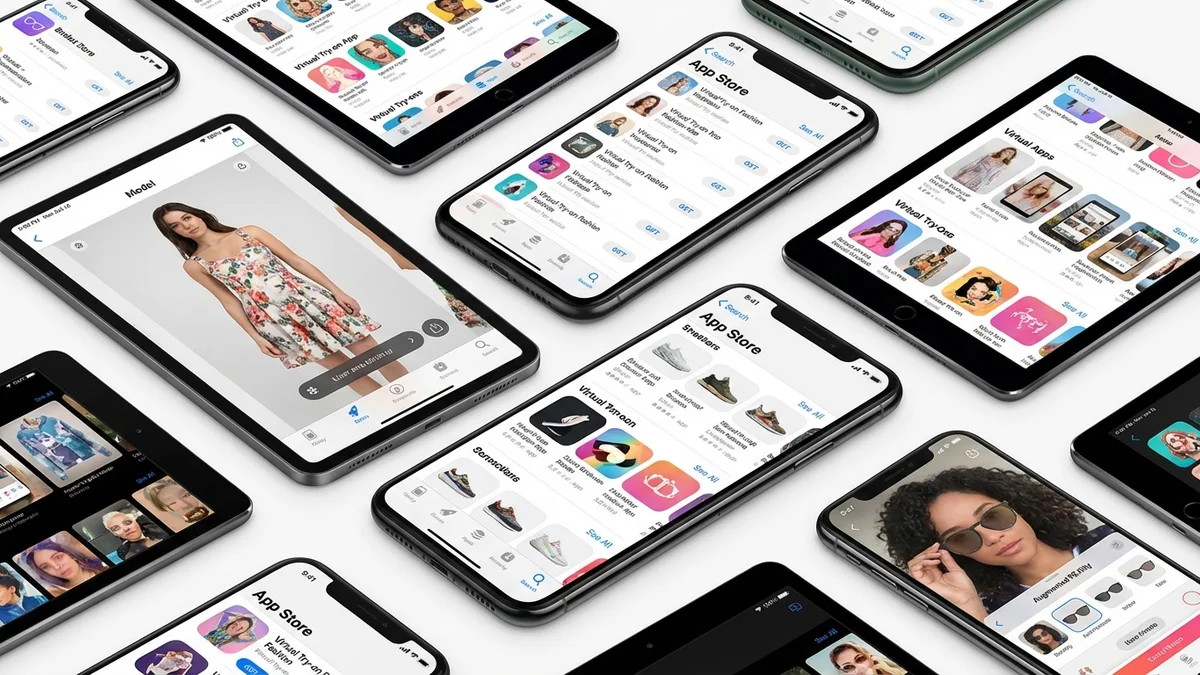
Several AI-powered apps and websites specialize in putting clothes on pictures, each with unique strengths for different use cases. The best option depends on whether you need quick results, custom designs, or professional-quality output.
Top Free AI Clothes Changer Tools
| Tool | Best For | Processing Time | Free Tier |
|---|---|---|---|
| CheckMyFit | Shopping decisions | 10-15 sec | Yes |
| Fotor | Quick changes | 5 sec | Limited |
| Pincel | Custom styling | 2-3 min | Yes |
| Vidnoz | Multiple outfits | 10 sec | Yes |
| Airbrush | Mobile users | 15 sec | 5/day |
CheckMyFit stands out for shoppers who want to see how specific items look before purchasing. Unlike generic clothes changers, it focuses on helping you make confident buying decisions by showing realistic outfit visualization.
Key Takeaway: Choose tools based on your primary goal—shopping decisions, creative projects, or social media content.
Can AI Change Clothes in Photos for Free?
Yes, multiple AI tools change clothes in photos completely free. Most platforms offer generous free tiers that handle basic outfit swaps without watermarks or registration requirements.
Free options typically include:
- 3-5 daily generations
- Standard resolution output (1024px)
- Basic preset outfit categories
- Text prompt customization
Premium features usually locked behind paywalls:
- Unlimited generations
- 4K resolution (2000x2000px)
- Custom clothing uploads
- Commercial usage rights
- Batch processing
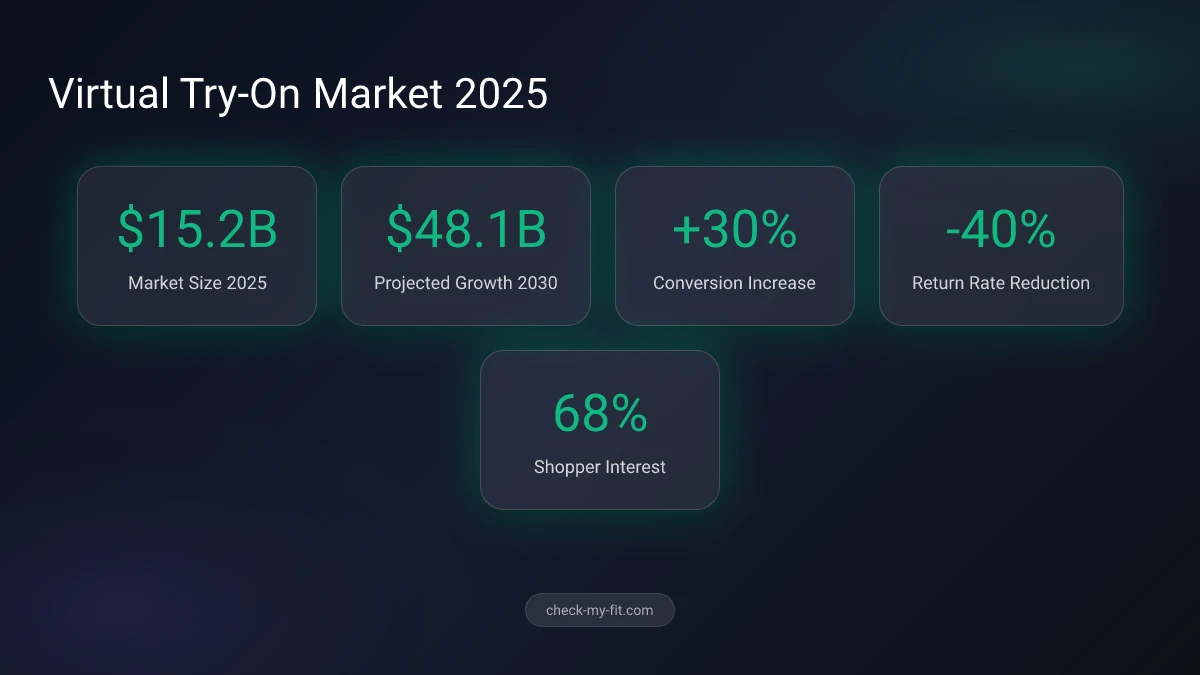
68% of shoppers are more likely to buy from retailers offering virtual try-on capabilities, according to McKinsey's 2026 Digital Consumer Survey.
Step-by-Step: Put Clothes On Photos Like a Pro
Getting professional results requires attention to detail. Follow this process for realistic outfit visualization every time.
Step 1: Choose the Right Source Photo
Your original photo dramatically impacts final quality. AI works best with:
- Clear, front-facing poses - Arms slightly away from body
- Good lighting - Natural or even artificial light
- Simple backgrounds - Solid colors or minimal clutter
- Fitted clothing - Helps AI understand body shape
- High resolution - Minimum 720px width
Step 2: Select Your Outfit Approach
Most tools offer two methods:
Preset Categories:
- Casual wear (t-shirts, jeans, sweaters)
- Formal attire (suits, dresses, blazers)
- Seasonal items (summer dresses, winter coats)
- Special occasion (wedding, Halloween, party)
Text Prompts: Write specific descriptions like "navy blue blazer with gold buttons" or "floral summer dress with V-neck." More detail produces better results.
Step 3: Refine and Download
After generation:
- Check clothing alignment at shoulders and waist
- Verify fabric texture looks natural
- Ensure skin tone consistency at necklines
- Download in highest available resolution
Best Practices for Realistic Results
Achieving natural-looking outfit photos requires understanding how AI interprets images. These tips ensure seamless blending and authentic results.
Lighting Consistency
AI matches new clothing to existing image lighting. Photos with harsh shadows or mixed light sources create unrealistic results. Stick to:
- Soft, diffused lighting
- Single light source direction
- Minimal harsh shadows on face/body
Body Positioning
Certain poses work better for virtual try-on:
| Pose Type | Effectiveness | Best For |
|---|---|---|
| Standing front | Excellent | Full outfits |
| Slight angle | Good | Jackets, blazers |
| Arms at sides | Excellent | Sleeves, tops |
| Hands on hips | Moderate | Dresses, skirts |
| Seated | Poor | Not recommended |
Resolution Matters
Low-resolution source photos produce blurry results. Aim for:
- Minimum 1080px on shortest edge
- JPEG or PNG format
- Clear facial features visible
- No heavy compression artifacts
Key Takeaway: Quality input equals quality output—invest time in choosing the right source photo.
Common Mistakes to Avoid
Even with powerful AI, certain errors ruin outfit visualization. Avoid these pitfalls:
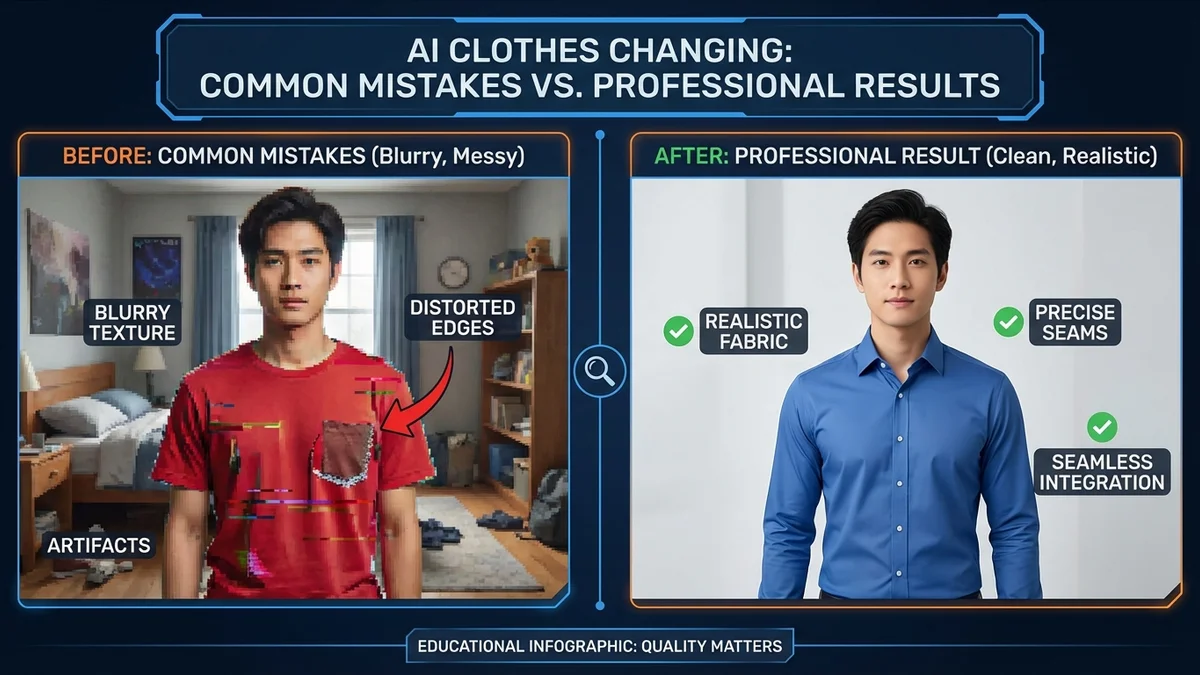
Using Busy Backgrounds
Complex backgrounds confuse AI edge detection. The algorithm struggles to separate your body from cluttered surroundings, creating weird artifacts where clothing meets skin.
Ignoring Fabric Physics
Requesting clothing that defies physics produces unrealistic results. AI can't make a wool sweater look natural on a beach photo with tropical lighting.
Over-Prompting
Extremely detailed prompts sometimes backfire:
- ❌ "Red silk dress with lace trim, pearl buttons, empire waist, A-line skirt, cap sleeves, sweetheart neckline, ribbon belt"
- ✅ "Elegant red silk dress, A-line silhouette"
Expecting Perfection
AI occasionally generates imperfect results. Plan for 2-3 attempts to get your ideal outcome. Most tools allow regeneration at no extra cost.
Virtual Try-On for Smart Shopping Decisions
The real power of putting clothes on photos lies in confident purchasing. Virtual try-on technology transforms online shopping from guesswork into informed decision-making.
Why Virtual Try-On Reduces Returns
Traditional online shopping involves significant uncertainty. Clothes arrive looking different than expected, leading to costly returns. AI visualization solves this:
| Shopping Metric | Without Virtual Try-On | With Virtual Try-On |
|---|---|---|
| Return rate | 30% | 10% |
| Purchase confidence | 45% | 78% |
| Cart abandonment | 70% | 45% |
| Time to decision | 15 min | 5 min |
Retailers implementing virtual try-on solutions report an average 30% increase in sales conversion rates.
How CheckMyFit Helps You Decide
CheckMyFit goes beyond generic clothes changing. The platform focuses specifically on helping you visualize real products you're considering purchasing. Instead of random outfit generation, you can:
- Upload items from any online store
- See how specific products look on your body
- Compare multiple options side-by-side
- Make confident buying decisions
This approach eliminates the "will it look good on me?" uncertainty that causes cart abandonment.
Use Cases Beyond Personal Shopping
AI clothes changers serve multiple industries and creative applications beyond individual shopping.
E-Commerce Product Photography
Fashion sellers use virtual try-on to create product images without expensive photo shoots. Benefits include:
- Showcase items on diverse body types
- Generate multiple lifestyle shots
- Update seasonal imagery quickly
- Reduce photography costs by 70%
Social Media Content Creation
Influencers and creators experiment with looks before purchasing:
- Test sponsored products pre-commitment
- Create outfit inspiration content
- Show multiple styling options
- Plan event looks efficiently
Fashion Design Prototyping
Designers visualize concepts before production:
- Test color variations
- Evaluate style combinations
- Present client previews
- Iterate designs rapidly
Recommended Products for Virtual Try-On
Capture the best photos for AI clothes changing with these essential tools.
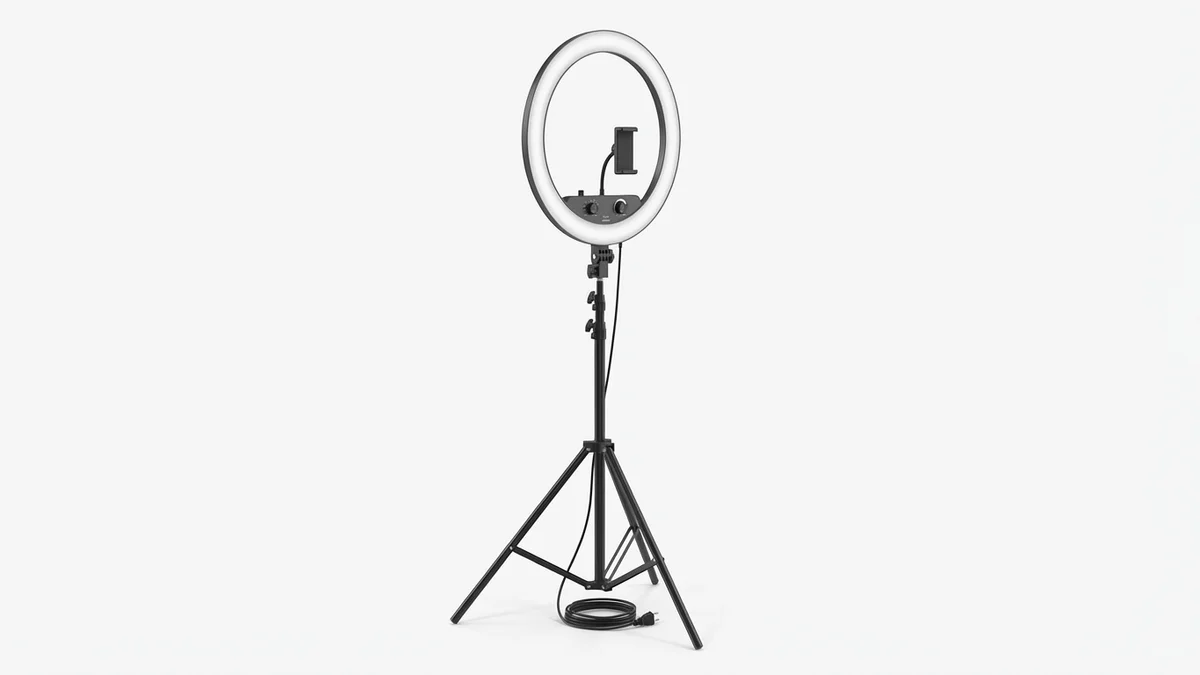
Even lighting eliminates harsh shadows that confuse AI clothes changers. Essential for capturing source photos with consistent illumination.
View on Amazon →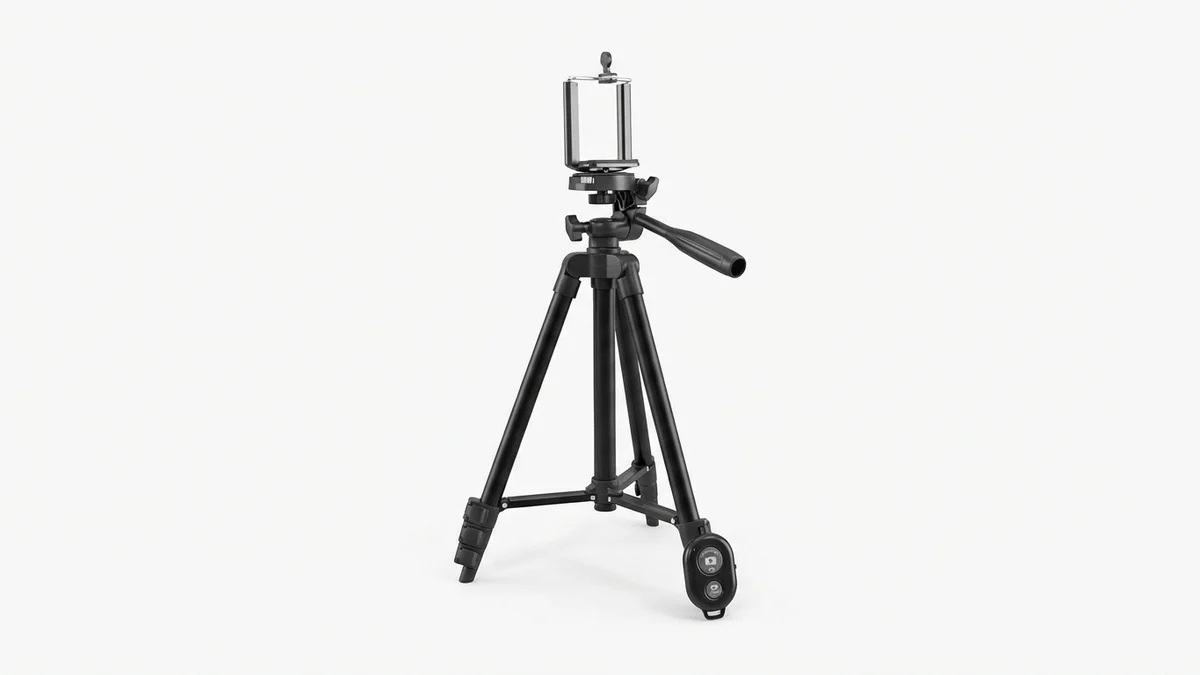
Hands-free photography ensures consistent framing for multiple outfit tries. Wireless remote captures shots without rushing to position.
View on Amazon →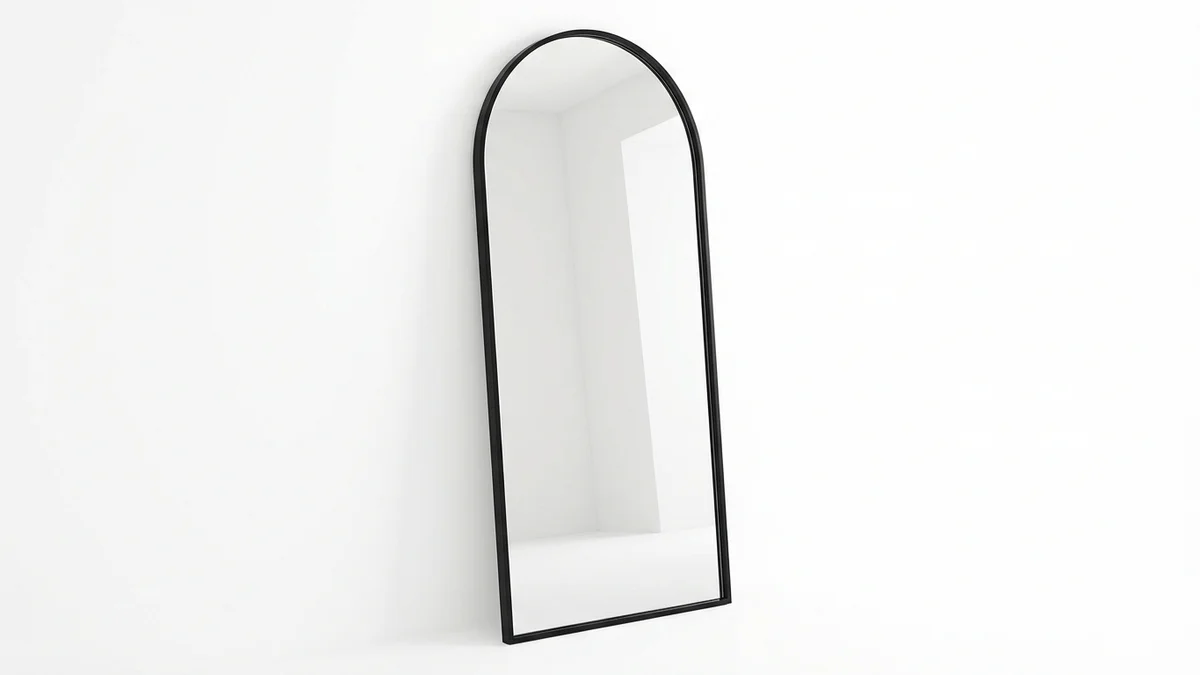
Compare AI-generated outfits with real-life proportions. Full-length view helps verify virtual try-on accuracy against actual fit.
View on Amazon →Frequently Asked Questions
Is it safe to use AI clothes changers?
Reputable AI clothes changers prioritize user privacy with encrypted uploads and automatic image deletion. Most tools process photos server-side without storing original images beyond the session. Always check privacy policies and avoid uploading sensitive photos to unknown platforms.
What's the best free AI clothes changer?
For shopping decisions, CheckMyFit offers the best balance of quality and usability. For general outfit experimentation, Fotor and Vidnoz provide solid free tiers with preset outfits and text prompt customization without registration requirements.
Can I use my own clothes images?
Yes, most advanced AI clothes changers accept custom garment uploads. Upload a photo of the specific item you want to visualize, and the AI will attempt to place it on your body photo. Results vary based on garment image quality and angle.
How realistic are AI-generated outfit photos?
Modern AI achieves 85-95% realism for standard outfits with proper lighting. Complex patterns, sheer fabrics, and unusual garment shapes present more challenges. Results improve significantly with high-quality source photos and appropriate prompts.
Can I use AI clothes photos for commercial purposes?
Commercial usage rights depend on the specific platform. Free tiers typically restrict commercial use, while premium subscriptions often include commercial licenses. Always verify terms of service before using generated images for business purposes.
Do I need editing skills to change clothes in photos?
No editing skills required. AI clothes changers handle all processing automatically. Simply upload, select, and download. The technology performs complex tasks like edge detection, fabric simulation, and color matching without manual intervention.
How long does AI clothes changing take?
Most tools process images in 10-30 seconds. Factors affecting speed include server load, image resolution, and complexity of the requested outfit. Premium tiers often provide faster processing through priority queues.
Why do some AI-generated clothes look unrealistic?
Common causes include poor source photo quality, complex backgrounds, extreme lighting conditions, or overly detailed prompts. AI struggles with unusual poses, partially visible bodies, and requests that conflict with image physics.
Conclusion
Putting clothes on photos has evolved from complex Photoshop work to simple, instant AI processing. Whether you're making smarter shopping decisions, creating content, or exploring fashion possibilities, virtual try-on technology delivers unprecedented convenience.
The key to success lies in quality source photos, appropriate tool selection, and realistic expectations. Start with free options to understand the technology, then upgrade as needed for advanced features.
Ready to see how clothes actually look on you before buying? Try CheckMyFit to visualize outfits instantly and shop with confidence. Upload your photo and start experimenting with styles in seconds—no downloads or editing skills required.