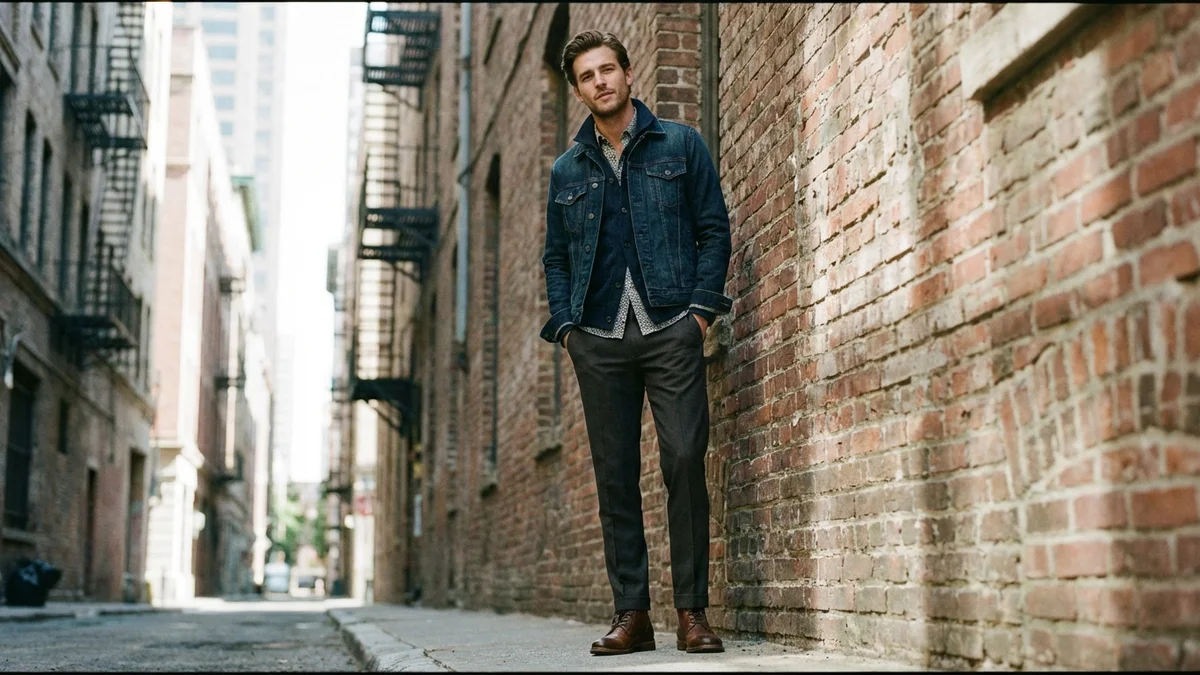
Choosing the right clothes background can make or break your fashion photos. Whether you're selling on Amazon, building a Shopify store, or posting outfits on Instagram, the backdrop behind your clothing determines how professional and trustworthy your images look.
This guide covers every type of clothes background—from classic white seamless paper to cutting-edge AI-generated backdrops. You'll learn which backgrounds work best for different platforms, how to set them up on any budget, and how AI tools are changing the game in 2026.
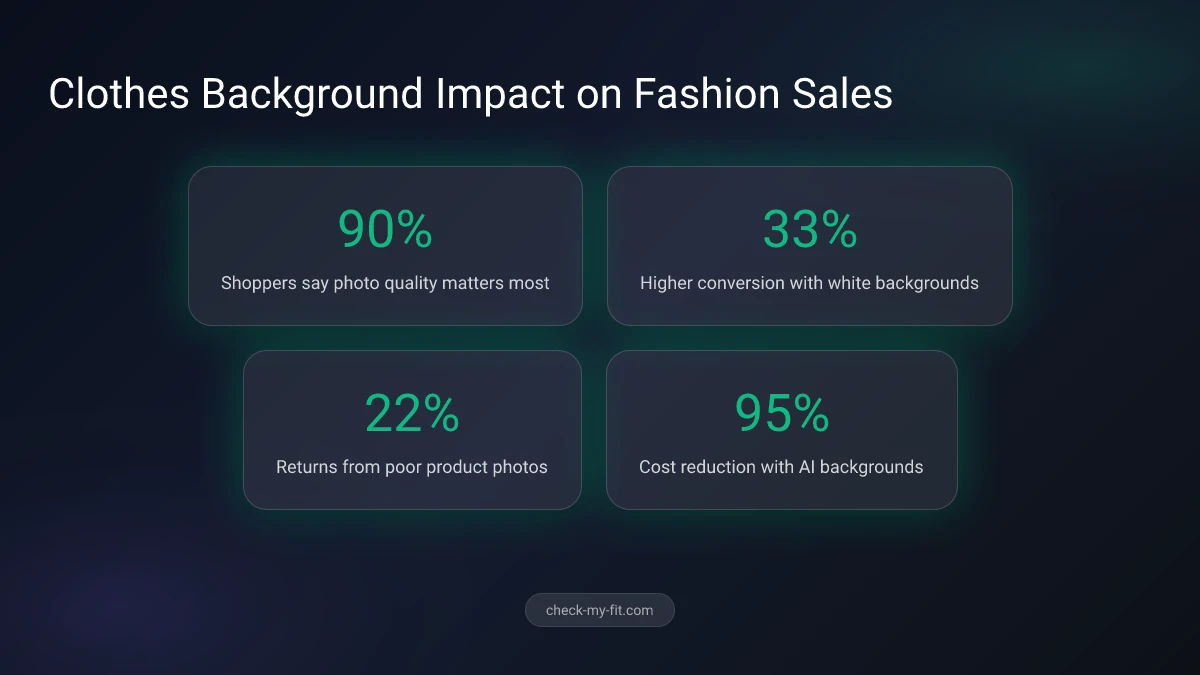
90% of online shoppers say photo quality is the most important factor in their buying decisions.
TL;DR
The best clothes background depends on your platform and goals. White backgrounds dominate ecommerce (Amazon requires them), while gray and neutral tones add sophistication for brand websites. AI background generators now create professional scenes in seconds, eliminating expensive studio shoots. For the most versatile results, start with a white seamless paper backdrop and use AI tools to generate lifestyle backgrounds digitally.
What Is a Clothes Background?
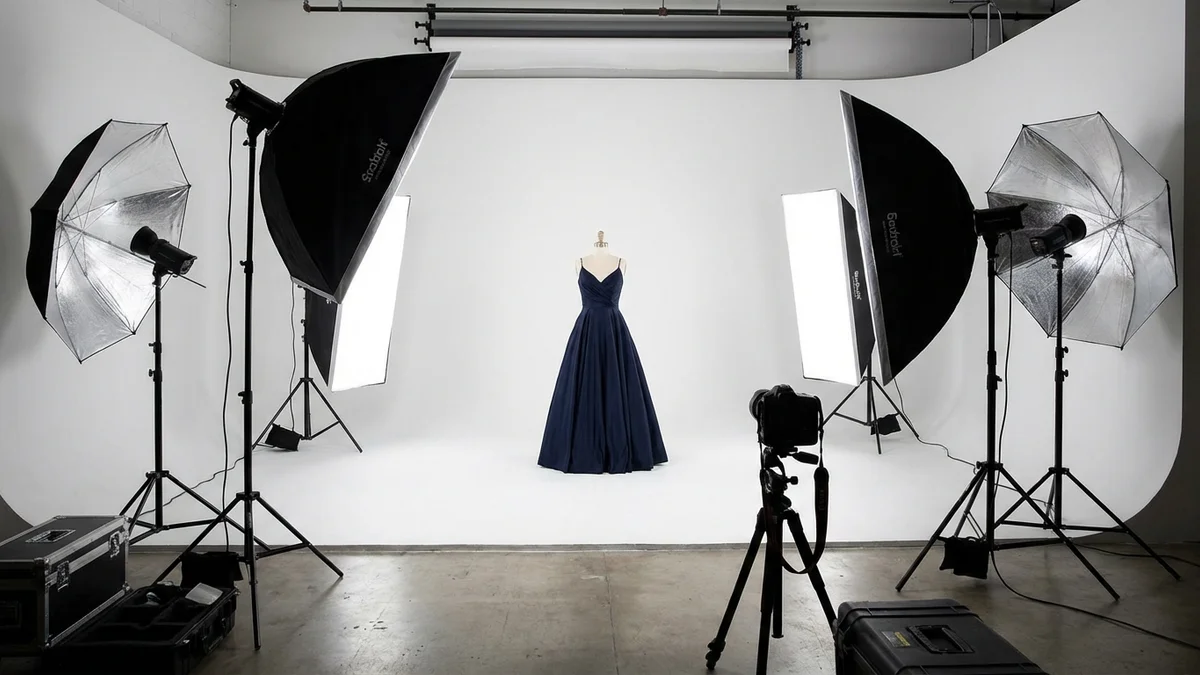
A clothes background is the surface or digital backdrop placed behind garments in photography. It sets the visual tone for how clothing appears in photos, catalogs, and online listings. The right background highlights fabric textures, colors, and design details without competing for attention.
Key Takeaway: Your clothes background directly impacts buyer confidence. Products with professional backgrounds see a 33% higher conversion rate compared to those with low-quality or cluttered backdrops.
Clothes backgrounds fall into two main categories:
| Category | Examples | Best For | Cost |
|---|---|---|---|
| Physical backdrops | Seamless paper, muslin, vinyl, canvas | Studio shoots, consistent catalog images | $20–$200 |
| Digital backgrounds | AI-generated, stock images, composites | Ecommerce, social media, marketing | $0–$30/month |
| Natural settings | Parks, urban walls, beaches, interiors | Lifestyle shoots, brand storytelling | Free–$500 (permits) |
| Textured surfaces | Wood, marble, fabric, concrete | Flat lay photography, artisan brands | $15–$100 |
Physical backdrops have been the industry standard for decades. However, AI-powered background generators are rapidly replacing traditional setups. In 2026, the AI fashion market is valued at $2.89 billion and growing at 39.8% annually.
What Is the Best Background for Clothing Photography?
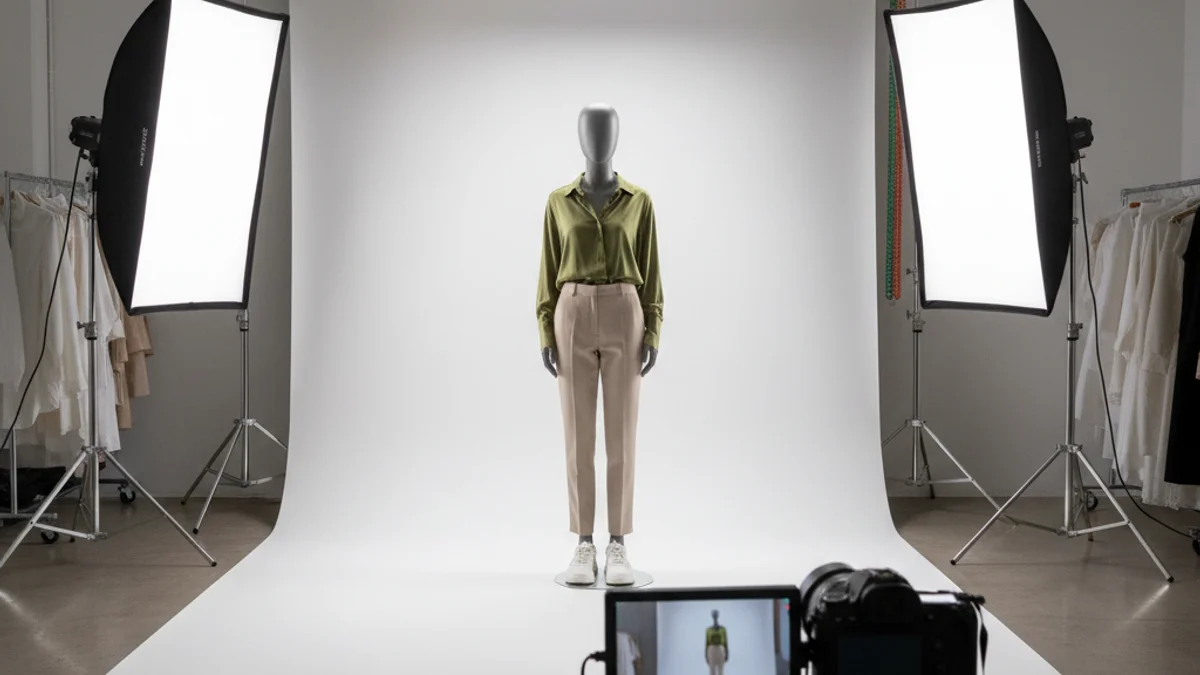
The best background for clothing photography is a white or light gray seamless paper backdrop. White eliminates distractions, reflects light evenly onto garments, and creates a clean, professional look that works across all platforms. Gray adds subtle contrast that prevents white clothing from blending into the background.
Here's how the most popular background colors compare:
| Background Color | Best For | Avoid When | Platform Fit |
|---|---|---|---|
| White | Most garments, ecommerce listings | Photographing white/cream clothing | Amazon, eBay, Shopify |
| Light gray | White clothing, luxury brands | Budget shoots (requires precise lighting) | Brand websites, lookbooks |
| Black | Bold colors, dramatic editorial | Light-colored or pastel garments | High-fashion, editorial |
| Pastels | Children's wear, spring collections | Professional catalogs | Instagram, Pinterest, Etsy |
| Natural/outdoor | Lifestyle brands, activewear | Product-only listings | Social media, brand sites |
Why White Dominates Ecommerce
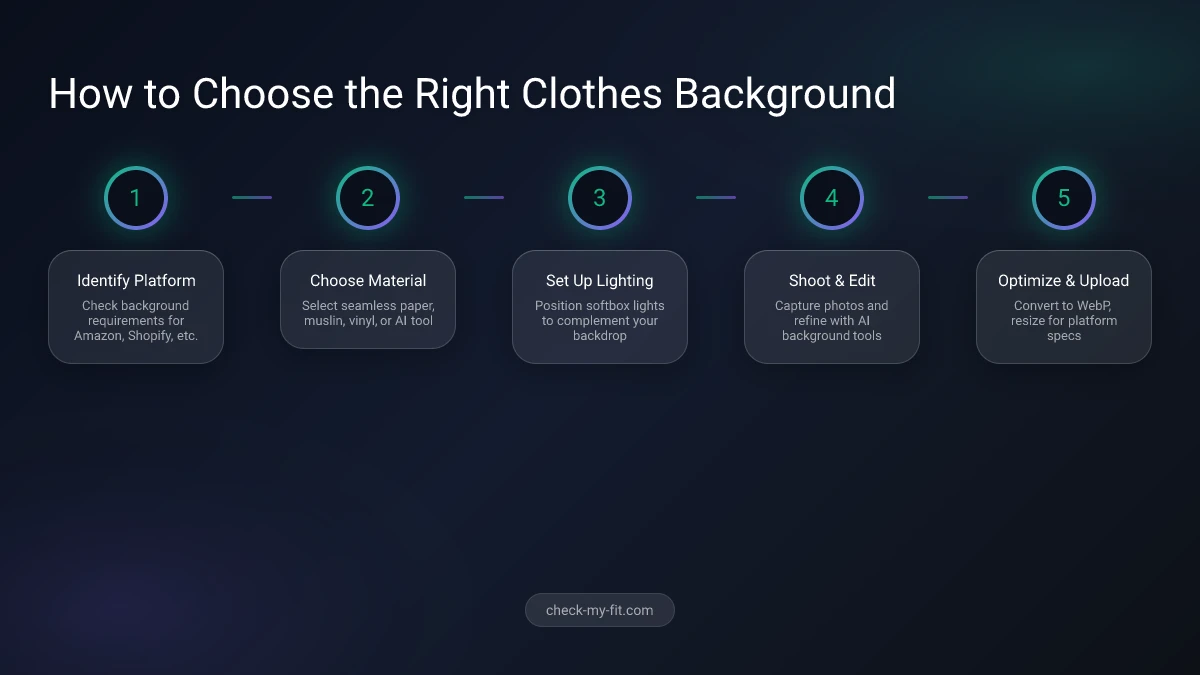
Amazon requires at least one product image with a pure white background (RGB 255, 255, 255). Shopify, eBay, and most marketplaces strongly recommend it. White backgrounds:
- Keep the focus entirely on the garment
- Create visual consistency across product catalogs
- Make clothing photo editing faster and easier
- Reduce post-production costs by up to 60%
22% of product returns happen because items look different in person than in photos.
Key Takeaway: Start with white backgrounds for product photos. Add lifestyle and colored backgrounds as supplementary images to tell your brand story.
How Do You Change the Background of Clothes in a Photo?
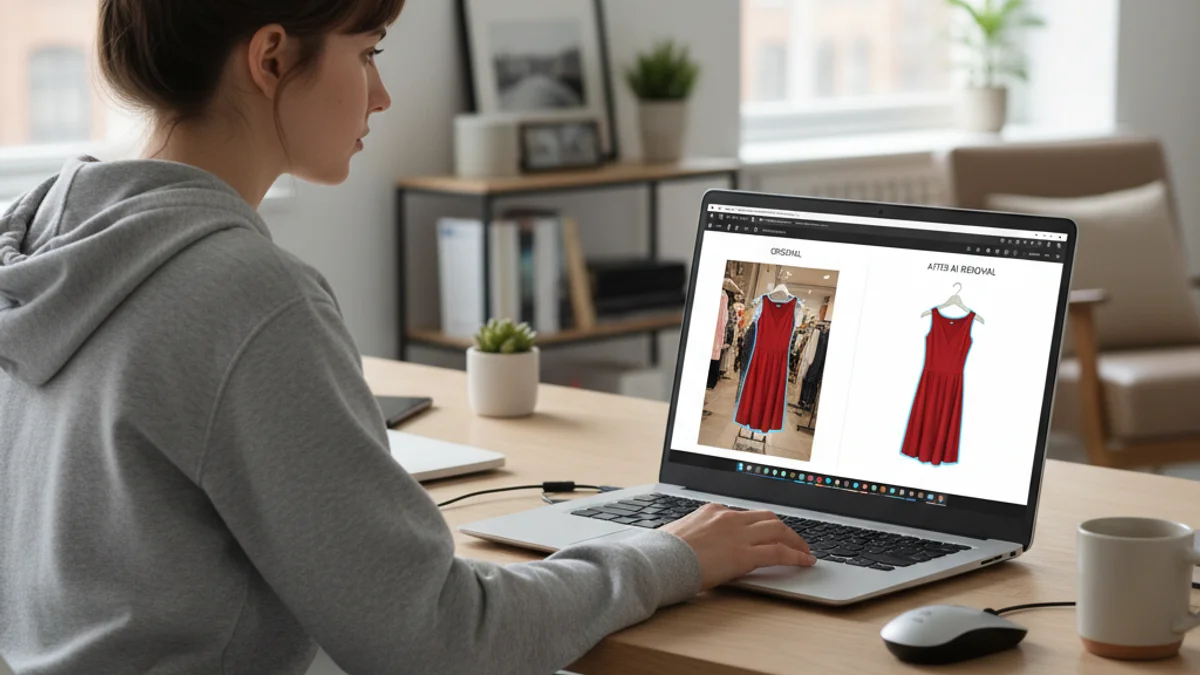
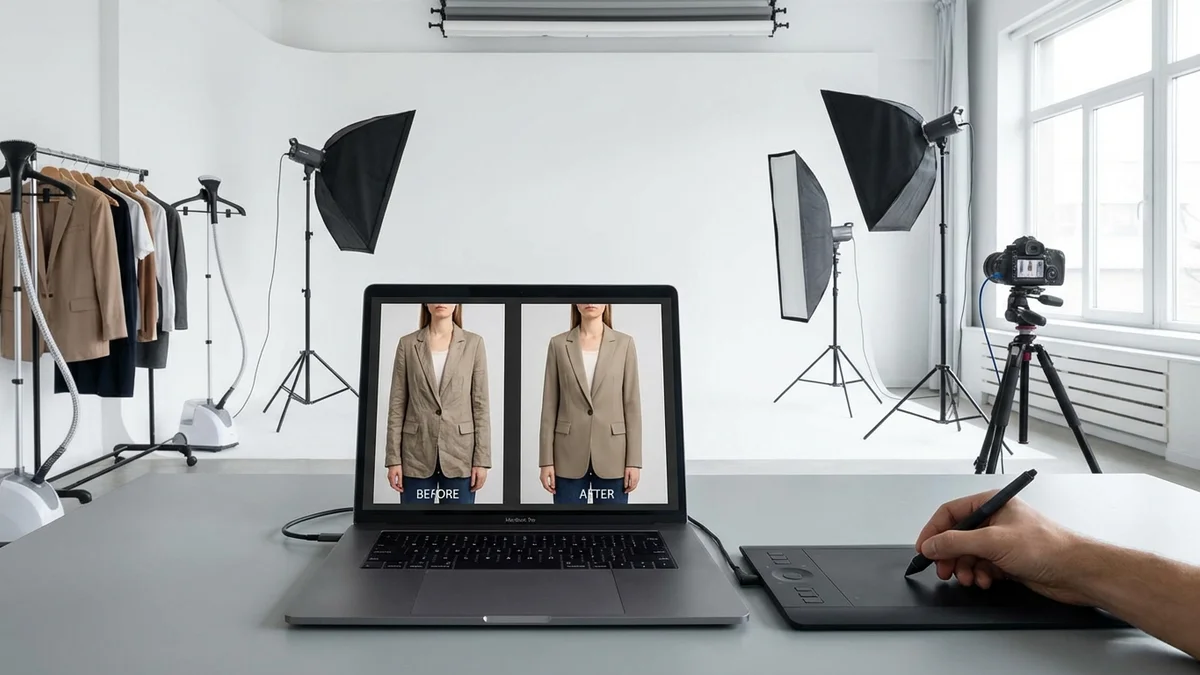
Changing the background of clothes in a photo requires either manual editing in Photoshop or an AI-powered background removal tool. AI tools like remove.bg, Photoroom, and PicWish can automatically detect the garment, remove the original background, and replace it with any color or scene in under 10 seconds.
Here's how each method compares:
| Method | Time Per Image | Skill Required | Cost | Quality |
|---|---|---|---|---|
| Photoshop (manual) | 5–15 minutes | Advanced | $22.99/month | Highest |
| AI background remover | 5–15 seconds | None | Free–$10/month | Very high |
| Canva background remover | 10–30 seconds | Basic | $12.99/month | Good |
| Mobile apps | 10–30 seconds | None | Free–$5/month | Good |
Step-by-Step: AI Background Change
- Upload your clothing photo to an AI tool (remove.bg, Photoroom, or PicWish)
- Wait for auto-detection — the AI identifies the garment edges automatically
- Choose a new background — select white, a color, or upload a custom scene
- Fine-tune edges if needed — most tools let you adjust the cutout
- Download in high resolution — save as PNG (transparent) or JPG (with background)
For sellers photographing multiple items, AI tools save massive time. A seller with 100 products can switch from hours of manual editing to minutes of batch processing.
Virtual Try-On: The Next Level of Background Flexibility
Beyond simple background swaps, virtual try-on technology places clothing directly onto a person's photo. This eliminates the need for any physical background altogether. Tools like CheckMyFit let shoppers see how clothes look on their own body—no backdrop required.
Key Takeaway: AI background tools handle 90% of clothing background changes. Reserve Photoshop for complex edits requiring pixel-perfect precision.
What Color Background Is Best for Fashion Photography?
The best color background for fashion photography depends on the clothing style and intended platform. For ecommerce, white is the universal standard. For editorial and brand work, neutral tones (gray, beige, cream) create a sophisticated feel that elevates luxury garments.
Color Psychology in Fashion Backgrounds
Background colors send subconscious signals to viewers:
- White: Cleanliness, simplicity, trust — ideal for most online retail
- Gray: Sophistication, neutrality, premium feel — luxury brands love it
- Black: Drama, elegance, power — works for formal wear and high fashion
- Beige/cream: Warmth, approachability, natural — organic and sustainable brands
- Pastels: Playfulness, youth, freshness — children's wear and spring collections
One rule always applies: contrast. Your background should be distinctly different from the garment's primary color. A white dress on a white background disappears. The same dress on a light gray or soft blue background creates clear visual separation.
Products with high-contrast backgrounds get 40% more engagement on social media platforms.
Best Backdrop Materials for Clothes Photography
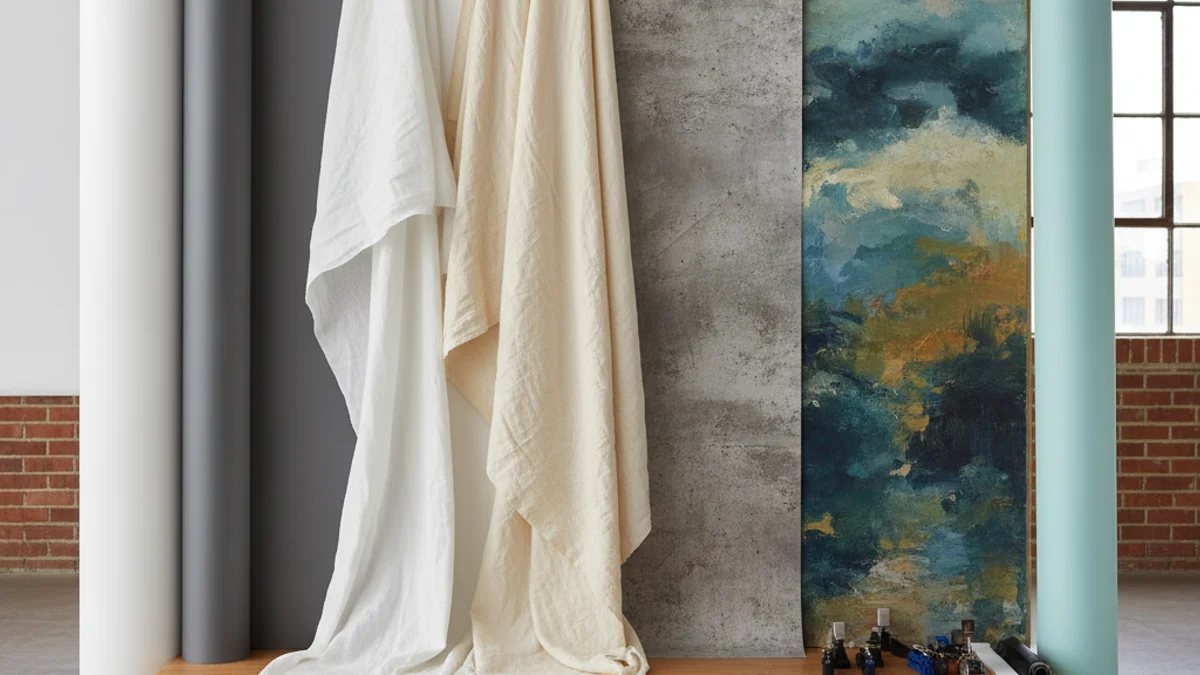
Choosing the right backdrop material matters as much as choosing the right color. Each material has unique properties that affect lighting, texture, and overall image quality.
Seamless Paper
Seamless paper is the most popular choice for clothing photography. It comes in rolls (typically 53" or 107" wide) and creates a smooth, uninterrupted background. After a shoot, you simply cut off the dirty section and roll out fresh paper.
Pros: Affordable ($20–$50/roll), consistent results, available in 50+ colors Cons: Single-use (can't clean marks), requires a backdrop stand, tears easily
Muslin Fabric
Muslin is a lightweight cotton fabric used as a reusable backdrop. It can be steamed to remove wrinkles or left slightly textured for a softer look. Professional studios often have multiple muslin backdrops in different colors.
Pros: Reusable, washable, portable, drapes well Cons: Wrinkles easily, requires steaming before shoots, absorbs light
Vinyl
Vinyl backdrops offer a modern, slightly glossy finish. They're easy to clean (just wipe with a damp cloth) and resist wrinkles. Vinyl works particularly well for product photography where you need a smooth, seamless surface.
Pros: Easy to clean, wrinkle-resistant, durable Cons: Reflective under strong lighting, heavier than paper, more expensive
Canvas
Hand-painted canvas backdrops add artistic texture to fashion photographs. They're commonly used in editorial and portrait photography where a unique, artistic feel is desired.
Pros: Unique look, extremely durable, no wrinkles Cons: Expensive ($100–$500+), heavy, limited versatility
Material Comparison
| Material | Durability | Portability | Price Range | Best Use |
|---|---|---|---|---|
| Seamless paper | Low (single-use) | Medium | $20–$50 | Ecommerce catalogs |
| Muslin fabric | High (reusable) | High | $30–$80 | Studio & on-location |
| Vinyl | High | Medium | $40–$120 | Product flat lays |
| Canvas | Very high | Low | $100–$500 | Editorial fashion |
| Foam board | Low | High | $5–$15 | DIY product photos |
How to Set Up a Clothes Background on Any Budget
Not everyone has access to a professional photography studio. Here's how to create great clothing backgrounds at every price point.
Budget Setup (Under $50)
- White poster board or foam board from any craft store ($5–$15)
- Natural window light as your primary light source (free)
- A clean wall painted white or light gray (free)
- Iron and steamer to prepare garments ($15–$30)
This basic setup works surprisingly well for flat lay photography and casual ecommerce listings. Many successful Poshmark and Depop sellers use nothing more than a white bedsheet and natural light.
Mid-Range Setup ($50–$200)
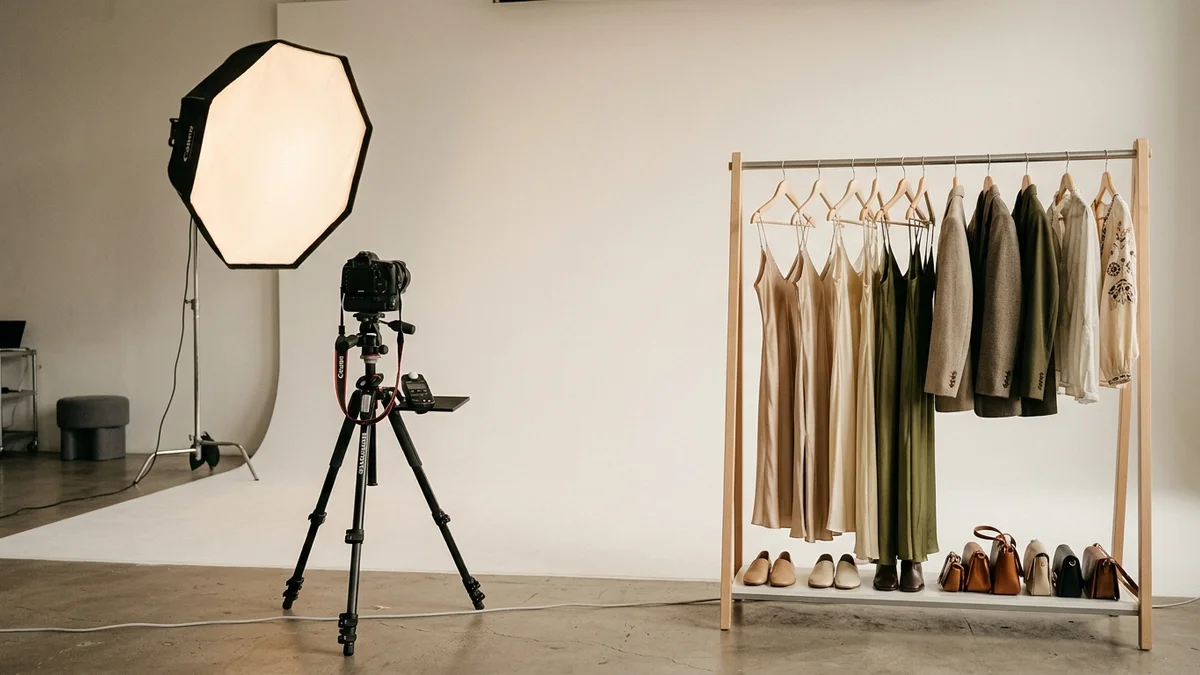
- Seamless paper roll with a backdrop stand ($40–$80)
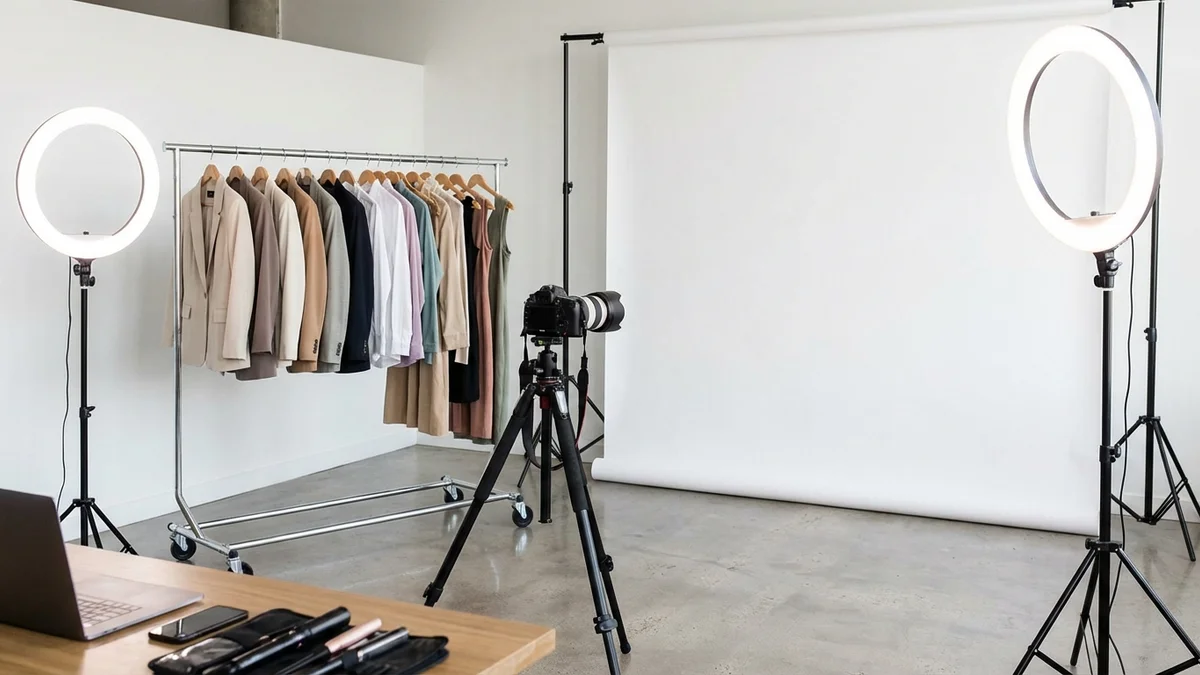
- Two softbox lights or ring light ($30–$60)
- Foam reflectors to fill shadows ($10–$15)
- Tripod for consistent angles ($20–$40)
This covers most clothing photography needs for online stores. The seamless paper gives you a professional white or colored background, and the lighting setup eliminates harsh shadows.
Professional Setup ($200–$1,000+)
- Multiple backdrop options (paper, muslin, vinyl) ($100–$300)
- Professional strobe lighting ($200–$500)
- Mannequin or dress form for ghost mannequin shots ($50–$150)
- Tethered camera setup for instant review ($50+ software)
AI Clothes Background Generators: The 2026 Revolution

AI background generators are transforming how fashion brands create product images. Instead of renting studios and buying physical backdrops, you can now upload a photo and generate any background in seconds.
How AI Background Generators Work
These tools use machine learning models (typically diffusion models or GANs) to:
- Detect the garment in your uploaded photo
- Separate it from the existing background using edge detection
- Generate a new background based on your text prompt or template
- Blend the garment naturally into the new scene with proper lighting and shadows
Top AI Background Tools for Clothing
| Tool | Free Tier | Best Feature | Platform |
|---|---|---|---|
| remove.bg | 1 free/day | Instant background removal | Web, API, Photoshop plugin |
| Photoroom | Limited free | Batch processing, templates | Web, iOS, Android |
| PicWish | 10 free uses | 100+ clothing-specific templates | Web |
| Canva | Basic removal | Design integration, social media sizes | Web, desktop, mobile |
| Fotor | Basic removal | Text-prompt background generation | Web |
Why Brands Are Switching to AI Backgrounds
The math is simple. A traditional product photography shoot for 50 items costs $500–$2,000 (studio rental, photographer, lighting). The same 50 items processed through an AI background tool costs under $30 and takes a fraction of the time.
AI backgrounds also solve a persistent ecommerce challenge: creating consistent visuals at scale. When you're adding 100 new products per week, maintaining visual consistency across your catalog becomes nearly impossible with physical shoots alone.
For trying clothes on virtually before you even photograph them, tools like CheckMyFit go a step further. Instead of just swapping backgrounds, CheckMyFit lets you see how any outfit looks on your body—helping both sellers visualize product presentations and shoppers make confident purchases.
Key Takeaway: AI background generators cut clothing photography costs by up to 95% while maintaining professional quality. They're essential for high-volume ecommerce sellers.
Platform-Specific Background Requirements
Each selling platform has different requirements and recommendations for clothing backgrounds:
| Platform | Required Background | Recommended Size | Tips |
|---|---|---|---|
| Amazon | Pure white (RGB 255,255,255) | 2000×2000px min | Main image must be white; secondary images can vary |
| Shopify | No requirement | 2048×2048px | Consistent backgrounds across catalog improve conversions |
| eBay | White or light preferred | 1600×1600px min | White background items rank higher in search |
| Etsy | No requirement | 2000×2000px | Lifestyle backgrounds perform well on Etsy |
| Poshmark | No requirement | 1200×1200px min | Clean backgrounds get more shares |
| No requirement | 1080×1080px | Mix product and lifestyle backgrounds | |
| Depop | No requirement | 1000×1000px min | Authentic, styled backgrounds preferred |
Common Mistakes With Clothes Backgrounds
Even experienced sellers make background mistakes that hurt their sales. Avoid these pitfalls:
- Cluttered backgrounds — A messy room behind your clothing screams unprofessional
- Inconsistent backgrounds — Mixing styles across your catalog creates a disjointed look
- Wrong color contrast — White clothes on white backgrounds make products invisible
- Wrinkled backdrops — Creased paper or fabric looks sloppy and distracting
- Harsh shadows — Poor lighting against any background creates unflattering results
- Over-editing — Too much saturation or contrast makes clothing colors inaccurate
- Ignoring platform rules — Submitting colored backgrounds on Amazon leads to listing suppression
AI clothes changer tools can help fix many of these mistakes by digitally replacing problematic backgrounds after the shoot.
Recommended Products for Clothing Photography
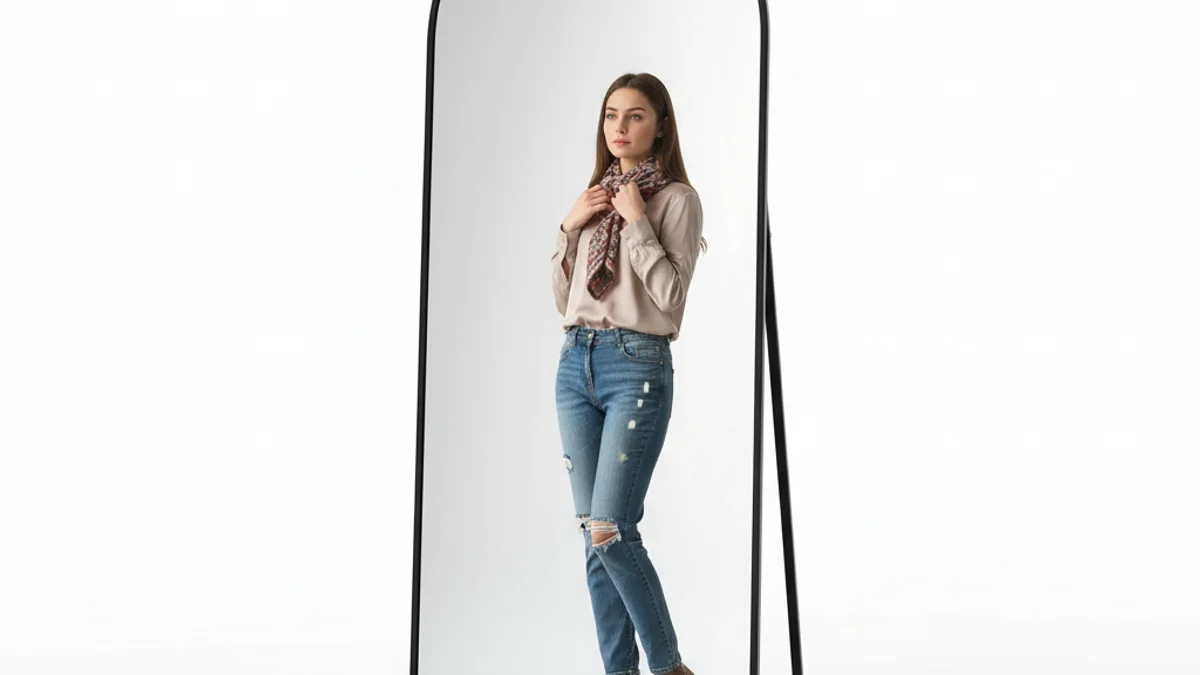
Perfect for checking outfit presentations and creating on-model shots. The arched design adds a stylish element to lifestyle clothing photography backgrounds.
View on Amazon →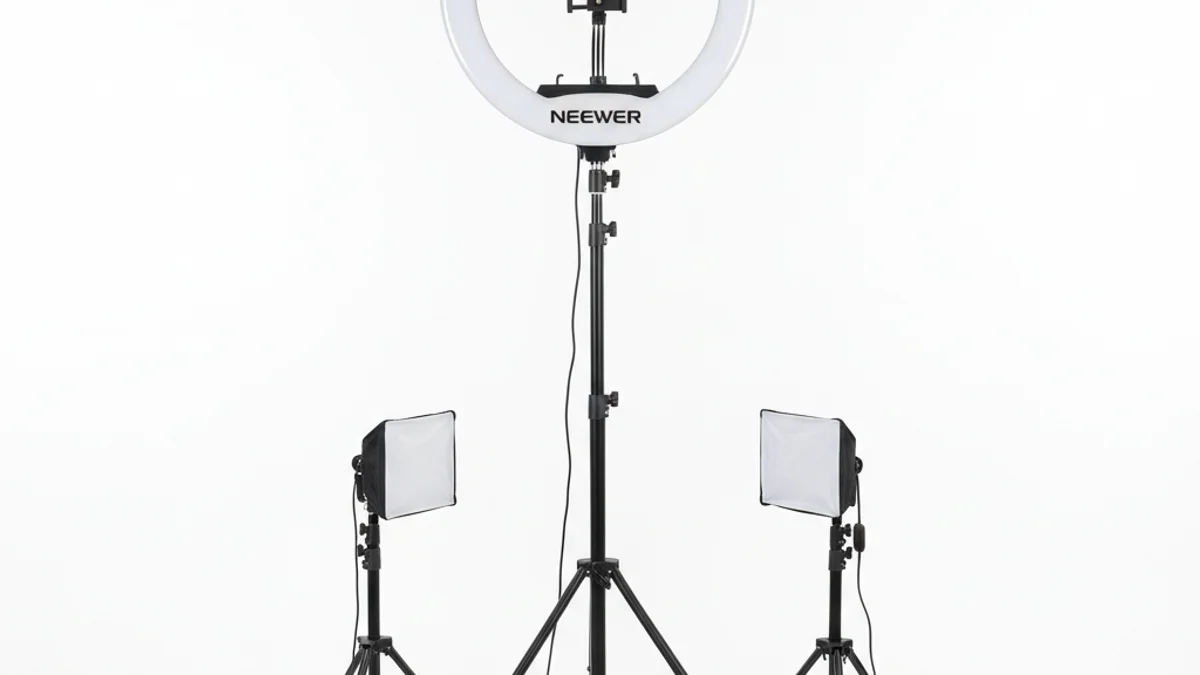
Even, shadow-free lighting is essential for clothing backgrounds to look clean and professional. This ring light delivers consistent illumination for any backdrop setup.
View on Amazon →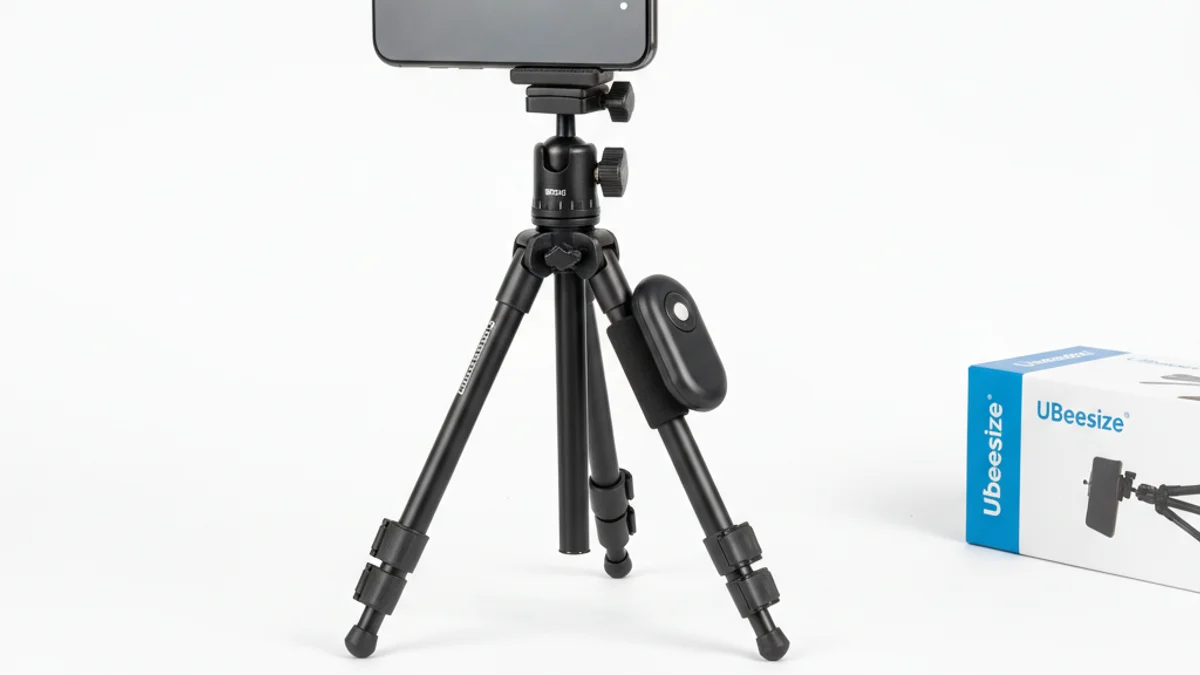
Consistency is key for clothing backgrounds. A tripod keeps your camera angle identical across all product shots, ensuring a uniform catalog look.
View on Amazon →Frequently Asked Questions
Does background color affect clothing sales?
Yes, background color significantly impacts clothing sales. Products photographed on clean, white backgrounds see up to 33% higher conversion rates on ecommerce platforms. White backgrounds build trust, reduce visual distractions, and help shoppers focus on garment details like color accuracy, texture, and fit. Colored backgrounds can work for brand storytelling but may reduce conversions on marketplace listings.
What background do professional fashion photographers use?
Professional fashion photographers typically use seamless paper rolls in white or gray as their primary backdrop. For editorial work, they may use hand-painted canvas, natural outdoor settings, or styled interior spaces. The choice depends on the shoot's purpose—catalog photography favors clean neutrals, while editorial and social media campaigns use creative, textured, or environmental backgrounds.
How do you remove the background from clothing photos?
The fastest way to remove clothing photo backgrounds is with AI-powered tools like remove.bg, Photoroom, or PicWish. Upload your image, and the AI automatically detects garment edges and removes the background in seconds. For manual control, Adobe Photoshop's Select Subject tool combined with layer masks gives the most precise results, though it takes significantly more time per image.
What is the best material for a clothing photography backdrop?
Seamless paper is the best overall material for clothing photography backdrops. It's affordable ($20–$50 per roll), available in dozens of colors, and produces smooth, wrinkle-free results. For reusable options, muslin fabric works well and can be washed between shoots. Vinyl is ideal for flat lay photography since it's easy to wipe clean and resists creasing.
Can AI generate backgrounds for clothing photos?
Yes, AI tools can generate professional-quality backgrounds for clothing photos in seconds. Tools like PicWish, Photoroom, and Fotor use machine learning to place garments into any scene—from clean studio settings to outdoor landscapes. You can describe your desired background with a text prompt or choose from hundreds of pre-made templates optimized for fashion photography.
What background works best for white clothes?
Light gray or soft beige backgrounds work best for white clothing. Pure white backgrounds cause white garments to blend and lose their shape, making it hard for shoppers to see design details. A light gray seamless paper (such as Savage Thunder Gray or similar) creates enough contrast to define white clothing edges while maintaining a clean, professional appearance.
How do ecommerce platforms require clothing backgrounds?
Amazon requires the main product image to have a pure white background (RGB 255, 255, 255). eBay recommends white or light backgrounds for better search visibility. Shopify and Etsy have no strict requirements but recommend consistency across your catalog. Secondary images on all platforms can feature lifestyle scenes, model shots, or colored backgrounds to showcase clothing in context.
Is it worth investing in a professional photography backdrop?
For sellers listing more than 20 items, investing in a professional backdrop setup pays for itself quickly. A basic seamless paper roll with a backdrop stand costs $40–$80 and dramatically improves image quality. However, if you're selling fewer items or want flexibility, AI background tools offer a more cost-effective solution that doesn't require any physical setup.
Conclusion
The right clothes background transforms amateur product photos into professional images that drive sales. Start with a white seamless paper backdrop for ecommerce listings, then expand your toolkit with AI background generators for creative flexibility and scale.
In 2026, you don't need an expensive studio to create professional clothing backgrounds. AI tools handle background removal, replacement, and generation at a fraction of traditional costs. And with virtual try-on technology from CheckMyFit, you can go beyond backgrounds entirely—letting shoppers see exactly how clothes look on their body before buying.
Whether you're a solo reseller or a growing fashion brand, invest in your backgrounds. They're the silent salespeople in every product photo.