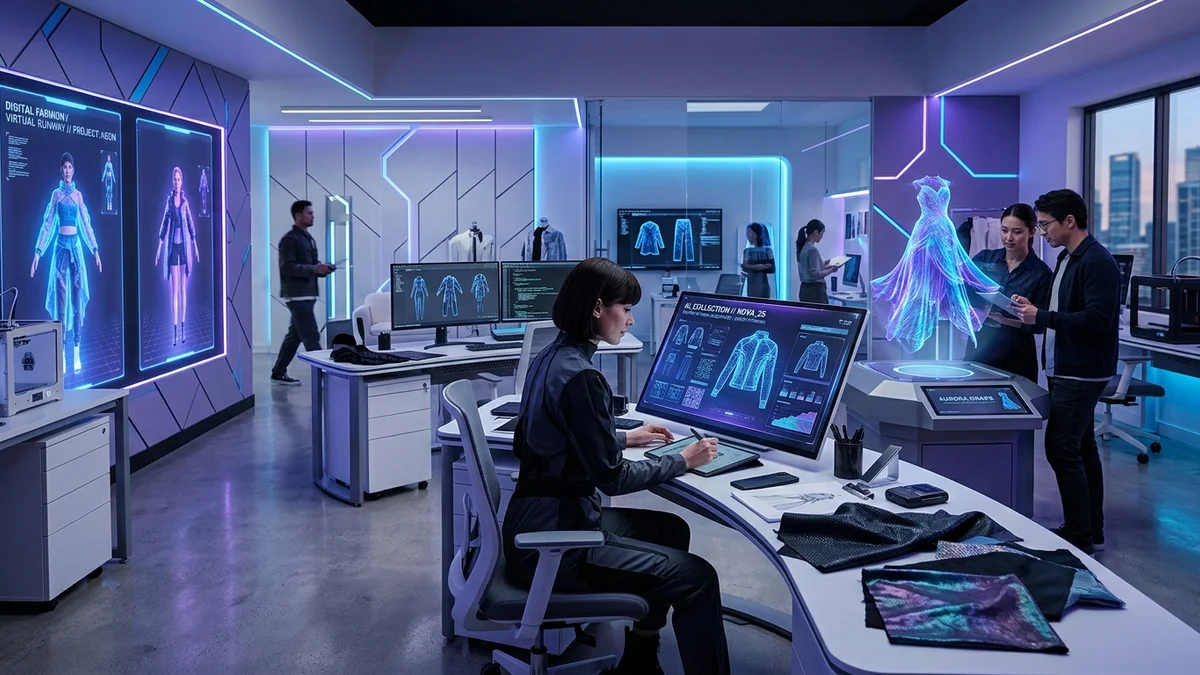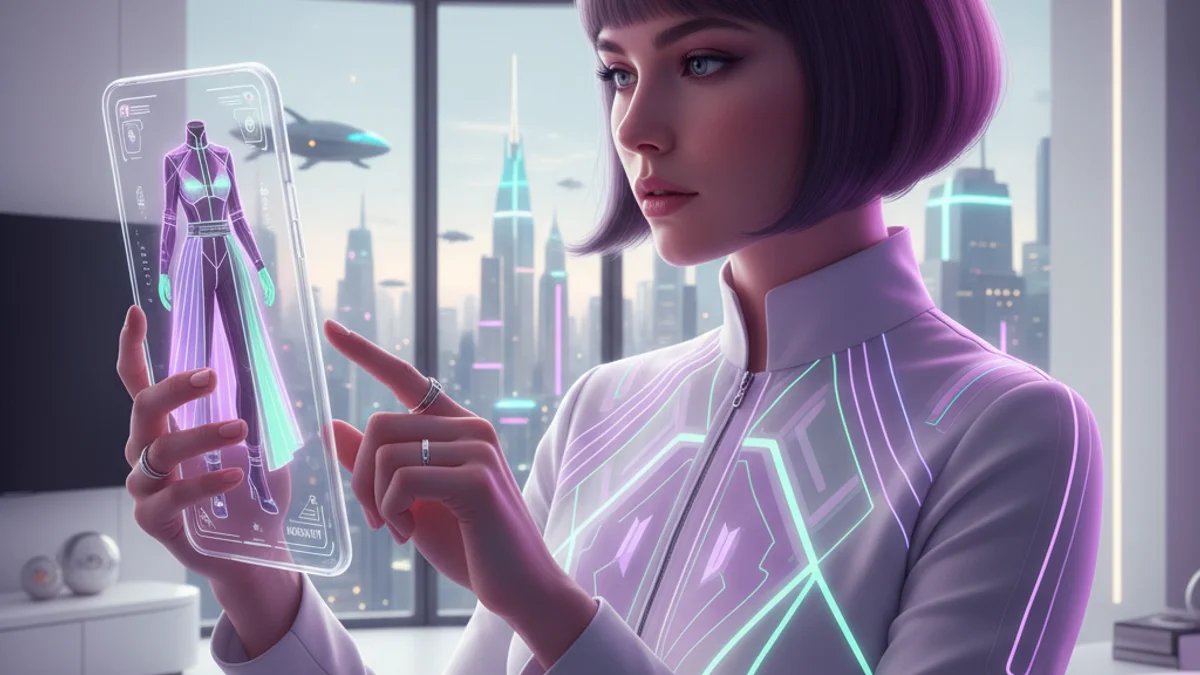
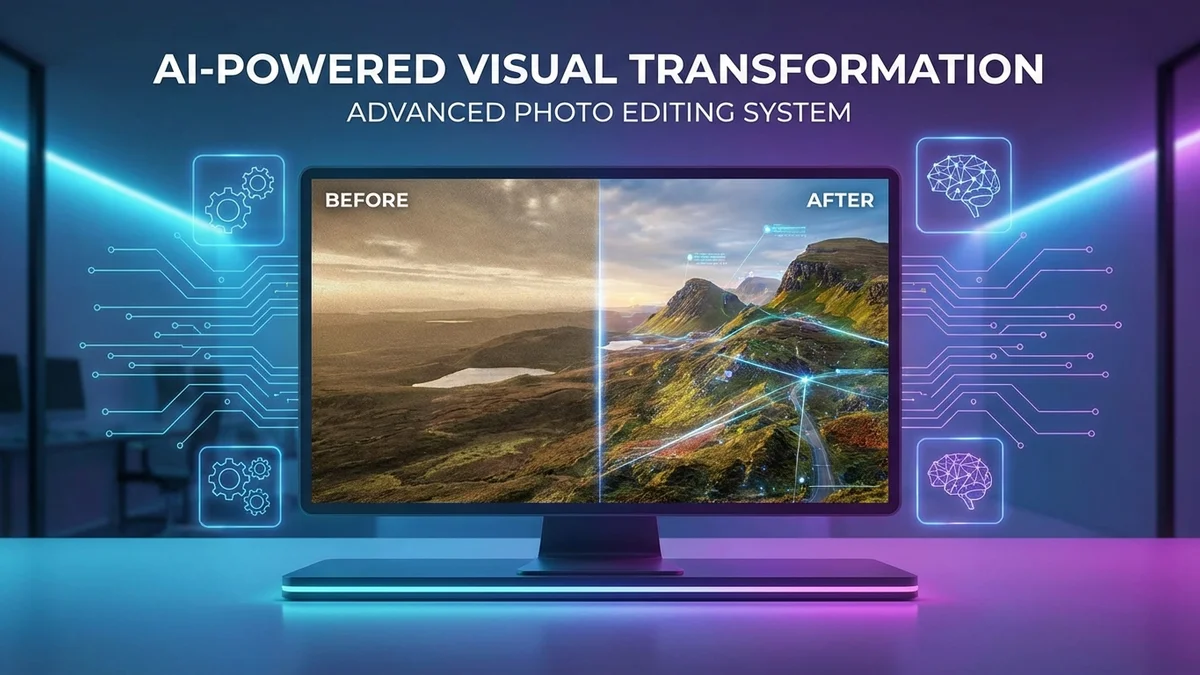
Looking for a tool that can change clothes, backgrounds, or faces in photos using artificial intelligence? AI changer tools make this possible with just a few clicks. These AI-powered applications use machine learning to transform images in ways that once required hours of professional editing.
The AI changer market has exploded in 2026. From clothes swapping to background removal, these tools help millions of users create stunning visual content without design skills. Whether you're shopping for clothes, creating social media content, or editing product photos, there's an AI changer built for your needs.
This guide covers everything about AI changer technology. You'll learn how different AI changers work, which tools deliver the best results, and how to use them effectively.
At a Glance
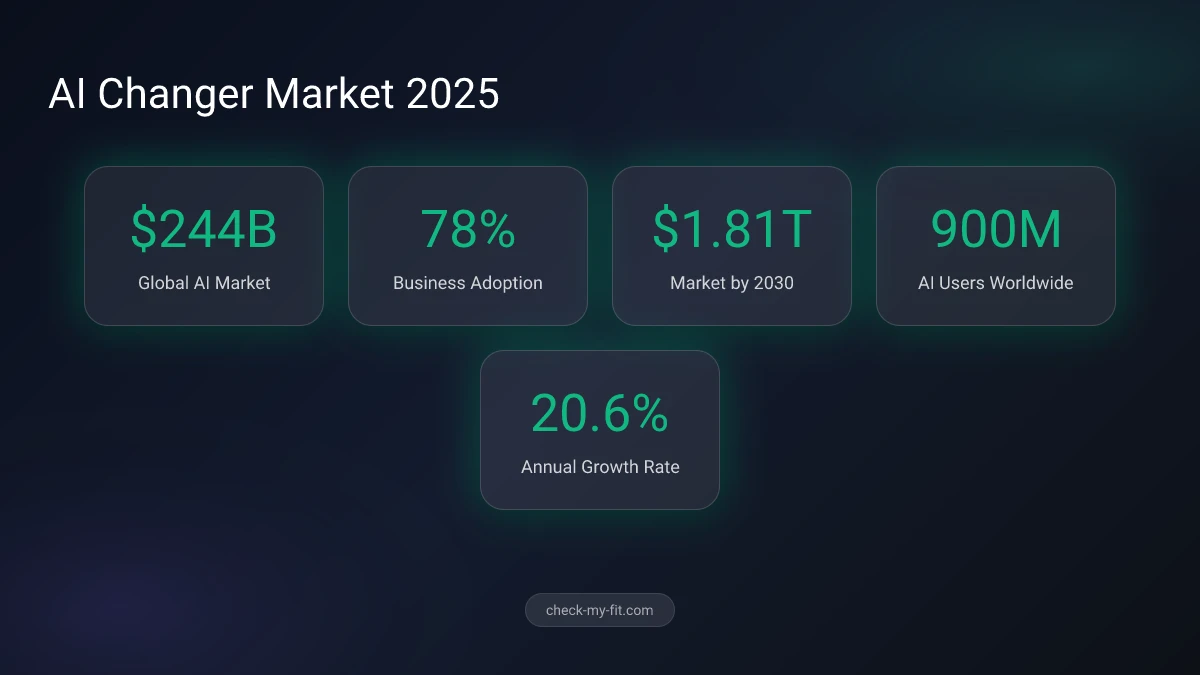
AI changers are software tools that use artificial intelligence to modify specific elements in photos and videos. They include clothes changers, background removers, face swap tools, voice changers, and hair style editors. The global AI market reached $244 billion in 2026, with photo editing AI tools seeing adoption by 78% of businesses. Free AI changers like Pixlr, Fotor, and Canva now offer professional-quality results with one-click editing and realistic outputs.
What Is an AI Changer?
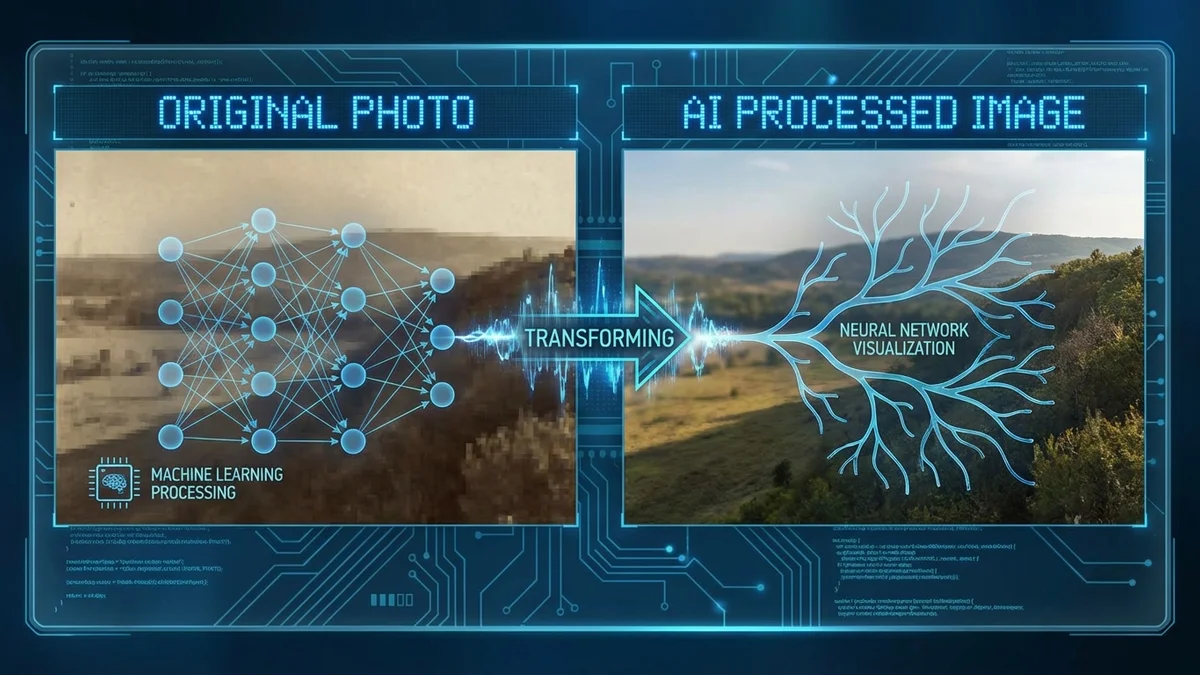
An AI changer is software that uses artificial intelligence and deep learning to modify specific elements within images, videos, or audio. You upload your content, select what you want to change, and the AI generates a realistic transformation in seconds.
Key Takeaway: AI changers use generative AI and machine learning to transform photos instantly, replacing manual editing that once took hours.
The technology analyzes your content using computer vision. It identifies objects, understands lighting conditions, and preserves natural shadows and proportions. The result looks authentic because the AI has learned from millions of images.
AI changers work through a process called image inpainting. The AI:
- Detects the element you want to change
- Removes or isolates that element
- Generates a replacement based on your input
- Blends the new element seamlessly into the original
78% of organizations now use AI in at least one business function, with photo editing being one of the fastest-growing applications.
Why AI Changers Matter in 2026
The AI market is projected to reach $1.81 trillion by 2030, growing at 20.6% annually. Photo editing tools represent a significant portion of this growth.
AI changers solve real problems:
| Problem | AI Changer Solution |
|---|---|
| Can't try clothes before buying | Clothes changer shows outfits on you |
| Product photos need better backgrounds | Background changer creates professional settings |
| Need different faces for content | Face swap creates variations instantly |
| Want to test new hairstyles | Hair changer shows styles before cutting |
| Audio needs different voice | Voice changer transforms recordings |
These tools democratize professional editing. Tasks that required expensive software and years of training now happen in seconds through browser-based apps.
What Are the Different Types of AI Changers?
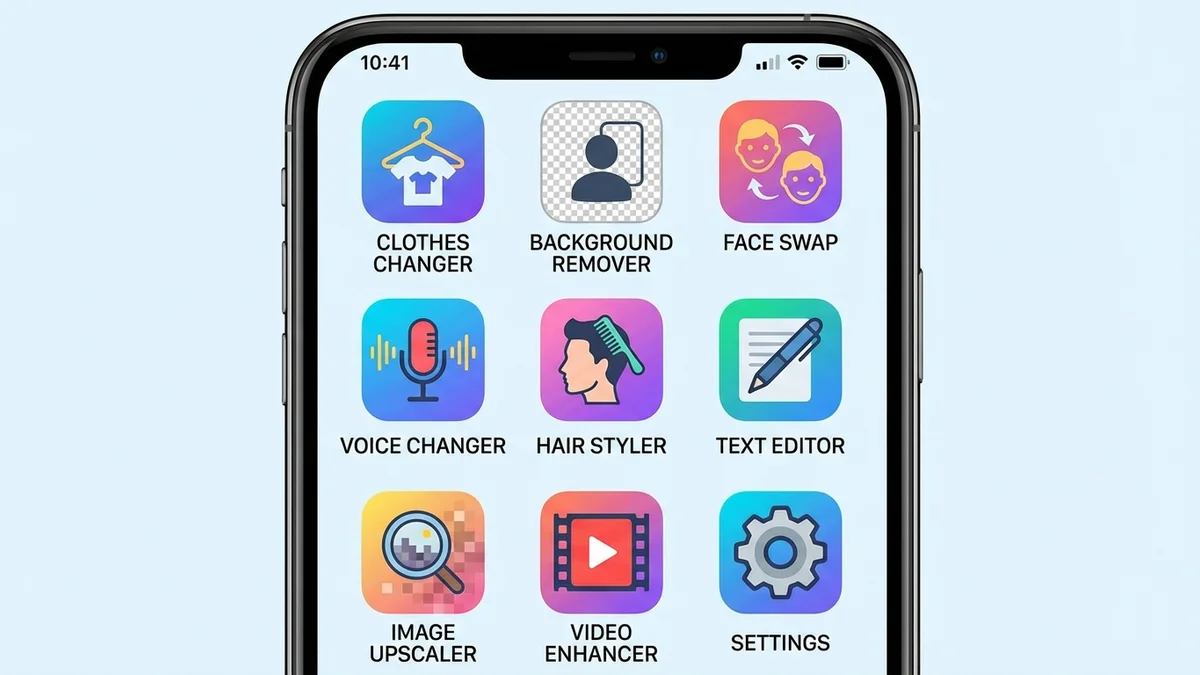
AI changer technology spans multiple categories. Each type specializes in modifying a specific element while preserving everything else in your content.
AI Clothes Changer
Clothes changers let you virtually try on outfits without physical try-on. Upload your photo, select clothing, and see yourself wearing it instantly.
How it works: The AI detects your body shape, posture, and proportions. It then overlays the clothing item while adjusting for realistic fabric draping, shadows, and wrinkles.
Best for:
- Online shopping visualization
- Fashion content creation
- Wardrobe planning
- E-commerce product displays
Tools like CheckMyFit specialize in virtual try-on technology that shows how clothes actually look on your body before purchasing.
AI Background Changer
Background changers remove existing backgrounds and replace them with new scenes, colors, or transparent layers.
How it works: AI identifies the foreground subject using edge detection and semantic segmentation. It then separates subject from background and applies your chosen replacement.
Best for:
- Product photography
- Social media content
- Professional headshots
- Marketing materials
AI Face Swap
Face swap tools replace faces in photos while maintaining realistic expressions and lighting.
How it works: The AI maps facial landmarks, extracts features, and transfers them to another face while preserving skin tone, lighting, and expression consistency.
Best for:
- Entertainment content
- Creative projects
- Visualization
- Social media fun
AI Voice Changer
Voice changers modify audio recordings to sound like different people or characters.
How it works: AI analyzes vocal patterns, pitch, and tone. It then synthesizes a new voice while preserving the original speech content and cadence.
Best for:
- Content creation
- Podcasting
- Gaming streams
- Privacy protection
AI Hair Changer
Hair changers let you preview different hairstyles and colors on your photo.
How it works: The AI detects hair boundaries and replaces the style while maintaining realistic interaction with your face shape and skin tone.
Best for:
- Testing new styles before salon visits
- Social media experimentation
- Professional visualization
| AI Changer Type | Realism Level | Free Options | Best Tool |
|---|---|---|---|
| Clothes Changer | Very High | Yes | CheckMyFit |
| Background Changer | Very High | Yes | Canva, Photoroom |
| Face Swap | High | Yes | FaceSwapper.ai |
| Voice Changer | High | Limited | Play.ht |
| Hair Changer | High | Yes | Fotor |
How Do AI Changers Work?
AI changers rely on several core technologies working together. Understanding the underlying process helps you get better results.
The Technology Behind AI Changers
Generative AI powers most modern AI changers. This technology creates new content rather than just analyzing existing content. When you ask for a new background, the AI generates pixels that didn't exist before.
Convolutional Neural Networks (CNNs) enable image recognition. These networks identify objects, edges, and patterns in your photos. They're trained on millions of images to understand what clothes, faces, and backgrounds look like.
GANs (Generative Adversarial Networks) create realistic outputs. Two AI models work together: one generates content, the other judges quality. This competition produces increasingly realistic results.
Image Inpainting fills removed areas with plausible content. When you remove an object, the AI predicts what should appear behind it based on surrounding context.
Step-by-Step Process
Every AI changer follows a similar workflow:
- Upload: You provide your source image
- Detection: AI identifies the element to change
- Isolation: The system separates target from surroundings
- Generation: New content is created based on your input
- Blending: The new element merges seamlessly with the original
- Output: You receive the transformed image
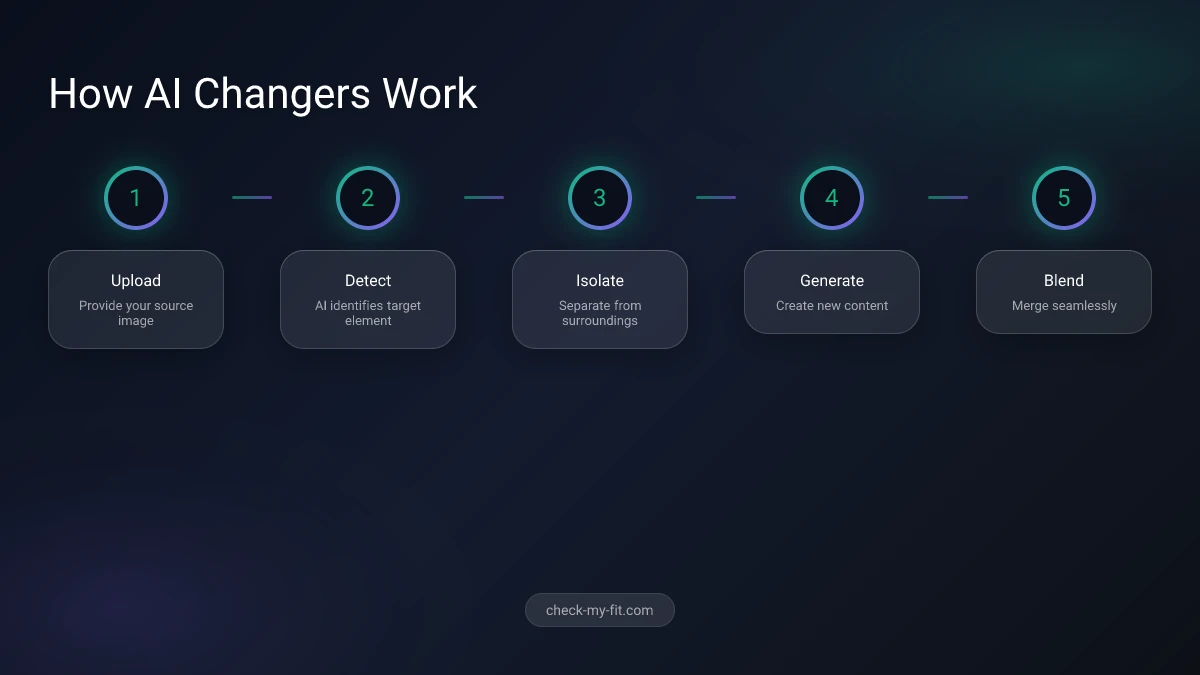
The entire process typically takes 5-30 seconds depending on complexity and server load.
What Are the Best Free AI Changer Apps?
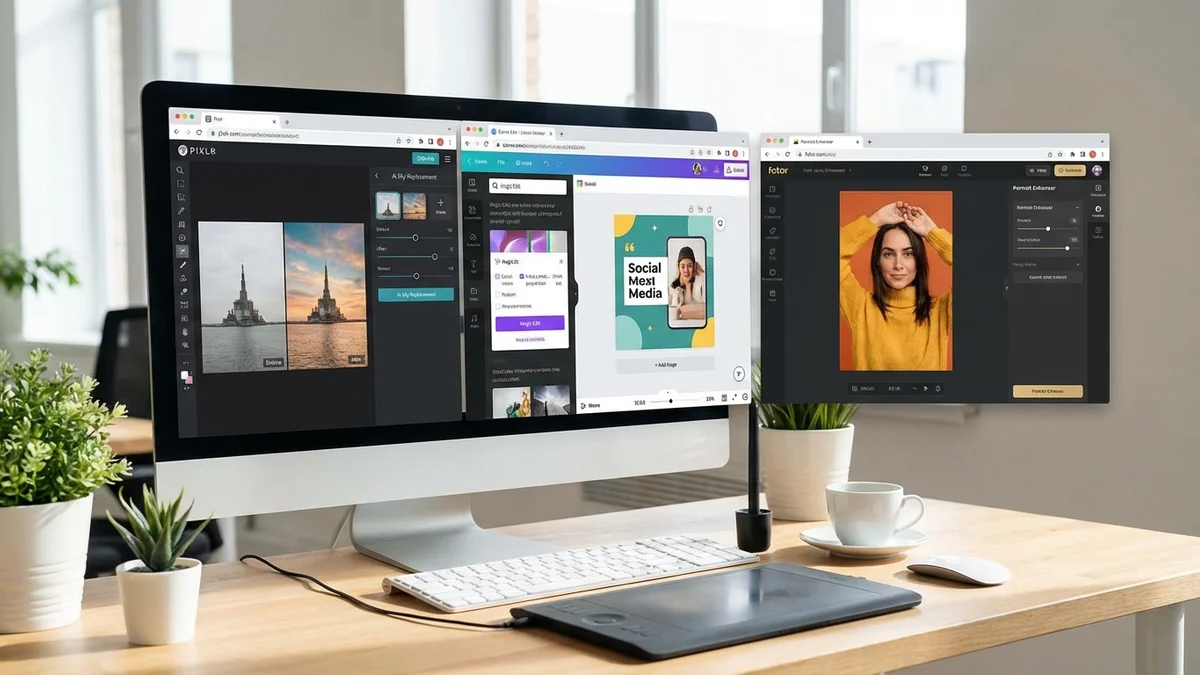
Several AI changer tools offer professional results without cost. Here are the top options across different categories.
Top All-in-One AI Changers
| Tool | Best Feature | Free Tier | Platform |
|---|---|---|---|
| Pixlr | Complete editing suite | Unlimited with ads | Web, Mobile |
| Canva | Background changer | Yes, limited | Web, Mobile |
| Fotor | AI photo enhancer | Yes, watermarked | Web, Mobile |
| Picsart | All-in-one creative | Yes, limited | Web, Mobile |
Pixlr stands out with 15+ years of development. The platform offers AI background removal, object removal, generative fill, and face swap—all in your browser for free.
Canva provides excellent background changing with their free tier. Premium unlocks Magic Edit for text-based photo transformation.
Fotor excels at clothing photo editing with its AI replacer tool that handles sky replacement, face swap, and object changes.
Best Specialized AI Changers
For clothes changing specifically, CheckMyFit offers dedicated AI clothes changer technology. The virtual try-on feature lets you see exactly how clothes will look on your body before purchasing—reducing returns and increasing shopping confidence.
Photoroom dominates background removal with one-click transparency and thousands of preset backgrounds designed for e-commerce.
FaceSwapper.ai handles face swapping without sign-up requirements, delivering unlimited free swaps with no watermarks.
Mobile vs. Desktop AI Changers
| Feature | Mobile Apps | Desktop/Web |
|---|---|---|
| Convenience | Anywhere access | Home/office use |
| Processing | Limited by phone | Full AI power |
| Results | Good | Best |
| Features | Streamlined | Complete |
| Price | Often subscription | More free options |
For best results, use web-based tools on desktop devices. They access more powerful AI processing and offer complete feature sets.
How to Use AI Changer Tools Effectively?
Getting professional results from AI changers requires proper technique. Follow these tips for realistic outputs.
Photo Requirements for Best Results
Resolution matters. Upload images at least 1024x1024 pixels. Higher resolution gives AI more data to work with.
Lighting affects everything. Well-lit photos without harsh shadows produce cleaner results. Natural light works best.
Simple backgrounds help. AI performs better when subjects stand against non-cluttered backgrounds.
Clear subjects win. Ensure the element you want to change is clearly visible without obstructions.
Common Mistakes to Avoid
- Using low-quality source images - Blurry inputs create blurry outputs
- Expecting perfection instantly - Sometimes you need multiple attempts
- Ignoring lighting mismatches - New elements should match original lighting
- Choosing unrealistic changes - AI works best with plausible modifications
- Skipping manual touch-ups - AI gets 90% there, final polish may need manual editing
Tips for Realistic Results
- Match lighting direction between original and new elements
- Choose replacement items similar in style to the original
- Use text prompts that are specific and descriptive
- Review edges carefully—AI sometimes leaves artifacts
- Process multiple variations to find the best result
Clear, high-resolution photos work best as source images. Flat lays, mannequin shots, or existing model photos with visible details produce the most realistic changes.
Pros and Cons of AI Changer Tools
Advantages
Speed - What took hours now takes seconds. Background removal that required careful masking in Photoshop happens with one click.
Accessibility - No design skills needed. Anyone can achieve professional results through intuitive interfaces.
Cost - Free tools deliver quality that previously required expensive software and training.
Versatility - One tool handles multiple editing tasks. No need for separate software for each function.
Consistency - AI produces uniform results across batches. Important for e-commerce catalogs.
Limitations
Accuracy varies - Complex scenes or unusual angles may produce artifacts. AI struggles with unusual situations not in its training data.
Internet required - Most AI changers process on remote servers. No connection means no editing.
Privacy concerns - Your photos upload to third-party servers. Read privacy policies before using sensitive images.
Learning curve exists - Understanding what prompts produce best results takes experimentation.
Not perfect - Fine details sometimes need manual correction. AI gets you 90% of the way.
How CheckMyFit Solves Shopping Uncertainty
Traditional AI changers focus on creative editing. CheckMyFit applies the same technology specifically for shopping.
Instead of guessing how clothes will look, you see them on your actual body. The virtual try-on technology:
- Shows realistic fabric draping on your shape
- Helps you compare multiple outfits instantly
- Reduces returns caused by fit surprises
- Makes confident purchasing decisions easier
Try it free at check-my-fit.com to experience how AI changers transform online shopping.
Recommended Products for AI Photo Editing
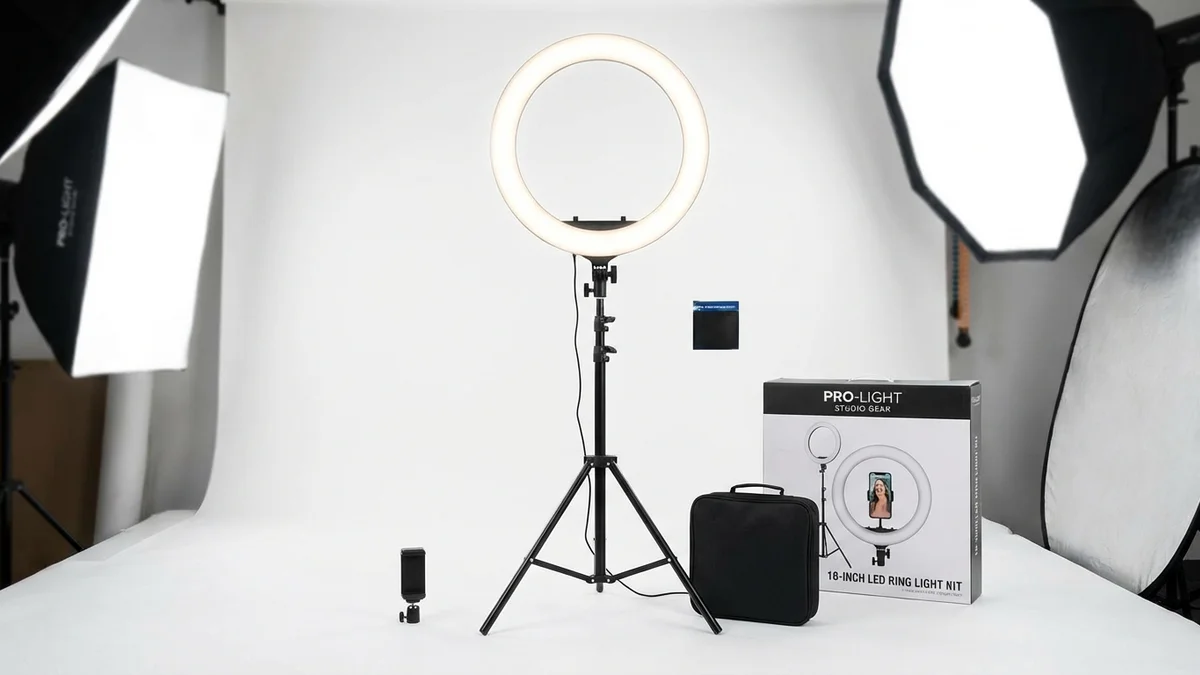
Perfect lighting for AI changer source photos. Even illumination reduces shadows that confuse AI algorithms, producing cleaner edits.
View on Amazon →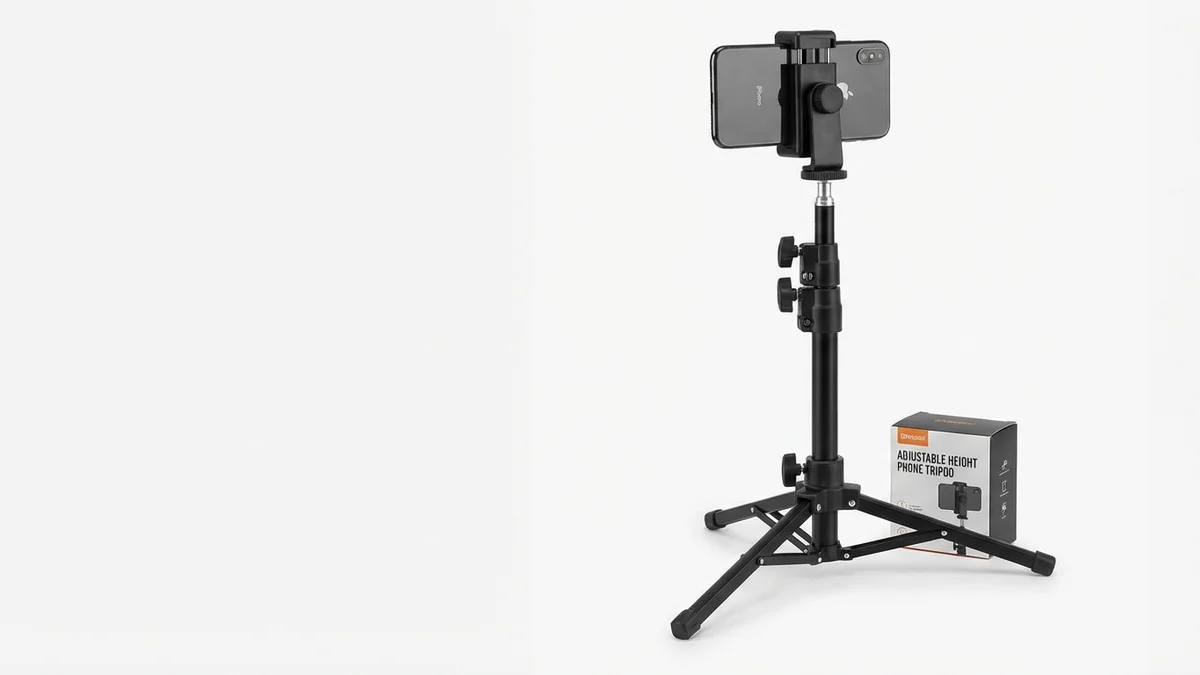
Stable shots for virtual try-on photos. Consistent framing helps AI changers produce better results with every upload.
View on Amazon →
Full-length photos for clothes changers. Capture your complete outfit for the most accurate virtual try-on results.
View on Amazon →Frequently Asked Questions
What is the best free AI changer app?
Pixlr offers the most complete free AI changer experience. It includes background removal, object replacement, face swap, and generative fill without watermarks. For clothes changing specifically, CheckMyFit provides free virtual try-on that shows how outfits look on your body before purchasing.
Can AI changers produce realistic results?
Modern AI changers produce highly realistic results when given quality source images. The technology has improved dramatically in 2026, with tools now understanding lighting, shadows, and fabric behavior. Results depend on input quality—clear, well-lit photos produce the most convincing transformations.
Is AI changer safe to use?
Reputable AI changers from established companies are safe. However, your photos upload to external servers for processing. Read privacy policies before using sensitive images. Major platforms like Canva, Pixlr, and Fotor have clear data handling practices and security measures in place.
Do AI changers work on mobile devices?
Yes, most AI changers offer mobile apps or responsive web versions. Mobile processing may be slightly slower than desktop, but results are comparable. Apps like Canva, Picsart, and Fotor work excellently on iOS and Android devices.
Can I use AI changer for professional purposes?
Absolutely. Many e-commerce businesses use AI changers for product photography, background replacement, and virtual try-on displays. Professional photographers use these tools to speed up editing workflows. Check licensing terms—most free tiers allow commercial use with some limitations.
How accurate are AI clothes changers?
AI clothes changers achieve 85-95% accuracy on well-photographed subjects. They accurately detect body shape, adjust for posture, and apply realistic fabric draping. Accuracy improves with clear, front-facing photos in good lighting. Complex poses or unusual clothing may require manual adjustment.
What's the difference between AI changer and photo editor?
AI changers specialize in replacing specific elements using artificial intelligence—clothes, backgrounds, faces. Traditional photo editors offer broader manual controls for color correction, cropping, and retouching. Many modern platforms combine both, with AI changers as features within comprehensive photo editors.
How long does AI changing take?
Most AI changers process images in 5-30 seconds. Speed depends on server load, image complexity, and the specific change requested. Background removal is typically fastest. Complex clothes changes or multiple element modifications take longer. Premium tiers often offer faster processing.
Conclusion
AI changer technology transforms how we edit photos, shop for clothes, and create content. From background removal to virtual try-on, these tools put professional-quality editing in everyone's hands.
The technology continues improving rapidly. What seemed impossible a few years ago—realistic clothes swapping, instant background replacement, convincing face modifications—now happens in seconds through free browser-based tools.
For online shopping specifically, AI changers like CheckMyFit solve the fundamental problem of not knowing how clothes will look on you. Virtual try-on eliminates guesswork, reduces returns, and makes confident purchases possible.
Ready to experience AI changer technology for yourself? Try CheckMyFit free and see how clothes look on your body before buying.