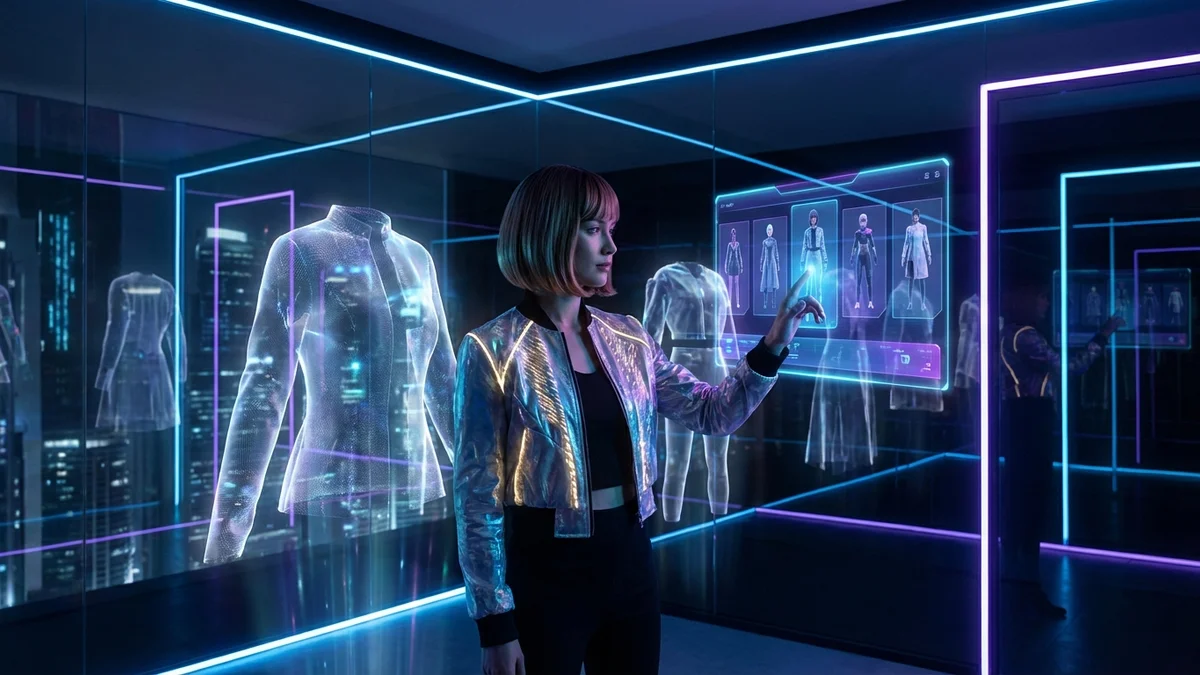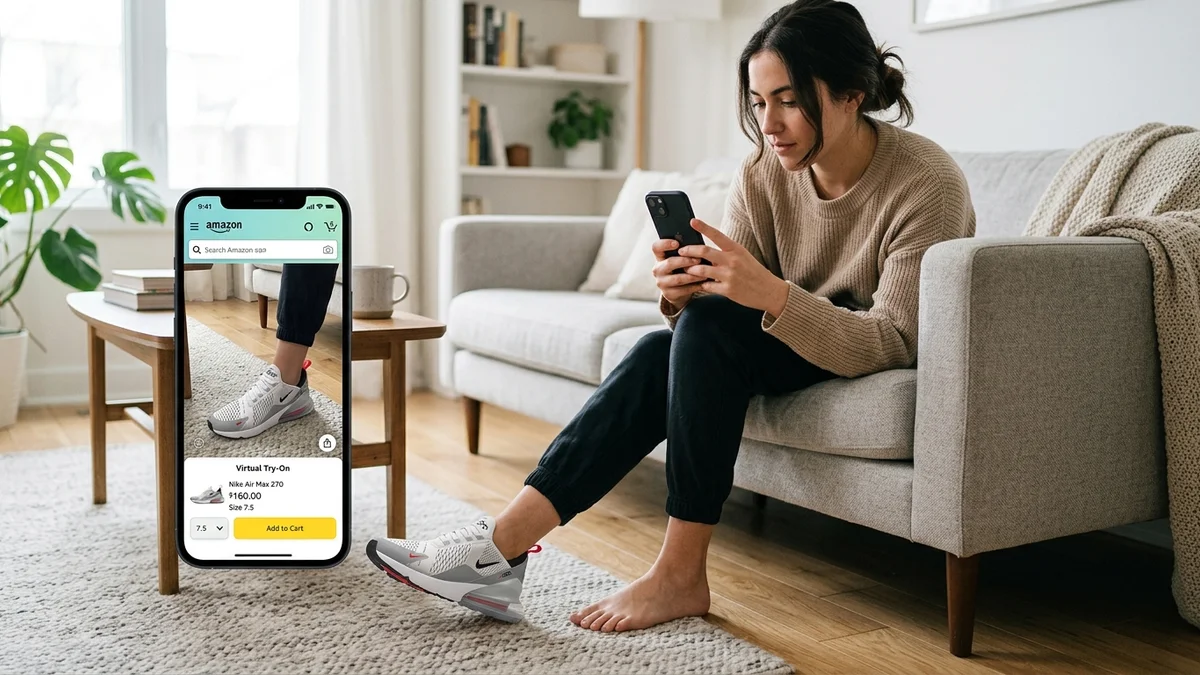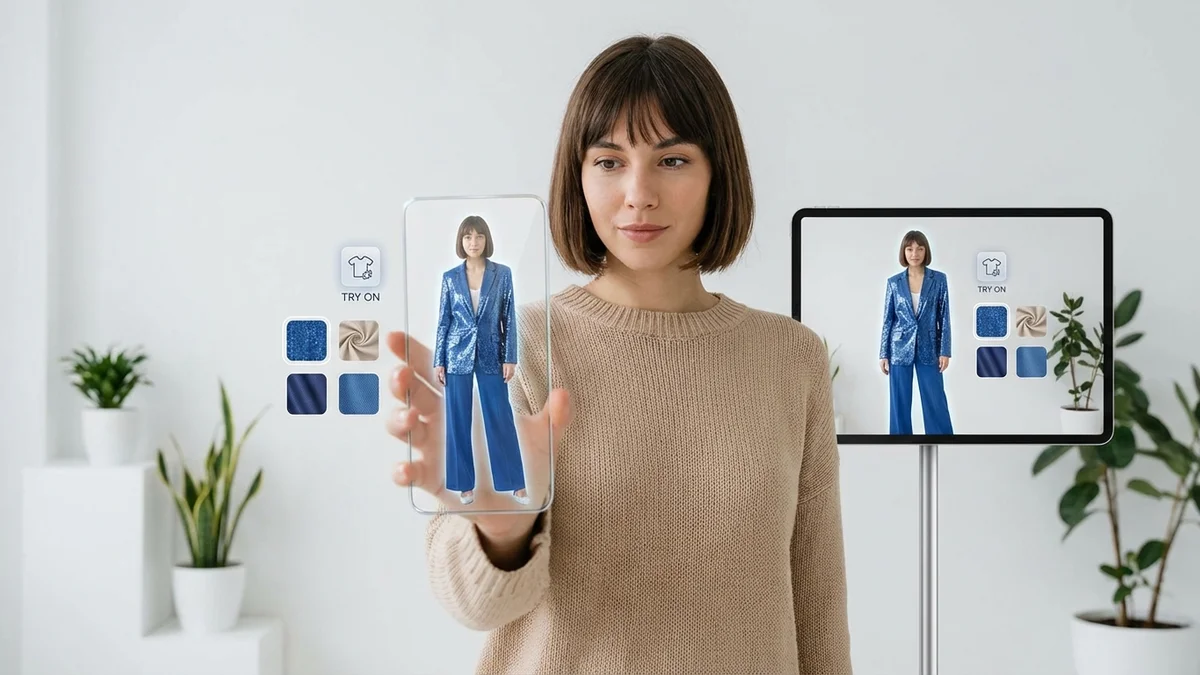
Buying clothes online feels like a gamble. You scroll through dozens of outfits, pick one that looks great on a model, and hope it works on your body. AI outfit try on technology removes that uncertainty completely. Upload your photo, select any outfit, and see exactly how it looks on you within seconds.
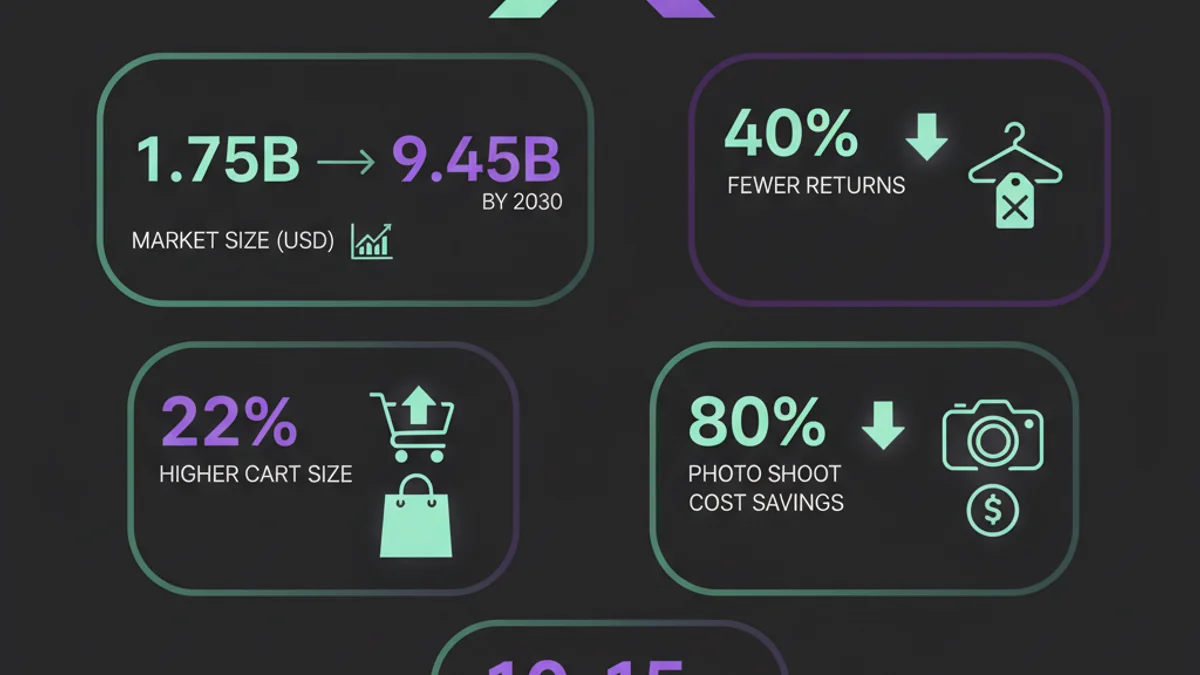
The AI fashion market reached $1.75 billion in 2025 and is projected to hit $2.47 billion in 2026, growing at 40.8% annually. Virtual try-on is no longer experimental. Google, Amazon, and dozens of startups now offer this technology directly in their shopping experiences.
This guide explains how AI outfit try on works, which tools deliver the best results, and how you can start using this technology today.
At a Glance
AI outfit try on uses artificial intelligence to digitally place clothing onto your photo. You upload a picture of yourself and a garment image. The AI analyzes your body shape, pose, and lighting, then generates a realistic preview in 10-15 seconds. This technology reduces fashion return rates by up to 40% and helps shoppers make confident purchase decisions.
How Does AI Outfit Try On Work?
AI outfit try on combines several machine learning techniques to create realistic clothing visualizations. The process starts when you upload a photo of yourself and an image of the garment you want to try. From there, the AI handles everything automatically.
The technology uses computer vision to map your body proportions, identify your pose, and understand the lighting conditions in your photo. A generative AI model then creates a new image that places the selected garment onto your body while preserving natural details like fabric texture, draping, and shadows.
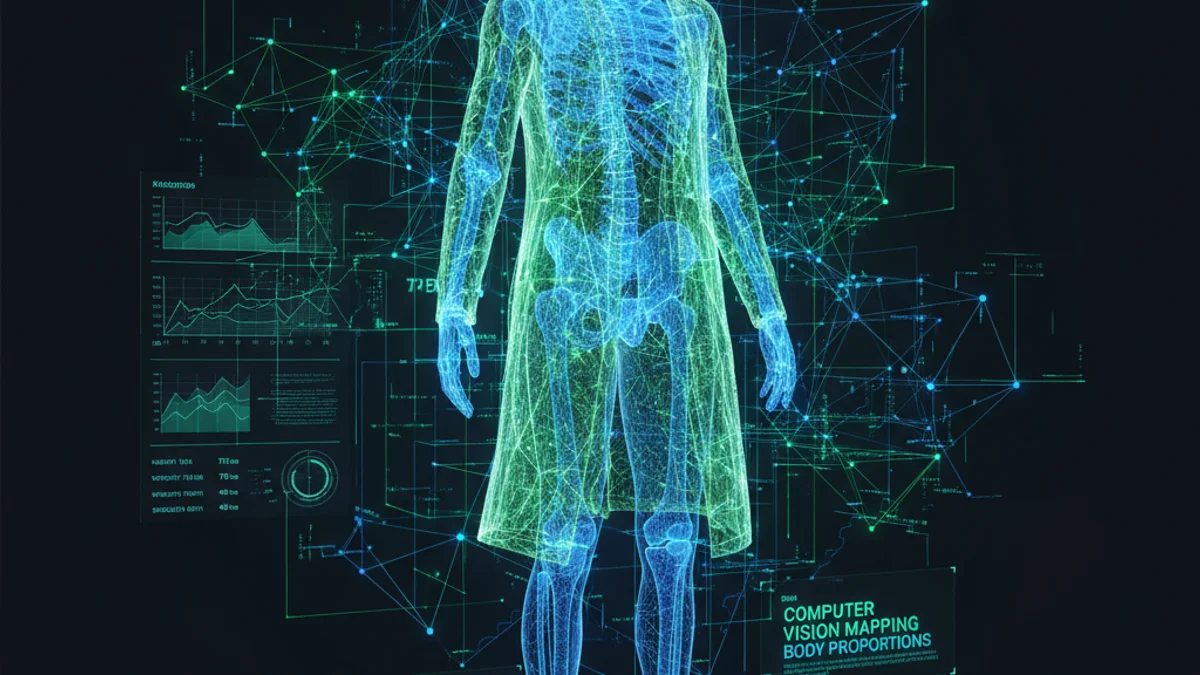
Key Takeaway: AI outfit try on analyzes your body shape, pose, and photo lighting to generate photorealistic previews of any outfit on your specific body.
The Technology Behind Virtual Try-On
Modern AI outfit try on tools rely on three core technologies:
| Technology | Function | Role in Try-On |
|---|---|---|
| Computer Vision | Detects body shape, pose, and proportions | Maps where clothing should appear |
| Generative Adversarial Networks (GANs) | Creates realistic synthetic images | Generates the final try-on result |
| Diffusion Models | Produces high-quality image details | Handles fabric textures and shadows |
These systems train on millions of fashion images to understand how different fabrics behave on different body types. Silk drapes differently than cotton. A fitted blazer looks different on a tall frame versus a petite one. Advanced AI captures these subtle differences.
The global AI in fashion market is projected to reach $9.45 billion by 2030, with virtual try-on as a key growth driver.
What Are the Best AI Outfit Try On Tools in 2026?
Several platforms now offer AI-powered virtual try-on technology with varying features and accuracy levels. Choosing the right tool depends on whether you want to try outfits for personal shopping, e-commerce photography, or content creation.
Here are the top tools ranked by features and reliability:
| Tool | Best For | Free Tier | Processing Time | Clothing Types |
|---|---|---|---|---|
| CheckMyFit | Personal shopping | Yes | 10-15 sec | All types |
| Google Shopping Try-On | Online shopping | Yes | 15-20 sec | Shirts, pants, dresses |
| Kling AI | Creative looks | Limited | 30-60 sec | Upper body |
| Airbrush | Full outfit swaps | Limited daily | 10-15 sec | Tops, full outfits |
| bitStudio | E-commerce photos | Yes | 10-15 sec | All types |
Google Shopping Virtual Try-On
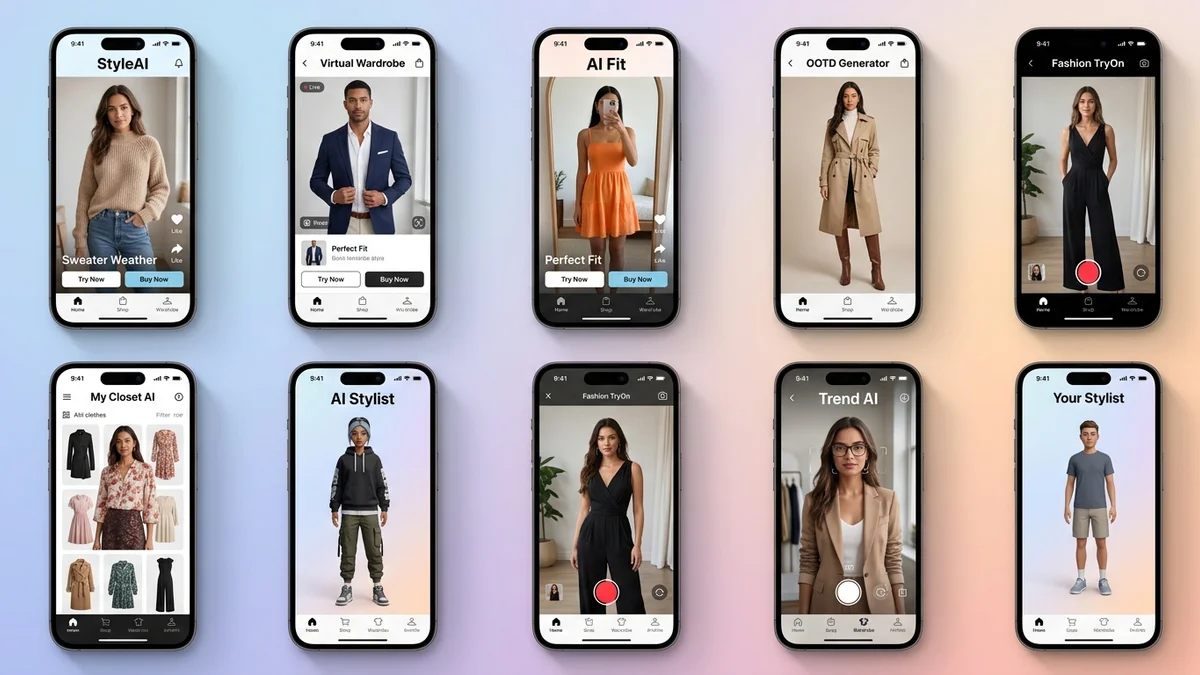
Google launched virtual try-on directly in Shopping search results. When browsing shirts, pants, skirts, or dresses, you tap the "try it on" icon on product listings and upload a full-length photo. The AI shows how the item looks on your body within moments.
Specialized Fashion Apps
Apps like Letsy, DLOOK, and Alta focus specifically on outfit styling. They combine AI try-on with wardrobe management, letting you build a digital closet and test combinations before purchasing.
Key Takeaway: The best AI outfit try on tools now offer free tiers with realistic results in under 15 seconds, making virtual fitting accessible to everyone.
How to Try On Outfits with AI: Step-by-Step Guide
Getting started with AI outfit try on takes less than a minute. Follow these steps for the best results with any virtual try-on platform.
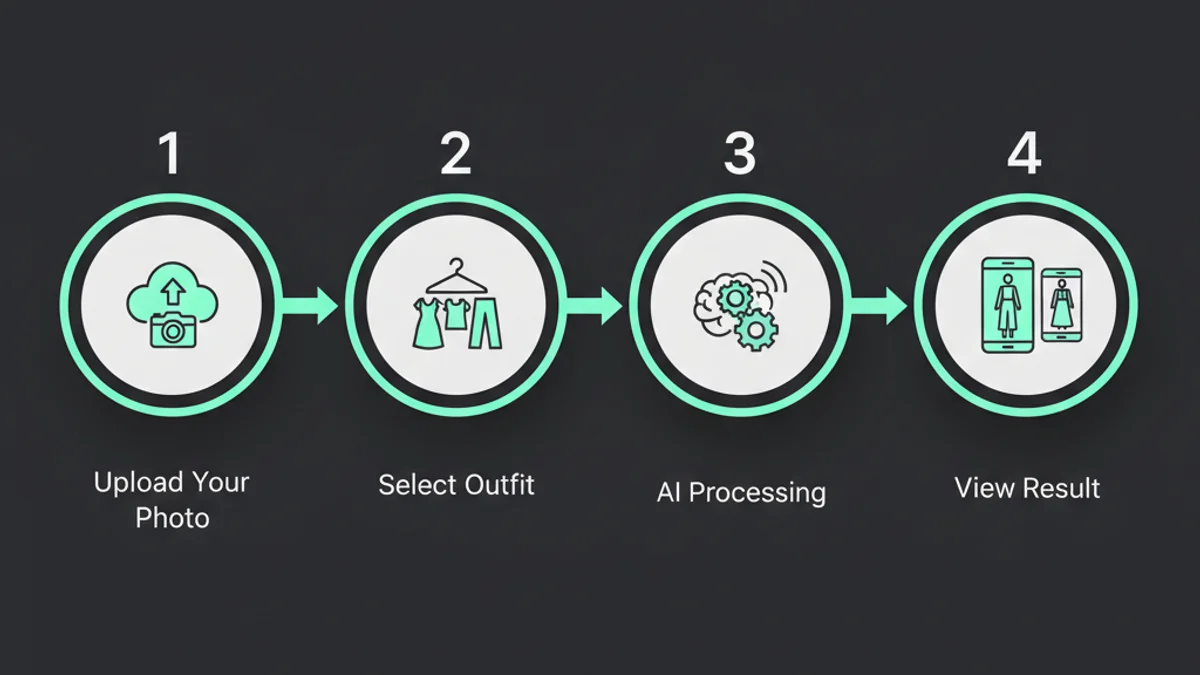
Step 1: Choose Your Photo
Select a clear, front-facing full-body photo. Stand alone in the frame with your arms slightly away from your body. Good lighting and a simple background improve accuracy. Avoid group photos or images with heavy filters.
Step 2: Upload the Garment Image
Upload an image of the clothing you want to try. Flat lays, mannequin shots, and product photos all work well. The garment details should be clearly visible. High-resolution images produce better results.
Step 3: Let the AI Process
The AI analyzes your body proportions, identifies the garment type, and generates a composite image. This typically takes 10-15 seconds depending on the platform and image complexity.
Step 4: Review and Adjust
Check the generated preview. Most tools let you try multiple outfits on the same photo without re-uploading. Some platforms offer adjustments for fit preference or styling options.
| Photo Quality Factor | Impact on Results | Recommendation |
|---|---|---|
| Resolution | High | Minimum 1080px wide |
| Lighting | Very High | Natural, even lighting |
| Background | Medium | Plain, uncluttered |
| Pose | High | Front-facing, relaxed |
| Clothing visibility | High | Remove heavy jackets |
What Types of Clothing Can AI Try On?
AI outfit try on technology handles most clothing categories, though results vary by garment type. Upper body items like shirts, blouses, and jackets produce the most accurate results because the technology has been trained extensively on these categories.
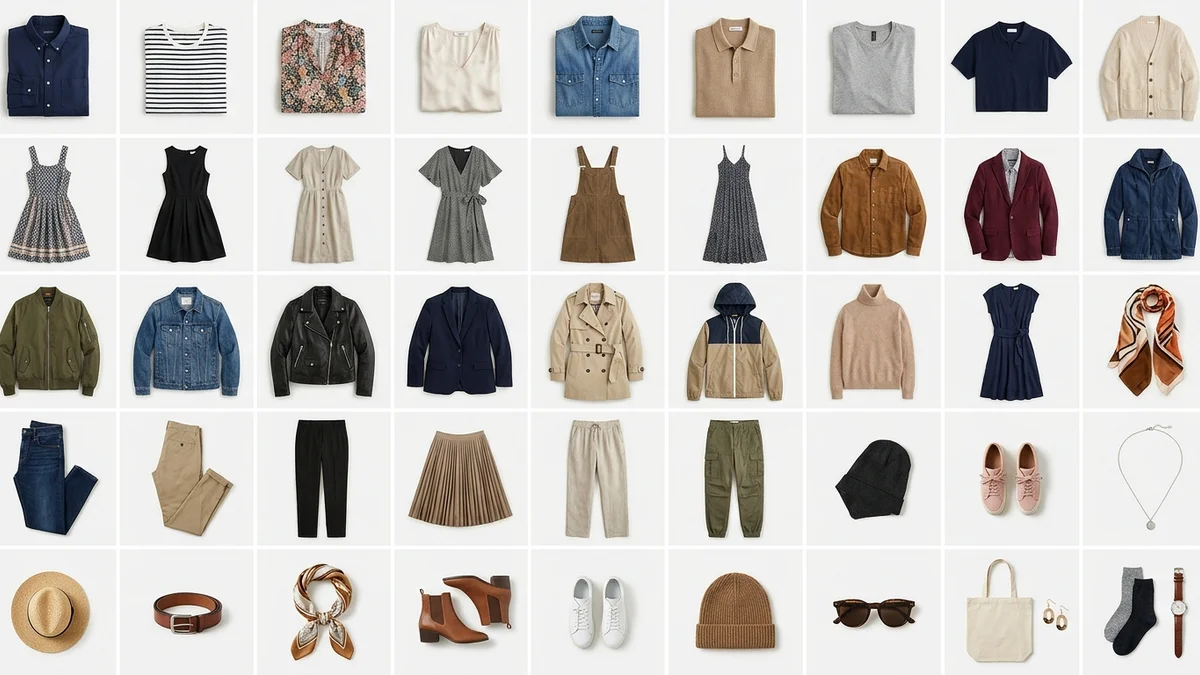
Clothing categories and AI accuracy:
| Category | AI Accuracy | Best Platforms |
|---|---|---|
| T-shirts and tops | Excellent (95%+) | All platforms |
| Dresses | Very Good (90%+) | CheckMyFit, Google |
| Jackets and blazers | Very Good (90%+) | bitStudio, Airbrush |
| Pants and jeans | Good (85%+) | Google Shopping |
| Accessories (hats, scarves) | Moderate (75%+) | TheNewBlack |
| Full outfits (top + bottom) | Good (85%+) | CheckMyFit, Airbrush |
Complex patterns, sheer fabrics, and heavily layered outfits still challenge most AI tools. However, technology improves rapidly. In 2025, Google expanded virtual try-on to cover billions of apparel listings, showing the technology handles diverse garment types at massive scale.
Key Takeaway: Tops, dresses, and jackets produce the most realistic AI try-on results. Full outfit swaps are improving quickly across all major platforms.
Why Should You Use AI Outfit Try On for Shopping?
Online fashion returns cost retailers an estimated $40 billion annually. For shoppers, returns mean wasted time, shipping hassles, and delayed refunds. AI outfit try on addresses the root cause: you cannot see how clothes look on your specific body before buying.
Benefits for Shoppers
- Fewer returns: Brands using virtual try-on report up to 40% reduction in return rates
- Faster decisions: See yourself in any outfit in seconds instead of ordering, waiting, and returning
- Size confidence: AI accounts for your actual body proportions, not generic size charts
- Style exploration: Try dozens of looks without visiting a single store
Benefits for Fashion Brands
- Lower return costs: Reduced returns save on shipping, restocking, and customer service
- Higher conversion: Some brands see a 22% increase in cart size after implementing virtual try-on
- Reduced production costs: AI-generated model photos cut traditional photo shoot costs by up to 80%
- Global reach: Show products on diverse body types without additional photoshoots
Fashion brands using AI virtual try-on see up to 30% reduction in product returns and 22% higher average order values.
How CheckMyFit Makes AI Outfit Try On Simple
CheckMyFit streamlines the virtual try-on experience into three easy steps. Upload your photo, pick any outfit from a product page or your own wardrobe, and see the result instantly. No editing skills required.
What sets CheckMyFit apart is its focus on realistic body mapping. The AI preserves your natural proportions and applies clothing with accurate draping, shadows, and fabric behavior. Whether you are shopping for a casual weekend look or a formal event outfit, you see exactly how it fits your body.
Try it yourself: Visit CheckMyFit to virtually try on any outfit for free. Upload your photo and start exploring new styles in seconds.
Tips for Getting the Best AI Outfit Try On Results
Not all photos produce equally good results. Follow these expert tips to maximize accuracy and realism from any AI virtual try-on tool.
Photo Tips
- Use natural lighting — avoid harsh shadows or flash
- Stand in a neutral pose — arms slightly away from body, facing camera
- Wear fitted clothing — tight base layers help AI map your body shape
- Choose a clean background — solid colors work best
- Use a recent photo — your current body shape matters for accurate results
Garment Image Tips
- High resolution matters — minimum 720px for clothing images
- Show the full garment — include sleeves, hemlines, and details
- Flat lays work great — products shot flat give AI clear detail visibility
- Avoid watermarked images — watermarks distort AI processing
Recommended Products for Virtual Try-On Photography
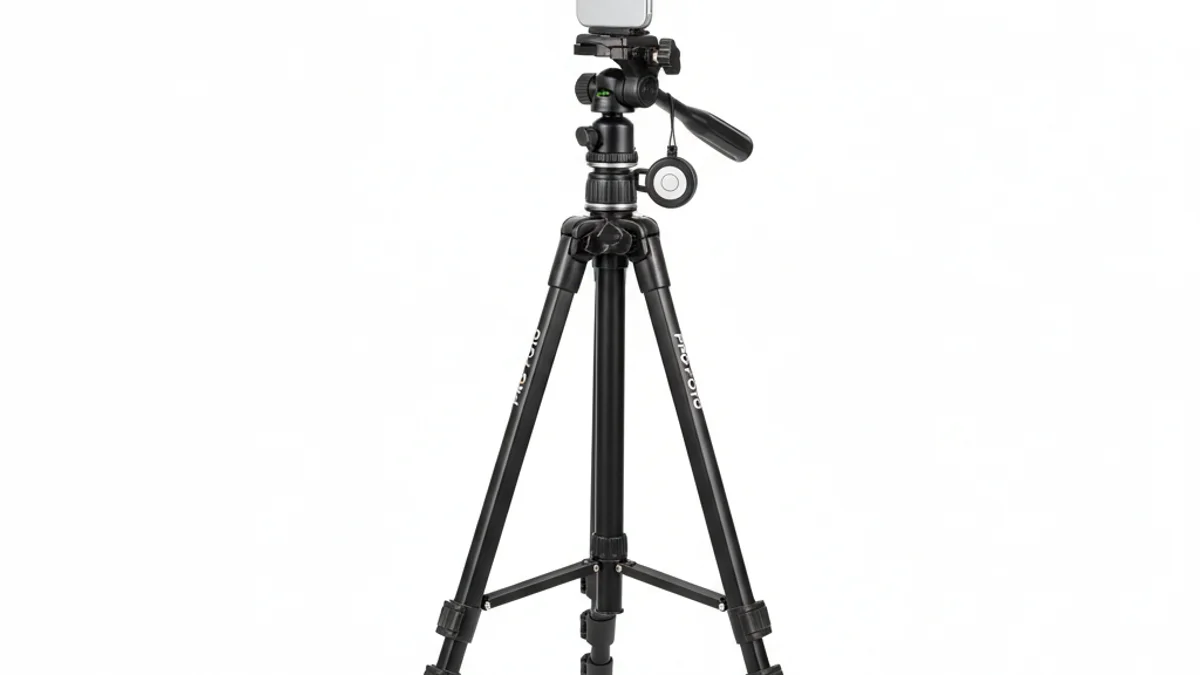
Take consistent full-body photos for AI try-on with this adjustable phone tripod. Includes wireless remote for hands-free selfies.
View on Amazon →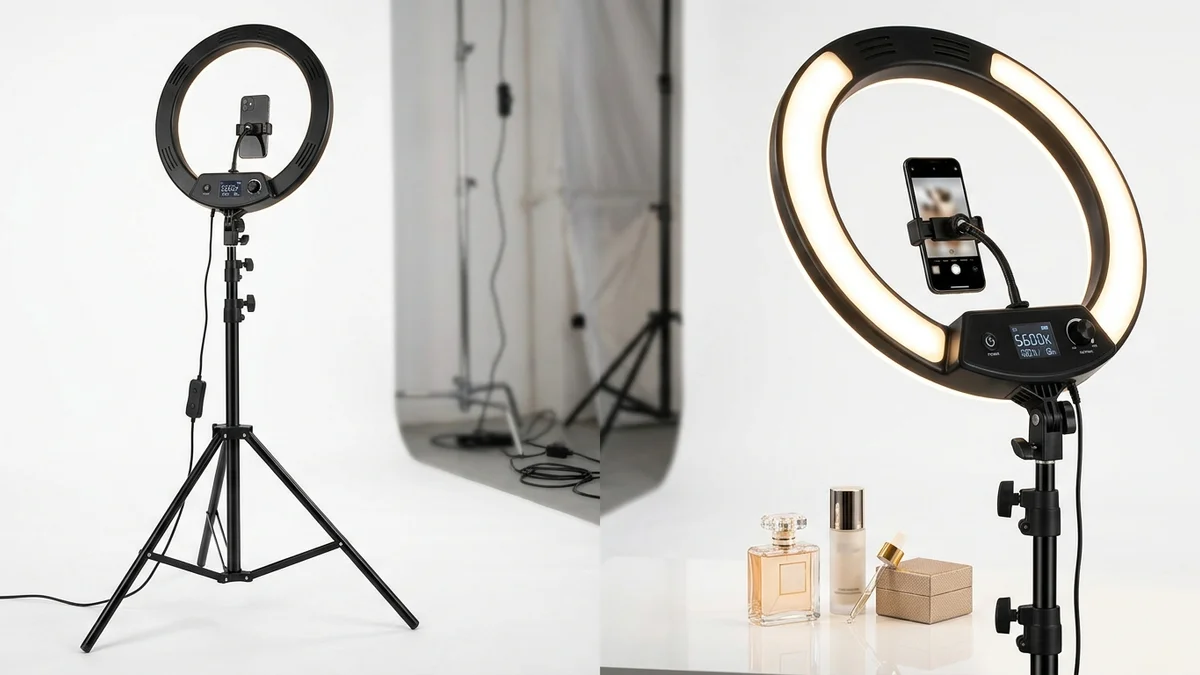
Even, shadow-free lighting is critical for accurate AI outfit results. This professional ring light ensures your photos produce the best virtual try-on previews.
View on Amazon →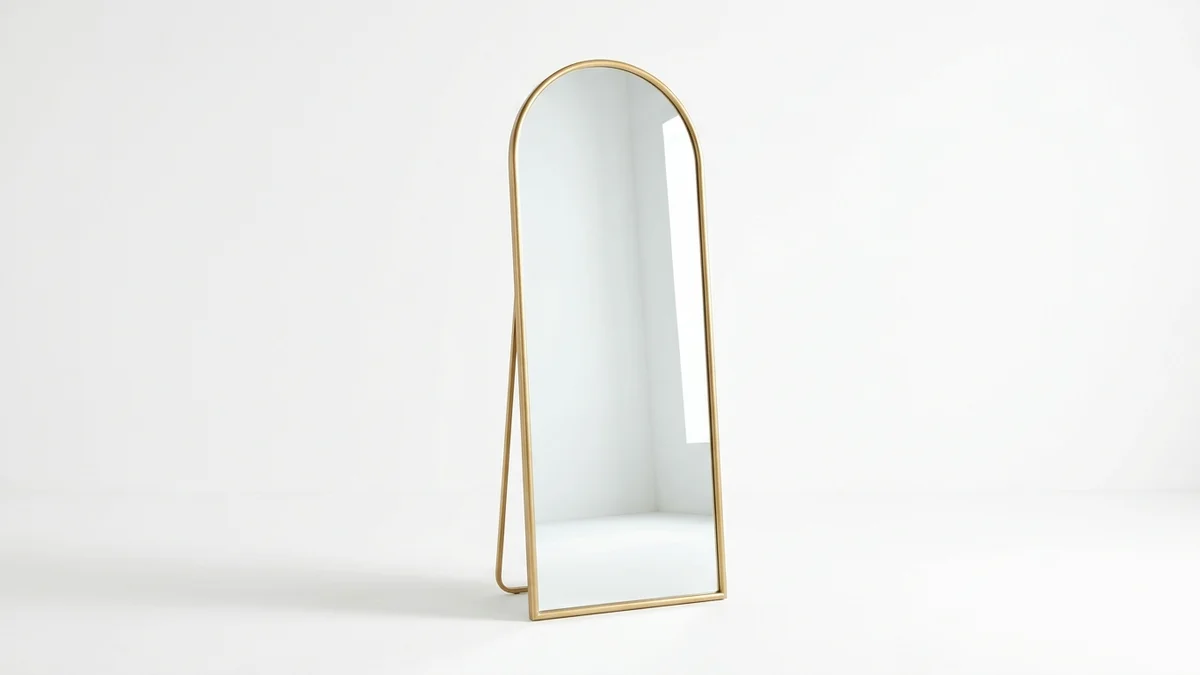
Compare your AI try-on results with reality using a full-length mirror. Perfect for validating virtual outfit previews before purchasing.
View on Amazon →Frequently Asked Questions
How accurate is AI outfit try on?
AI outfit try on accuracy depends on photo quality and garment type. Top platforms achieve 85-95% realism for standard clothing items like shirts, dresses, and jackets. Results improve with clear, well-lit full-body photos. Complex patterns and layered outfits may show minor imperfections, but accuracy improves with each model update.
Is AI outfit try on free to use?
Many AI outfit try on tools offer free tiers with daily limits. CheckMyFit provides free virtual try-on sessions. Google Shopping's built-in try-on feature is completely free. Most specialized apps offer 5-10 free generations daily, with paid plans for unlimited usage starting around $10-20 per month.
Can AI try on full outfits or just individual items?
Most platforms started with single garment try-on (tops only), but technology has advanced rapidly. Tools like CheckMyFit and Airbrush now support full outfit swaps including tops, bottoms, and dresses in a single generation. Some platforms also handle accessories like hats and scarves with moderate accuracy.
Does AI outfit try on work for all body types?
Yes. Modern AI virtual try-on systems train on diverse body datasets to handle all body types accurately. The AI maps clothing to your specific proportions, accounting for height, build, and body shape. This makes virtual try-on more inclusive than traditional size charts, which often assume standard body measurements.
How long does AI outfit try on take?
Most AI outfit try on tools generate results in 10-15 seconds for standard images. Complex garments or high-resolution outputs may take 30-60 seconds. Processing time varies by platform load and image quality. Some enterprise tools offer batch processing for e-commerce catalogs with faster per-image speeds.
Is my photo safe when using AI try on tools?
Reputable AI outfit try on platforms process images securely and delete them within 24 hours. Your photos are not stored permanently or used for training without explicit consent. Always check the privacy policy of any tool you use. Avoid platforms that require unnecessary permissions or lack clear data handling policies.
Can fashion brands use AI outfit try on for e-commerce?
Absolutely. Fashion brands increasingly use AI virtual try-on to replace traditional model photoshoots. The technology can generate consistent product photos across diverse body types, saving up to 80% on production costs. Brands report higher conversion rates and lower return rates after implementing virtual try-on on product pages.
What photo format works best for AI outfit try on?
JPEG and PNG formats work best for AI outfit try on. Upload photos at minimum 1080px resolution for optimal results. Avoid heavily compressed images, screenshots from social media, or photos with filters applied. Natural lighting, simple backgrounds, and a front-facing full-body pose produce the most accurate AI-generated outfit previews.
Conclusion
AI outfit try on has transformed how people shop for clothes online. Instead of guessing whether an outfit suits your body, you see it instantly. The technology is free, fast, and increasingly accurate across all clothing types and body shapes.
Whether you are exploring new styles, reducing returns, or building a digital wardrobe, AI virtual try-on saves time and money. As Google, fashion brands, and independent tools continue investing in this technology, expect even more realistic results and broader clothing coverage.
Ready to try it? Visit CheckMyFit and see how any outfit looks on you in seconds. Upload your photo and start experimenting with styles today.